


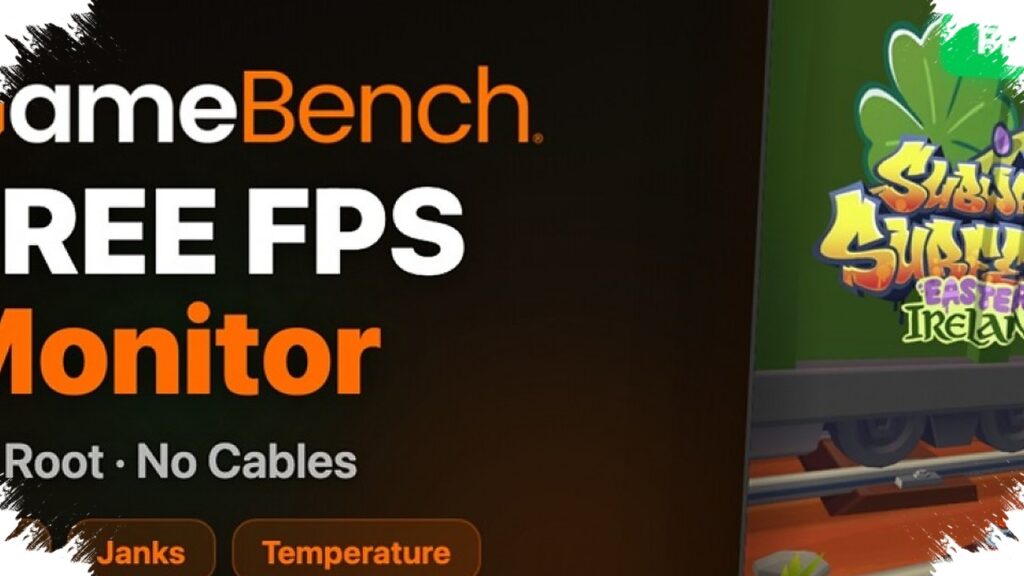
GameBench has opened a new lane for Android performance tracking by releasing a free app called FPS Monitor. The tool brings professional-style game data to regular users, with live FPS, jank counts, and battery temperature shown in real time on devices running Android 11 or later.
The app is now available through Google Play, and it works without an account, ads, or in-app purchases. That combination makes it one of the more accessible performance tools in the Android gaming space, especially for users who want quick visibility into how a phone handles heavy workloads.
What GameBench FPS Monitor Does
GameBench is widely known among game developers, journalists, and content creators for performance analysis tools. Its older GameBench Pro product has been positioned for professional use and reportedly carried a price tag in the thousands of dollars.
FPS Monitor changes that model by putting a simplified version of performance tracking into a free consumer app. The goal is clear: make frame stability data easier to access without requiring advanced setup or expensive software.
The app uses a floating overlay after setup is complete. A user opens a game or app, taps Play on the overlay, and the software starts recording performance data instantly.
Core Metrics: FPS, Jank, and Temperature
FPS Monitor focuses on a small set of metrics that are easy to understand but useful for diagnosing performance issues. GameBench highlights three main indicators that matter most to mobile gaming and app testing.
- Real-time FPS for smoothness tracking
- Jank counts for spotting frame interruptions
- Battery temperature for thermal awareness
At the end of each session, the app compiles the data into a summary view. That report includes FPS graphs, temperature trends, and the total jank count recorded during the run.
All recorded sessions remain available in the app’s Dashboard. Users can also share the results as screenshots, a practical feature for reviewers, testers, and creators comparing devices or game settings.
Not Limited to Games
Although the app is designed for gaming, it also works with non-game apps. In the reference testing, FPS Monitor ran on Instagram and GSMArena, showing that its tracking is not restricted to game titles alone.
That broader reach matters because many Android users now care about how smooth everyday apps feel under load. Social media apps, video apps, and other demanding software can also reveal stutter, frame drops, and heat buildup that affect the overall device experience.
Usage Limits and Practical Trade-Offs
The free version does carry limits. Each session lasts up to five minutes, and total daily use is capped at 20 minutes.
It is a fair trade for an app that costs nothing, shows no ads, and asks for no account. Still, the five-minute ceiling may feel short for users who want longer and more consistent gaming tests, especially when comparing performance across multiple runs.
GameBench has said it may review the limits based on user feedback. That leaves room for the company to adjust the free tier if demand and community response push it in that direction.
What Makes It Easier Than Professional Tools
One of the strongest selling points is setup simplicity. FPS Monitor does not require root access, which removes a common barrier for Android users who do not want to modify their devices.
It also does not need a PC to get started, which is another major difference from professional-grade workflows that often rely on desktop software and USB connections. The only key requirement is that the Android device stays connected to Wi‑Fi.
Quick Feature Snapshot
| Feature | Details |
|---|---|
| Price | Free |
| Ads | None |
| Account required | No |
| Root required | No |
| PC needed for setup | No |
| Connection required | Wi‑Fi |
| Minimum Android version | Android 11+ |
Languages and Wider Reach
GameBench FPS Monitor supports multiple languages, including English, French, German, Spanish, Portuguese, Korean, Simplified Chinese, and Traditional Chinese. That language support suggests a global audience target rather than a narrow technical niche.
For Android users who want to check whether a phone is holding steady under gaming load, the app offers a simple starting point. For creators and testers, the ability to capture live FPS, jank, and temperature data without paying for a professional tool makes GameBench’s free release especially notable in a market where smoothness and thermal control matter more than ever.