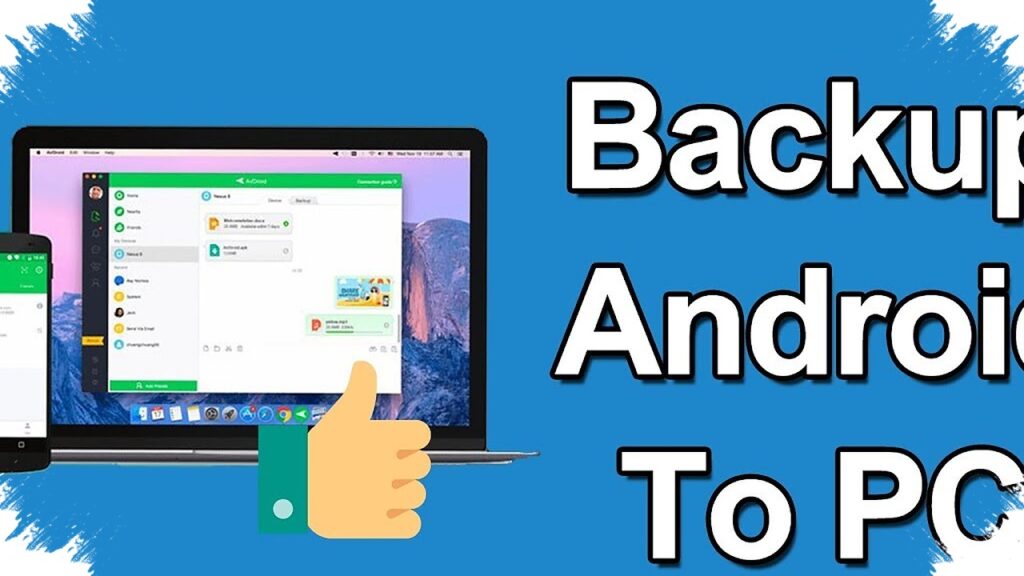
Google is preparing a new Android backup feature that could help users deal with full storage without paying for expensive cloud plans. The feature appears to connect Android phones directly to a PC through Quick Share, allowing local backups without cables and without relying on the internet.
The capability was spotted in a teardown of Google Play Services beta version 26.15.31, where Google seems to be testing a practical backup system for personal computers. Early signs suggest the feature could let users move important files to a local computer in a simple way, especially when phone memory starts running out.
A local backup option inside Quick Share
The most notable part of the test is the connection between Android and PC for backup tasks. Instead of using a cloud service, the system appears designed to send files from a phone to a nearby computer using Quick Share.
That approach matters because many Android users already use Quick Share for fast file transfers. If Google expands it into a backup tool, the feature could become more useful for daily storage management.
What users may be able to back up
The early teardown points to selective backup rather than a full-device clone. Users may be able to choose specific folders, such as camera photos and video recordings, which are usually the biggest storage consumers.
A manual “Back up now” button also appears in the test build. This would let users start the transfer whenever they want, while background syncing may continue after the initial setup.
Why this could solve the storage-full problem
Storage warnings remain one of the most common complaints on smartphones. When space gets low, users often delete files one by one, move data manually, or pay for more cloud storage.
This new approach uses a computer that is already available at home or work. Most laptops and desktops have larger storage capacity than phones, so they can serve as a local archive without adding monthly fees.
Privacy may become a key advantage
Google also seems to be leaning on privacy as part of the feature’s appeal. Because the backup happens locally between a phone and a PC, the data does not need to pass through a third-party cloud server.
That setup gives users more control over private files. Photos, videos, and documents can stay inside a home network or a personal device setup instead of being uploaded to external storage services.
Backed-up files stay safe on the PC
One important detail from the report is that files copied to the PC are expected to remain there even if the original file is deleted from the phone. This means users can clear space on Android without worrying about losing the backup copy.
For people who regularly shoot high-resolution photos or long videos, this is a practical benefit. It allows the phone to stay lighter while important data remains preserved on a separate device.
How the feature may work in practice
The testing suggests a simple flow for users, as shown below.
| Step | Likely function |
|---|---|
| 1 | Choose folders or file types to back up |
| 2 | Send the data to a PC using Quick Share |
| 3 | Start the process manually with “Back up now” |
| 4 | Let the backup run in the background after setup |
| 5 | Keep the PC copy even if the phone file is deleted |
This kind of setup would make storage cleanup less stressful. It could also reduce the need to free space by deleting apps, media, or documents at short notice.
A possible shift in how Android users manage storage
If Google releases the feature, it could change how many Android users think about backup. Instead of paying for more cloud space, users may prefer a faster and cheaper local method that works with devices they already own.
The feature also suggests that Quick Share may evolve beyond simple file sharing. By turning it into a local backup channel, Google could offer Android users a more practical answer to one of the platform’s most familiar problems: full memory that keeps coming back.