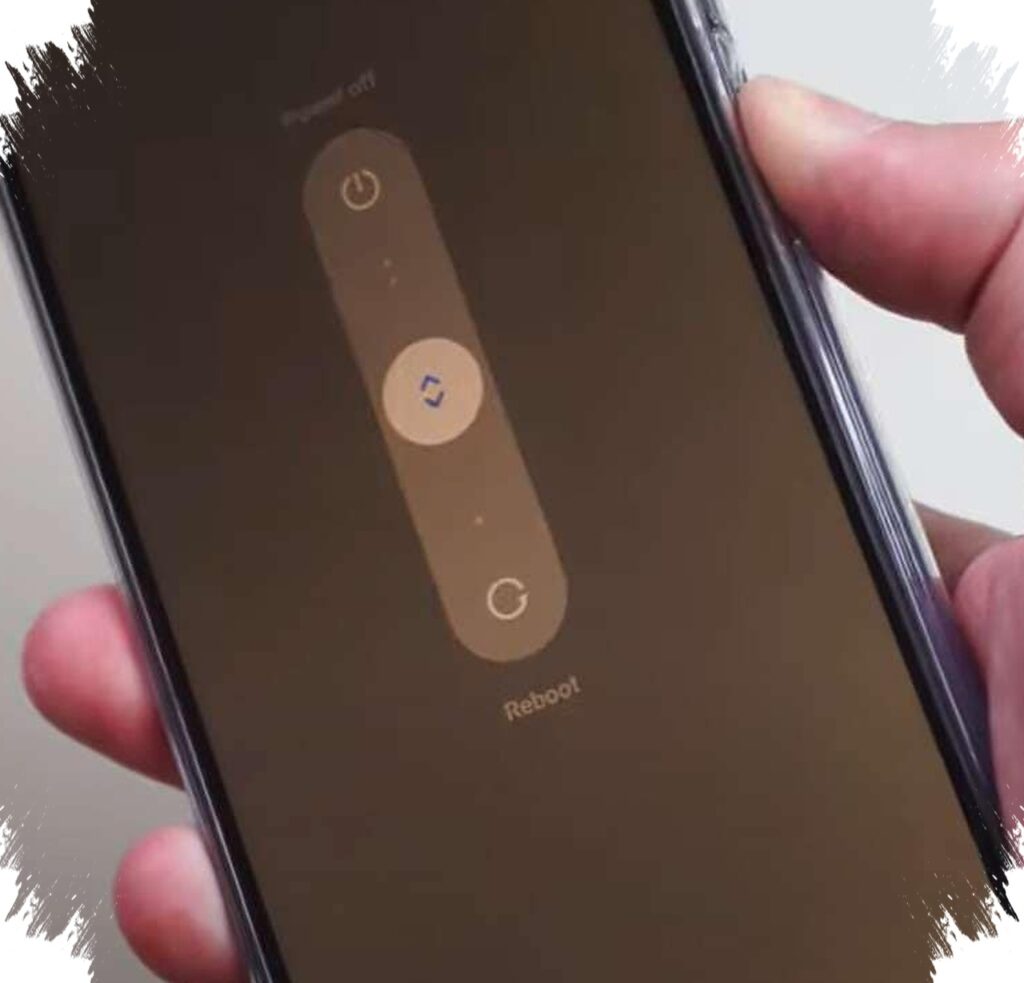
A Xiaomi phone that keeps stopping at the logo and restarting repeatedly does not always mean the device is beyond repair. In many cases, the problem is bootloop, a failure in the Android startup process that prevents MIUI from loading normally.
This condition often appears after a failed system update, an improper system modification, or the installation of a problematic app. It can also come from a failed root process, an incompatible custom ROM, heavy malware, or conflicts with system applications.
What bootloop looks like on Xiaomi phones
Bootloop is more than a slow startup. The phone begins the boot process, reaches the logo, then returns to the same screen and repeats the cycle without entering the main interface.
On Xiaomi devices, MIUI’s complex system and aggressive optimization features can make even a small software disturbance turn into a more serious startup failure. That is why the device may still look alive, but cannot move past the earliest stage of loading.
1. Start with Recovery Mode factory reset
The simplest first step is a factory reset through Recovery Mode, especially when the bootloop is still light. This method does not require a computer, but it will erase all data stored in the phone.
To access Recovery Mode, the device must be powered off completely. Then press Power and Volume Up together for several seconds until the Mi Bunny logo appears, after which the recovery menu will open.
Use the volume buttons to navigate and the power button to confirm. Select “Wipe Data,” continue to “Wipe All Data,” then confirm with “Yes” until the process finishes, and finally choose “Reboot” followed by “Reboot System.”
If the phone does not respond, the source recommends trying again after the battery drains fully, especially on models with non-removable batteries. That extra attempt can help when the device is stuck and does not react to the first recovery entry.
2. Use Mi Suite PC China for a lighter flash
If the reset does not solve the issue, the problem may have reached deeper system layers. At that point, Mi Suite PC China can be used for a light flashing process without unlocking the bootloader.
This option is considered relatively safer than many other tools, but it still needs preparation. A Windows computer is required, the battery should be at least 70 percent, the internet connection must be stable, and the device should use a Snapdragon or MediaTek chipset.
The official ROM must also match the phone model. After installing Mi Suite, run it as administrator and choose the flashing device option, then power off the phone and enter Fastboot Mode by pressing Power and Volume Down before connecting it to the PC with an original USB cable.
Once the device is detected, select the official ROM file and start the process. The source stresses that the cable must not be unplugged during flashing, because mistakes at this stage can cause permanent damage.
3. Move to Mi Flashtool for heavier bootloop cases
When the first two methods fail, the damage is likely more severe. Mi Flashtool is commonly used for heavier bootloop cases or soft brick conditions.
The required preparation includes the latest Mi Flashtool version, ADB and Fastboot drivers, and a Fastboot ROM that matches the device model. After extracting the files, open MiFlash.exe as administrator, put the phone into Fastboot Mode, and connect it to the computer.
When the phone is detected, choose the Fastboot ROM folder and select the flashing mode. The source mentions three main options: Clean All, Clean All + Lock, and Save User Data.
For bootloop recovery, Clean All is the most recommended because it wipes all data and restores the device to factory condition. The flashing process usually takes around 5 to 10 minutes, and the phone should turn on again if the operation succeeds.
When self-repair is no longer enough
If none of these methods work, or if the phone is not detected by the computer at all, the issue may involve hardware. The source points to possible problems in parts such as the eMMC IC, UFS partition, or motherboard.
In that situation, Xiaomi’s official Service Center becomes the most appropriate option. Bootloop is often still recoverable, but success depends on how severe the damage is and whether the ROM used in repair matches the device correctly.