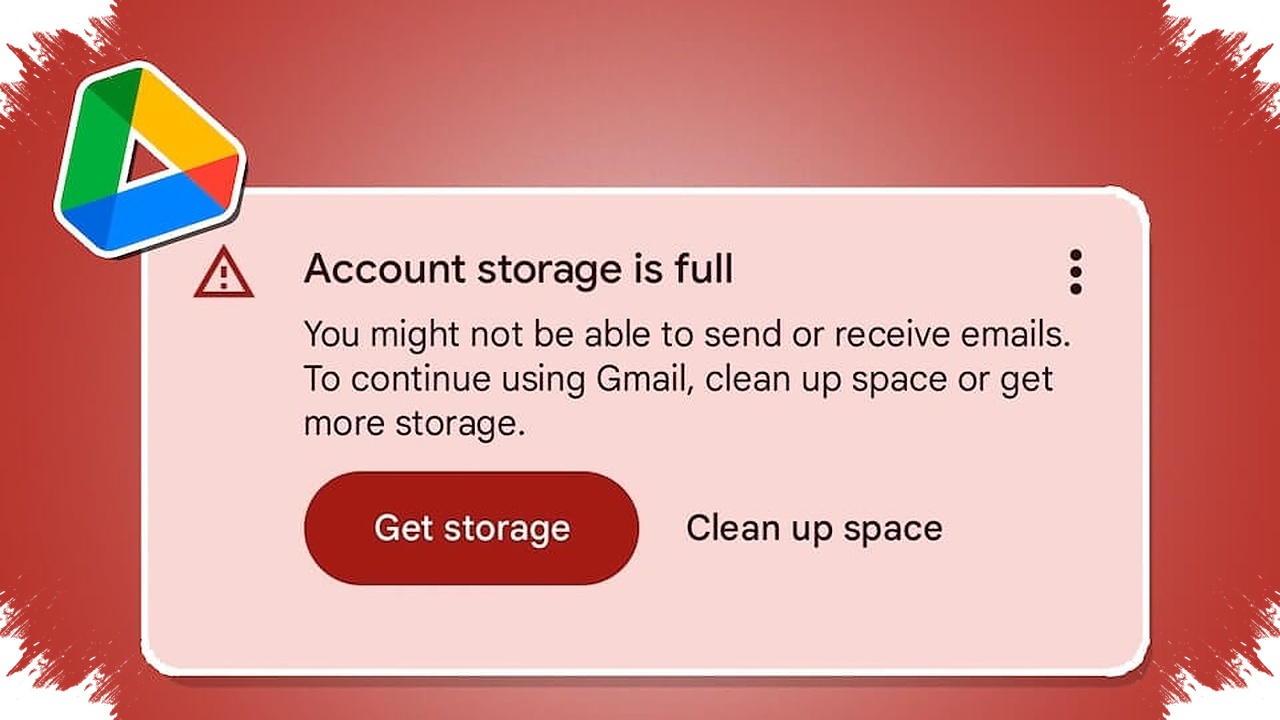
A full Google storage plan is not always caused by Drive files alone. In many cases, the space disappears because Gmail and Google Photos are drawing from the same shared capacity.
That shared storage can fill up quietly. Large attachments, old messages, photos, videos, and duplicate documents may keep accumulating until the account suddenly starts showing low-space warnings.
Why the storage runs out faster than expected
Google Drive does not function as an isolated storage box. The same storage pool is used across Drive, Gmail, and Google Photos, so activity in one service affects the others immediately.
This is why an inbox packed with promotional emails, spam, and old conversations can create pressure on the account even when Drive itself looks manageable. The same issue applies to Google Photos, especially when the library contains many images and videos that have not been cleared for a long time.
Many users only notice the problem when uploads fail or an almost-full notification appears. By that point, the storage burden may already be spread across several services and no longer visible if only Drive is checked.
The files that usually take the biggest share
Large files tend to be the main reason storage drops quickly. Old videos, unused work files, and archived documents often consume the most space because they sit in the account for long periods.
Smaller files can also become a problem when they exist in large numbers. A folder that is left unchecked for too long can keep growing quietly, which makes the total storage shrink without drawing attention.
Duplicate files add another layer of clutter. Copies of documents, photos, or videos stored more than once increase the load even when the content is the same.
The Trash folder is another area that is often overlooked. Deleted files do not disappear from storage immediately if they remain in Trash and have not been removed permanently.
Where cleanup should start first
The most direct way to free up space is to begin with large items in Google Drive. Old videos, duplicate work files, and documents that are no longer needed usually deliver the fastest results once removed.
After that, Gmail deserves a closer look. Promotional mail, spam, and older messages with heavy attachments often hide a meaningful amount of storage use.
Google Photos should also be reviewed regularly. Duplicate photos, unnecessary screenshots, and unwanted videos can all be deleted to reduce the storage burden more noticeably.
Google One can help with this process by recommending files that may be worth deleting. That makes it easier to spot space-hogging items without opening each file one by one.
Simple habits that help prevent the warning from returning
Regular checks are the most practical way to keep storage from filling too quickly. When capacity is reviewed often, clutter can be sorted out before it interferes with important uploads or file access.
Avoiding duplicate uploads is also important. The habit may seem minor, but it can reduce available space significantly over time.
Trash should not be left untouched for too long. Once files are removed permanently, the storage they used can be reclaimed for more useful needs.
Understanding that Drive, Gmail, and Google Photos share one storage pool makes account management much easier. By checking all three services, removing large and duplicate files, and emptying Trash regularly, storage alerts can be kept under control instead of appearing unexpectedly.
Source: pemmzchannel.com-

-

-

-