


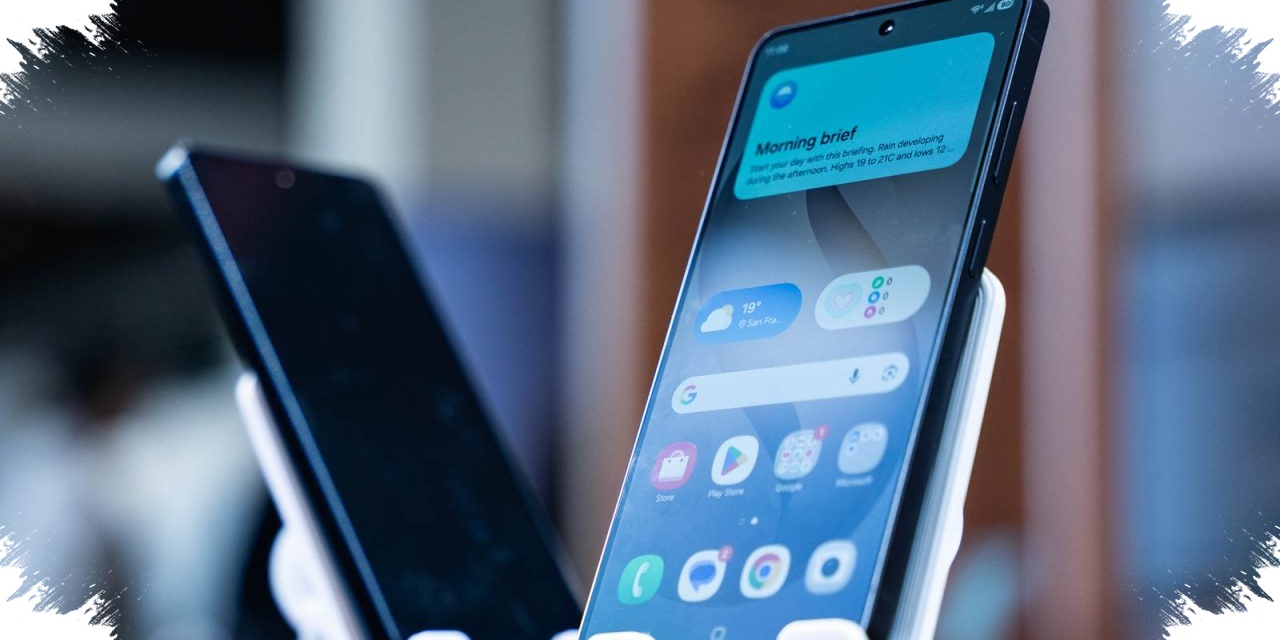
Samsung is preparing a privacy-focused display feature for the Galaxy S26 Ultra that addresses a problem many smartphone users know well: unwanted glances from the side. Instead of relying on an external screen protector, the phone is said to build the protection directly into the display hardware.
The feature, called Privacy Display, is designed to keep content readable from the front while making it difficult to see from an angle. That matters in places where people often handle sensitive information, such as on public transport, in cafes, or inside coworking spaces.
Built to reduce shoulder surfing
The main purpose of Privacy Display is to limit shoulder surfing, which can expose private messages, PINs, and banking data to people standing nearby. As smartphones now hold more personal activity than ever, the need for this kind of protection has become more relevant in daily use.
Samsung’s approach does not appear to be a simple add-on solution. The Galaxy S26 Ultra uses a hardware-level system called Flex Magic Pixel, which lets each pixel adjust its light output dynamically.
From the front, the screen is meant to remain clear and bright. From the side, however, the same content can become blurry or even unreadable, creating a stronger privacy boundary without reducing the display experience for the main user.
Adjustable modes for different situations
One of the key strengths of the feature is its flexibility. Samsung offers several modes so users can choose how much protection they want depending on the situation.
Full Screen Privacy limits the entire display so that it can only be viewed properly from the front. That setting is suitable for reading important email, reviewing work documents, or checking information that should stay private.
Partial Screen Privacy takes a narrower approach by hiding only selected apps. This makes it possible to protect chat or banking apps without restricting the whole screen.
Automatic protection in sensitive moments
The Galaxy S26 Ultra also adds automatic protection when a user enters a PIN or pattern lock. This is meant to close off a common privacy gap when someone else is standing close by.
For more demanding situations, the device includes Maximum Privacy Protection. This mode creates a much narrower viewing angle and is intended for moments when stronger visual security is needed.
Samsung has also kept activation simple. Users can open the Quick Panel with a swipe down and tap the Privacy Display icon, or find the feature in the Display settings menu. It can also be set to turn on automatically when specific apps are opened.
Privacy without the usual trade-offs
Because the protection is built into the phone itself, users do not need to attach an extra accessory to get the benefit. That also removes concerns about adding another layer that might affect the screen’s look or feel.
Samsung says the display remains responsive and sharp for the primary user even when Privacy Display is active. In practice, that means the phone aims to protect personal information without making everyday interaction feel more complicated.
That balance is what makes the Galaxy S26 Ultra’s privacy display stand out. In a mobile environment where screens often carry chats, financial details, and work files, Samsung is putting the protection directly into the display rather than asking users to manage it separately.