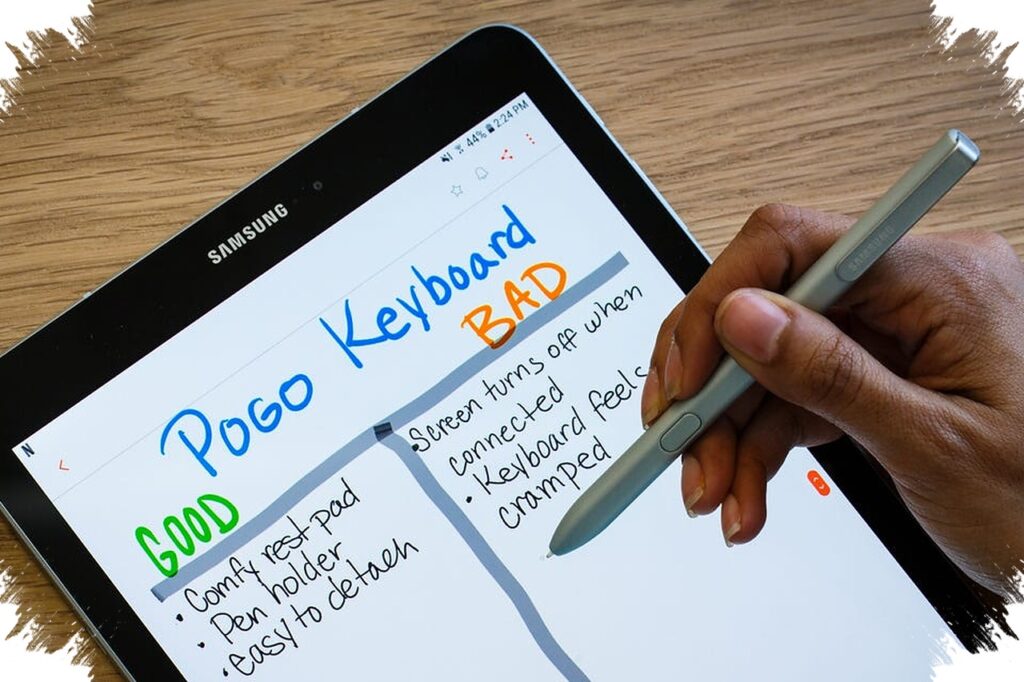
The most practical tablet with a stylus is no longer limited to one type of user. It now sits at the center of study, note-taking, sketching, content editing, and mobile work, which is why buyers increasingly look at the package, the pen experience, and the level of performance before making a choice.
That shift also makes the category easier to sort. Some models are built to be affordable and ready to use out of the box, while others focus on stronger performance, larger displays, or more advanced stylus features for heavier creative work.
Budget choices that already include the essentials
For users who want a complete package without adding accessories separately, Advan Tab Sketsa 3 stands out in the budget segment. The tablet already comes with a stylus and a keyboard, and it is aimed at light multitasking such as online learning, note-taking, and simple drawing.
Samsung Galaxy Tab S6 Lite also remains relevant for those who want a ready-to-use option. Its S Pen is included in the box, so users do not need to buy extra equipment at the start, which keeps the entry experience simple and practical.
Mid-range tablets that balance writing and drawing
Samsung Galaxy Tab S10 Lite is positioned for the mid-range market with stable performance. It is paired with an S Pen that responds well and does not require a battery, making it convenient for writing and sketching sessions that need low-maintenance use.
That kind of setup matters for users who split their time between productivity and creative tasks. A stylus that feels responsive without extra charging can make everyday note-taking and casual illustration easier to manage.
When the work gets heavier
For editing, design, and more demanding multitasking, Motorola Moto Pad 60 Pro moves into a more powerful category. It uses an upper-tier chipset and a large high-resolution display, both of which support a broader workspace and smoother handling of heavier tasks.
Its high-sensitivity stylus also helps create a more natural drawing experience. That combination makes it more appealing to users who need stronger performance along with a larger visual area.
Premium features for more advanced creative work
Lenovo Yoga Tab takes a more premium route by combining an advanced stylus with AI support. One of its notable features is AI sketch, which can automatically convert drawings and adds a practical layer for digital creators.
Huawei MatePad Pro focuses strongly on precision. Its display and stylus are designed for high sensitivity, which helps each stroke feel more accurate and better suited to illustration, editing, and other detail-heavy creative work.
How the category is evolving
The current field shows a clear pattern: buyers can now choose based on their workload rather than just the pen accessory. Some tablets prioritize a complete package from day one, while others aim at stronger hardware and more refined input for creative users.
That range is what makes the segment appealing. From accessible options like ADVAN to premium models from Samsung and Huawei, the available choices now cover different needs without forcing every user into the same setup.