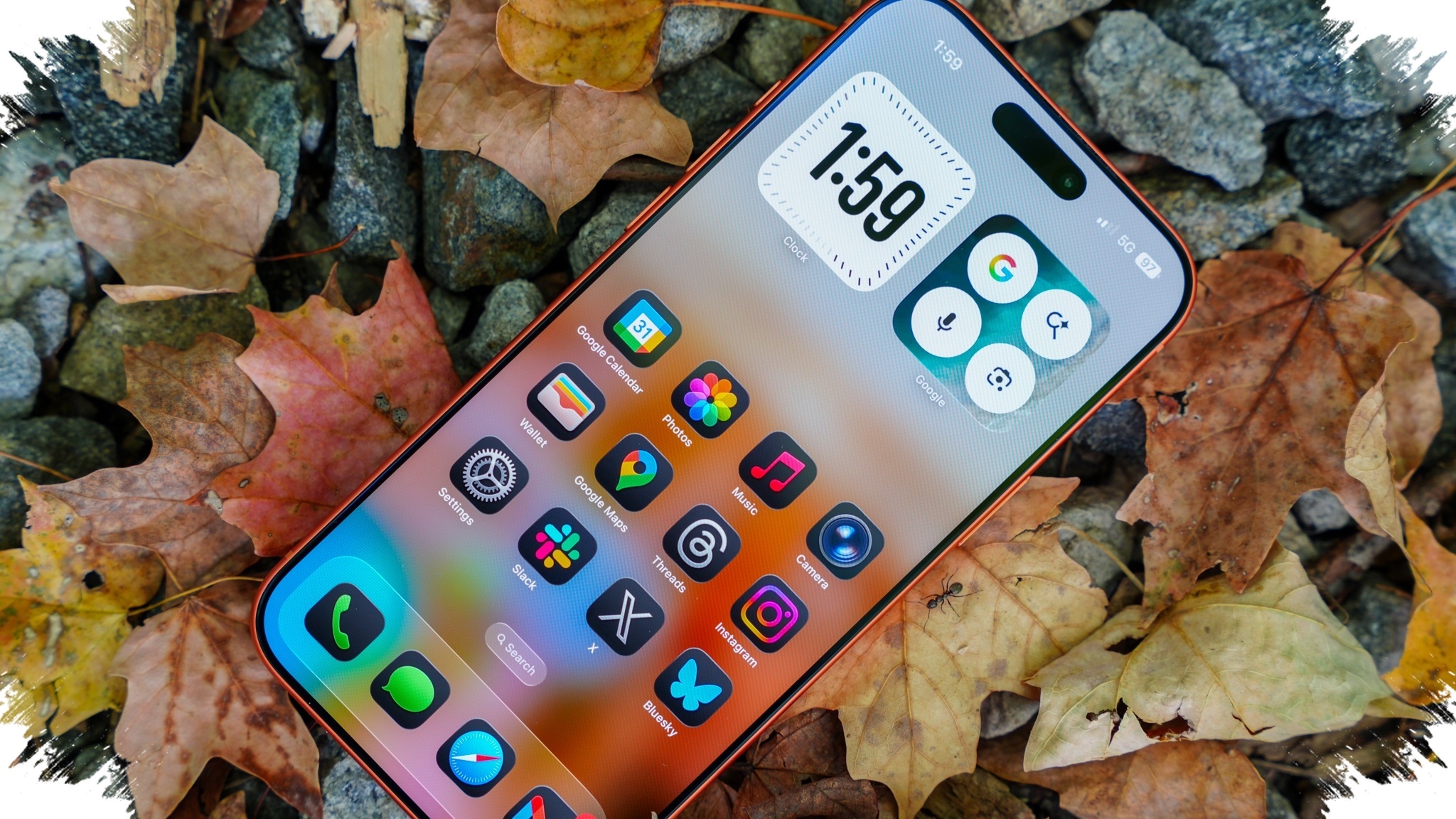
Productivity on an iPhone often comes from the smallest system tools, not the headline features that get the most attention. On the iPhone 17 Pro Max, three hidden functions stand out because they help users stay focused, avoid missed deadlines, and move through settings faster without installing anything extra.
These tools sit inside Apple’s own system apps and menus, which is why many users overlook them. Once found, they can make everyday tasks feel much less scattered, especially when timing, reminders, and navigation all need to happen quickly.
A timer that ends at a specific clock time
Most people set timers by duration, such as 10 minutes or one hour. That works well for routine tasks, but it becomes less practical when the goal is to stop at an exact clock time.
In work, cooking, or meeting prep, users often need to know how much time is left until a fixed hour. Doing that math manually can interrupt focus and increase the chance of making a mistake.
With Siri, the iPhone can be asked to create a timer that ends at a target time instead of a set duration. For example, the timer can be set to finish at 11 AM, and the device will calculate the remaining time automatically.
A reminder that is harder to ignore
The Reminders app has long been one of the more useful built-in apps on iPhone. Even so, standard notifications can be easy to dismiss, which means important tasks may still slip through.
For urgent items, iPhone offers a less obvious option that makes a reminder more forceful. When urgent mode is turned on, the alert appears on the full screen and plays a sound, giving it a stronger presence than a normal notification.
That makes the reminder feel closer to an alarm than a standard alert. To turn it on, a user creates a new reminder in the Reminders app, sets the date and time, then opens the detail section and enables the urgent option.
A faster way to move through Settings
The Settings app can become frustrating when users are deep inside several layers of menus. Going back one screen at a time is often slow, especially when many options are being adjusted in one session.
iPhone has a shortcut that is easy to miss: pressing and holding the back button in the upper-left corner. This action brings up a list of the menu path already traveled.
From there, users can jump directly to a previous screen instead of tapping back repeatedly. The shortcut is simple, but it saves time when moving through nested settings or checking several system options in sequence.
Why these hidden tools matter
None of these features are flashy in the way Apple’s larger system updates often are. Their value shows up in the small moments that repeat every day.
A timer tied to a target hour helps users stay on task without stopping to recalculate. A more urgent reminder reduces the chance of missing something important among other alerts. A quicker route through Settings cuts down the number of taps when adjusting system menus.
Together, they show how built-in iPhone tools can support productivity without extra apps. On the iPhone 17 Pro Max, the biggest advantage may come not from what is most visible, but from what is already there and easy to miss.
Source: www.techlusive.in-
-

-
-