


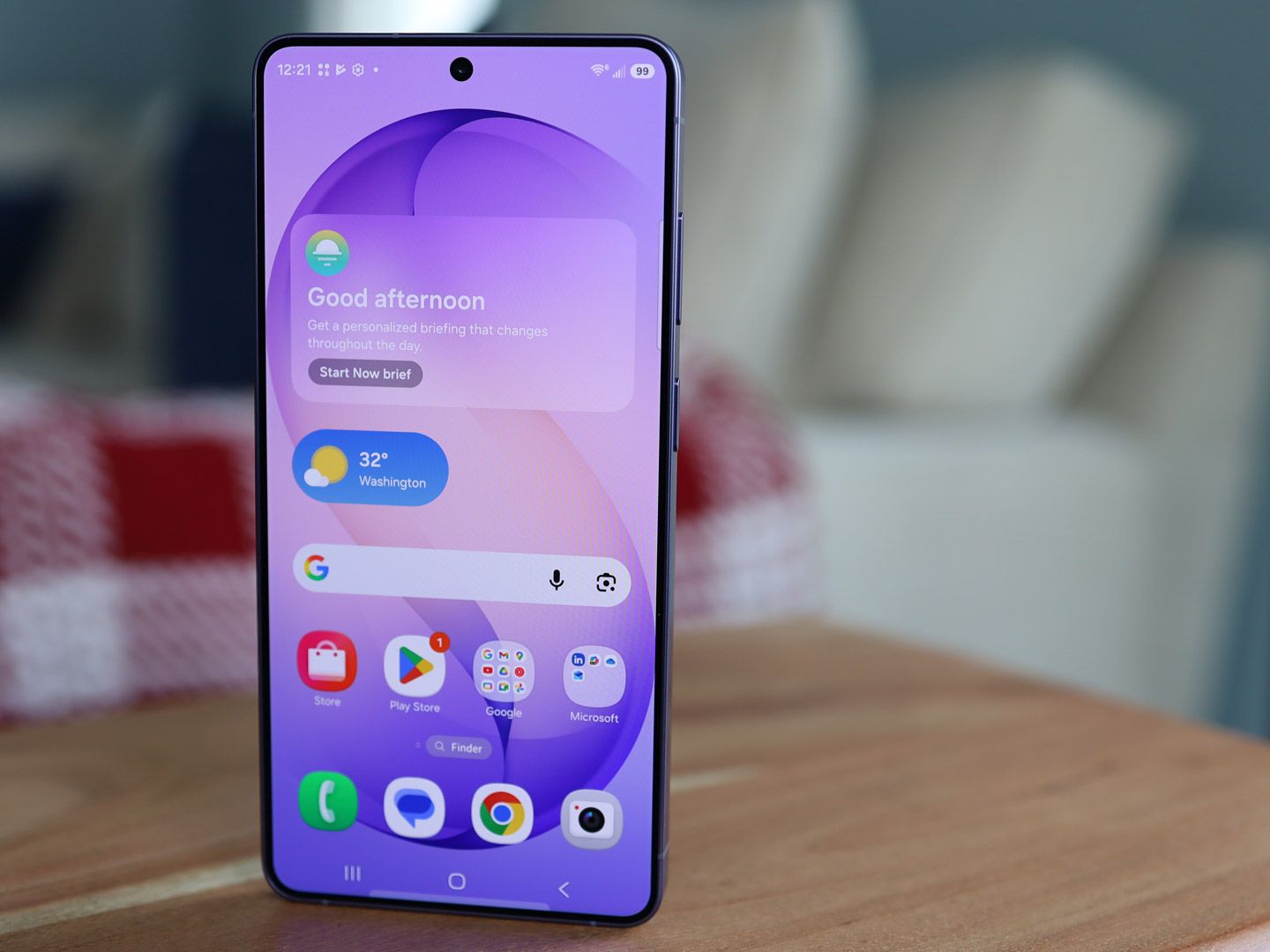
Samsung has started rolling out the One UI 9 beta for the Galaxy S26 series, giving early testers a first look at the company’s next major interface update. The program is currently limited to the Galaxy S26, Galaxy S26+, and Galaxy S26 Ultra in select European markets, including Germany and the UK.
The beta package is also notably large, weighing in at around 3.6 GB. That size points to a broad set of changes under the hood, covering design adjustments, new features, and stronger security protections.
A broader rollout is expected
According to SamMobile, the European firmware arrives with the build code S94xBXXU2ZZEF. The “x” in the code changes depending on which Galaxy S26 model is being used.
Samsung is using a different firmware version for South Korea, identified as S94xNKSU2ZZEF. Although the beta remains restricted to a limited number of regions for now, it is expected to reach more countries soon.
Quick Panel gets more flexible
One of the most visible changes in the One UI 9 beta is the Quick Panel. Samsung has expanded customization options so users can arrange shortcuts to better match their daily needs.
That change should make key functions faster to reach without moving through multiple menus. It also makes day-to-day navigation feel more efficient on the device.
Built-in apps also receive attention
Samsung Notes is part of the update as well, with support aimed at making note-taking feel smoother and quicker. The company has not detailed every addition, but the update is described as pointing to better synchronization, cleaner note organization, and improved app performance.
Samsung Contacts is also gaining support for special profile cards. This gives contact entries a more personal look by adding visual identity or specific information to saved contacts.
Security and performance are part of the package
The beta is not limited to appearance changes and convenience features. Samsung has added a new security system that automatically flags high-risk apps, helping users identify software that may threaten the device or personal data.
The latest security patch is also included to improve protection against bugs and digital vulnerabilities. At the same time, Samsung says it has optimized performance so the phone feels lighter and more responsive during multitasking and gaming.
How Galaxy S26 users can check the beta
Users who already have access to the beta program can look for the update manually through Settings. From there, they need to open Software Update and tap Check for Updates.
If the beta is available, the download starts automatically. After the file finishes downloading, users can tap Install Now, and the device will restart for a few minutes before One UI 9 beta becomes ready to use.
Because this is still beta software, Samsung notes that bugs and performance issues may remain. That means installation on a main device used for work or daily tasks should be considered carefully.