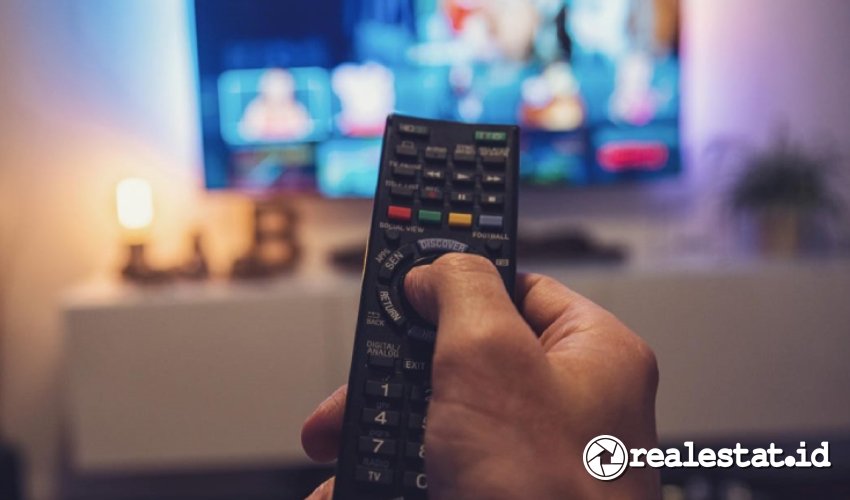
Toshiba TV users often face issues with lost or broken remote controls. Universal remotes offer a practical alternative but require specific codes to sync and function properly. These codes vary based on the model type, such as tube (CRT), LED, or modern LCD TVs.
Universal remote codes for Toshiba TVs are provided in three, four, or five-digit combinations. You must enter the appropriate code before using a universal remote to control your Toshiba TV. Using precise data can prevent sync errors and extend the usability of your television.
Toshiba TV Universal Remote Codes
The correct remote code depends on the TV type and the universal remote brand. Technical guides and community forums highlight that most universal remotes will accept these codes:
-
For CRT/Tube Toshiba TVs, use three-digit codes:
128, 053, 089, 027, 090, 016, 014, 033, 008, 015. -
For some models requiring four-digit entries, try:
0983, 0260, 0398, 0973, 0394, 0924, 0156, 1191, 1121. - For modern LCD/LED models including Toshiba Regza and Bomba:
12724, 10156, 11935, 11704, 11959, 10650, 11343, 11369, 10060.
If one code does not work, continue to the next one from the list. This method has been confirmed as a standard guide by electronic repair technicians and official product manuals.
Manual Setup for Universal Remotes
Manual configuration is a reliable way to link a universal remote with a Toshiba TV. The process begins with the TV powered on. Hold the TV button on the universal remote for about three seconds, until the LED indicator remains lit.
Next, press the ‘Setup’ button if available, followed by entering one of the Toshiba codes above. Try the Power or Volume button to test response. If the TV does not respond, repeat the steps using the next code in the list.
Automatic Programming Method
Many universal remote brands like Joker or Chunghop offer an automatic setup feature. Begin by putting fresh batteries in the remote. Next, press and hold the ‘SET’ button until the indicator light turns on.
Press and release the Volume (+) or (–) repeatedly. Watch the TV’s on-screen volume indicator. Once it moves, press ‘SET’ again to lock the setting. This method helps users who are unsure which exact code fits their device. According to home electronics experts, this auto scan function simplifies the setup for non-technical users.
Table of Universal Remote Codes for Toshiba TVs
| TV Model | 3-Digit Codes | 4-Digit Codes | 5-Digit Codes |
|---|---|---|---|
| Tube (CRT) | 128, 053, 089, 027… | ||
| LED/LCD | 0983, 0260, 0156, 1191… | 12724, 10156, 11935, 11704… |
Use this list to quickly find a code suitable for your Toshiba TV model. This practical reference is drawn from product documentation and trusted online sources such as remote manufacturer guides.
Tips for Successful Remote Setup
- Always check TV and remote compatibility before starting the process.
- Ensure batteries in the remote are new and installed correctly.
- Move through each code systematically if connection fails on early attempts.
- Consult the manufacturer’s support site or community forums for advanced troubleshooting.
Learning how to input the correct code into a universal remote makes it possible to regain full control of your Toshiba television. With code options and step-by-step setup methods, all TV users can benefit from easy, independent setup at home. For further details on the latest remote codes, always refer to trusted sources and the official Toshiba support channel.
-
-

-

-