


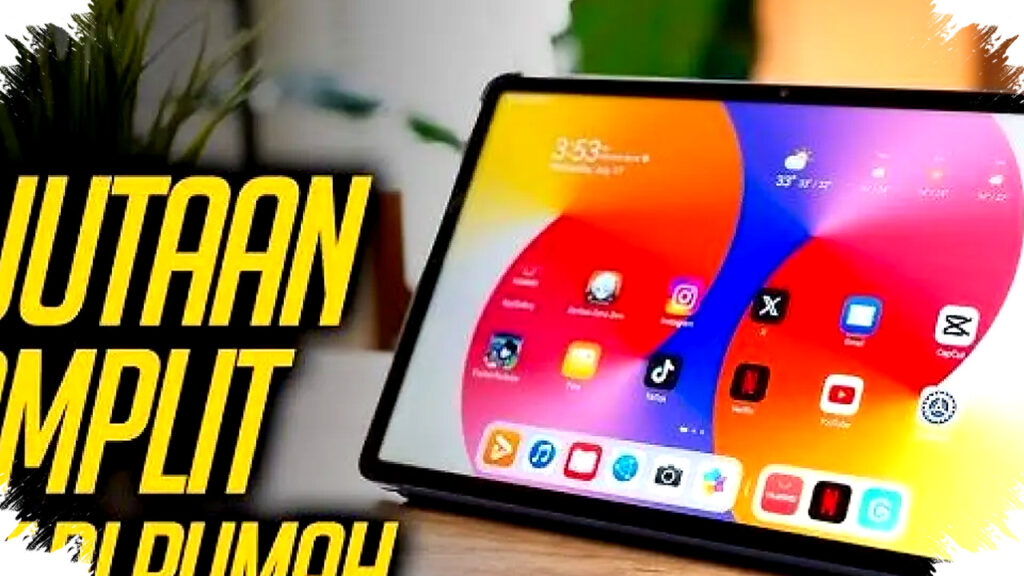
Working tablets are no longer limited to premium business devices. In the current market, compact Android models, Apple’s entry-level iPad, and midrange productivity tablets can handle note-taking, video meetings, document editing, and light multitasking with ease.
For buyers who want a practical device without spending laptop-level money, several models stand out because they offer bright displays, stylus support, long battery life, and desktop-style modes. The list below highlights seven tablets that fit different work needs, from basic administration to more serious mobile productivity.
What makes a tablet good for work
A work tablet needs more than a fast processor. It should also support split-screen multitasking, have enough RAM for smooth app switching, and offer strong battery life for long days outside the office.
Connectivity also matters. For users who often move between cafes, client sites, and meeting rooms, LTE or 5G support can be more useful than raw performance alone.
1. Samsung Galaxy Tab A9
This is one of the most affordable options for basic work tasks. With an 8.7-inch display, it fits well in one hand and remains easy to carry during commuting.
It suits administrative work, email handling, and video calls, while Samsung Knox adds a security layer for business use. The tablet also supports Split Screen for up to three apps, which helps users reference documents and reply to messages at the same time.
2. Huawei MatePad SE 11-inch
This model is a better choice for people who read long documents and join frequent online meetings. Its 11-inch screen gives more room for spreadsheets, slides, and extended reading sessions.
Huawei includes support for the M-Pen Lite, and the quad stereo speakers help during conference calls. The larger display also makes it easier to review content without constantly zooming in and out.
3. Redmi Pad 10.61-inch
Redmi Pad targets users who want solid visuals and long-lasting battery life. Its 2K 90Hz screen is one of the main attractions because it feels smooth for scrolling, reviewing content, and switching between apps.
The 8,000 mAh battery supports extended work sessions, while the ultrawide camera helps during video calls by keeping more people in frame. For users who want a balanced tablet for work and entertainment, this model delivers strong value.
4. Samsung Galaxy Tab A9+
This is the most practical pick for users who want a laptop-like experience on a budget. Samsung DeX changes the interface into a desktop-style layout, which makes it easier to handle files, windows, and productivity apps.
The tablet also supports 5G on selected variants, giving it an edge for mobile work. With an 11-inch screen and 8GB RAM in its stronger configuration, the Tab A9+ can handle heavier multitasking than smaller entry-level tablets.
5. iPad 9 WiFi 10.2-inch
Apple’s older entry-level iPad remains relevant because of its smooth performance and strong app support. The A13 Bionic chip still feels fast for note-taking, document editing, and creative work.
Its Center Stage front camera keeps the user centered during video meetings, which is useful for remote presentations. Apple Pencil support also makes it a strong option for users who sketch, annotate files, or write by hand.
6. Samsung Galaxy Tab S9 FE
For fieldwork and more precise tasks, the Galaxy Tab S9 FE offers a stronger package. Samsung includes the S Pen in the box, which makes it easier to sign documents, write notes, and mark up files right away.
Its Exynos 1380 chipset provides stable performance, while the IP68 rating adds protection against dust and water. That combination makes it suitable for users who work in less controlled environments than a standard office.
7. Huawei MatePad 11.5-inch
This tablet focuses on writing comfort and responsive input. The PaperMatte display is designed to reduce glare and give a more paper-like writing feel, which can help during long note-taking sessions.
The 120Hz refresh rate also makes interaction feel fluid. For professionals who spend a lot of time drafting notes, reviewing content, or marking documents, this model offers a more refined productivity experience.
Simple comparison of the seven tablets
| Tablet model | Display size | RAM / Storage | Best work feature |
|---|---|---|---|
| Samsung Galaxy Tab A9 | 8.7-inch | 4GB / 64GB | Split Screen for 3 apps |
| Huawei MatePad SE 11-inch | 11-inch | 6GB / 128GB | Quad speaker and M-Pen Lite |
| Redmi Pad 10.61-inch | 10.6-inch | 6GB / 128GB | 2K display and 8,000 mAh battery |
| Samsung Galaxy Tab A9+ | 11-inch | 8GB / 128GB | Samsung DeX desktop mode |
| iPad 9 WiFi 10.2-inch | 10.2-inch | 3GB / 64GB | Center Stage and Apple Pencil |
| Samsung Galaxy Tab S9 FE | 12.4-inch class | 8GB / 128GB | S Pen included and IP68 rating |
| Huawei MatePad 11.5-inch | 11.5-inch | 8GB / 256GB | PaperMatte display and 120Hz |
How to choose the right tablet for productivity
Users who mainly handle chat, email, and light office documents can start with compact and affordable models like the Samsung Galaxy Tab A9. Those who need a bigger display for reading and meetings may prefer the Huawei MatePad SE or Redmi Pad.
For more demanding users, the Galaxy Tab A9+ and Galaxy Tab S9 FE are better suited because they offer stronger multitasking features and more desktop-style functionality. Apple users who already rely on iCloud, Pages, or Apple Pencil will likely find the iPad 9 more convenient than switching platforms.
Accessories should also be considered before buying. A keyboard case and stylus can turn an ordinary tablet into a more complete mobile workstation, especially for people who type long reports or sign files often.
Market data also supports the rise of tablets as work devices. IDC has reported that tablet shipments continue to benefit from education, remote work, and hybrid productivity use cases, especially in price-sensitive segments where buyers want portability without sacrificing too much functionality.
That trend explains why the best work tablet is not always the most expensive one. For buyers focused on value, the Redmi Pad offers one of the most balanced displays and battery setups, while the Samsung Galaxy Tab A9+ remains one of the smartest choices for anyone who wants a tablet that can behave like a compact computer on the move.