


The way professionals work has changed sharply, and tablets now serve as compact tools for meetings, writing, design, and remote collaboration. For many users, the best tablet is no longer a luxury device, but a practical workstation that fits into a bag and still handles office tasks with ease.
That shift has pushed many buyers to look for tablets that balance price, performance, and portability. In the current market, options start at roughly $125 and reach beyond $1,100, giving workers more flexibility to choose a device based on daily needs rather than brand alone.
Why tablets are becoming serious work devices
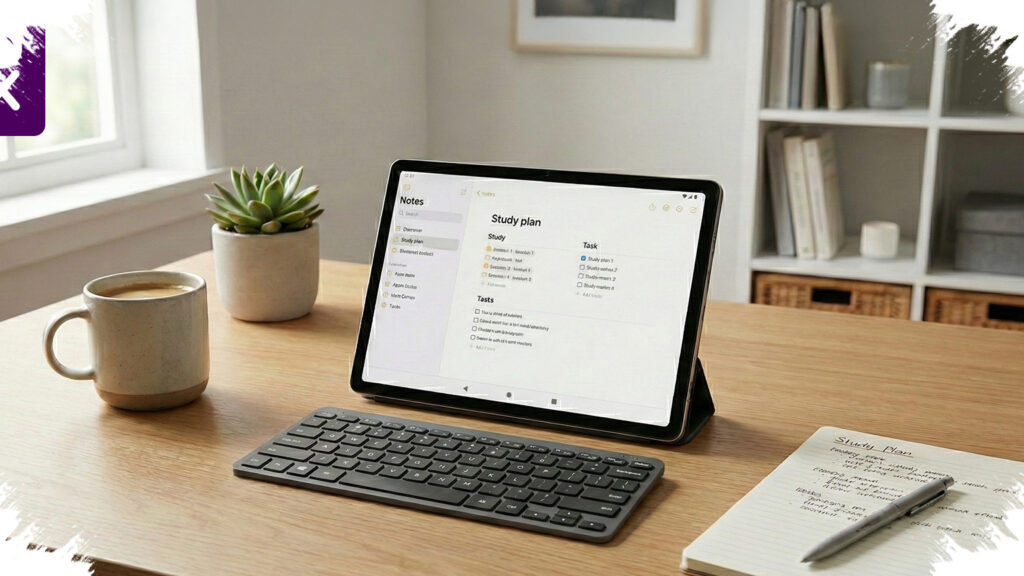
Modern tablets now support the apps that define daily productivity, including Microsoft Office, Google Workspace, design tools, and even light video editing software. With a keyboard cover and stylus, a tablet can function as a portable office for employees who move between home, meetings, and client locations.
The biggest advantage is mobility. Tablets are lighter than most laptops, start quickly, and often offer long battery life, which makes them useful for travel, presentations, and note-taking during long workdays.
10 tablet recommendations for work
-
Samsung Galaxy Tab A9 – Priced at about $125, this compact model suits basic work such as email, web browsing, and online meetings. Its small size also makes it easy to carry for users who need a simple and affordable device.
-
Huawei MatePad SE 11 – At around $162, this tablet offers a larger display and 6GB RAM. That combination gives it enough headroom for multitasking, document editing, and light office workloads.
-
Redmi Pad 10.61 – Selling for about $219, this model stands out with a 2K display and a large battery. It works well for people who spend many hours reading, writing, or reviewing files on screen.
-
Samsung Galaxy Tab A9+ – Priced near $219, this upgraded version uses the Snapdragon 695 chip. The extra performance helps when switching between multiple apps, joining video calls, or presenting documents.
-
Samsung Galaxy Tab S9 FE – At roughly $312, this tablet includes the S Pen in the box. It is a strong pick for users who take handwritten notes, mark up files, or need a device for light creative work.
-
iPad 9 – With a price of about $409, this model remains popular because of the stability of iPadOS. Its app ecosystem is still one of the strongest for productivity, project management, and office workflows.
-
Huawei MatePad 11.5S – Priced around $437, this tablet brings a 120Hz display and Snapdragon 7 Gen 1 performance. It feels smooth for lengthy spreadsheets, report writing, and daily multitasking.
-
iPad Air 5 with M1 chip – At about $703, this device is much more powerful than most tablets in its class. The M1 chip makes it suitable for 4K video editing, illustration, and other demanding professional tasks.
-
Samsung Galaxy Tab S9 FE+ – Selling for around $687, this tablet features a 12.4-inch display. The large screen supports split-screen multitasking and gives users more room for work without losing portability.
- Samsung Galaxy Tab S10 Plus – Priced near $1,125, this flagship tablet targets users who need top-level performance. Its AMOLED display and strong hardware make it well suited for large data tasks, advanced design work, and complex project management.
What matters most before buying
RAM should be a priority for anyone planning to use several apps at once. A minimum of 6GB is a practical target because it reduces slowdowns during multitasking.
Battery capacity also matters, especially for mobile workers who spend hours away from a charger. A battery around 7,000 mAh or more usually offers safer all-day use, depending on screen brightness and workload.
Helpful specifications to check
| Key factor | What to look for |
|---|---|
| RAM | At least 6GB |
| Battery | 7,000 mAh or higher |
| Display | IPS or AMOLED with high brightness |
| Accessories | Keyboard case and stylus support |
| Performance | Mid-range chip or better for multitasking |
Accessory support can change the value of a tablet significantly. A keyboard case improves typing speed, while stylus support helps with note-taking, annotation, and editing workflows.
Screen quality should also guide the decision, especially for users who work outdoors or in bright areas. A bright IPS or AMOLED panel helps maintain readability, while a larger display can reduce fatigue during long work sessions.
For budget-conscious users, the Samsung Galaxy Tab A9 and Huawei MatePad SE 11 remain the most rational choices. For professionals who want a tablet that can replace a laptop for creative or heavy productivity tasks, the iPad Air 5 and Samsung Galaxy Tab S10 Plus offer the strongest performance in this list.