


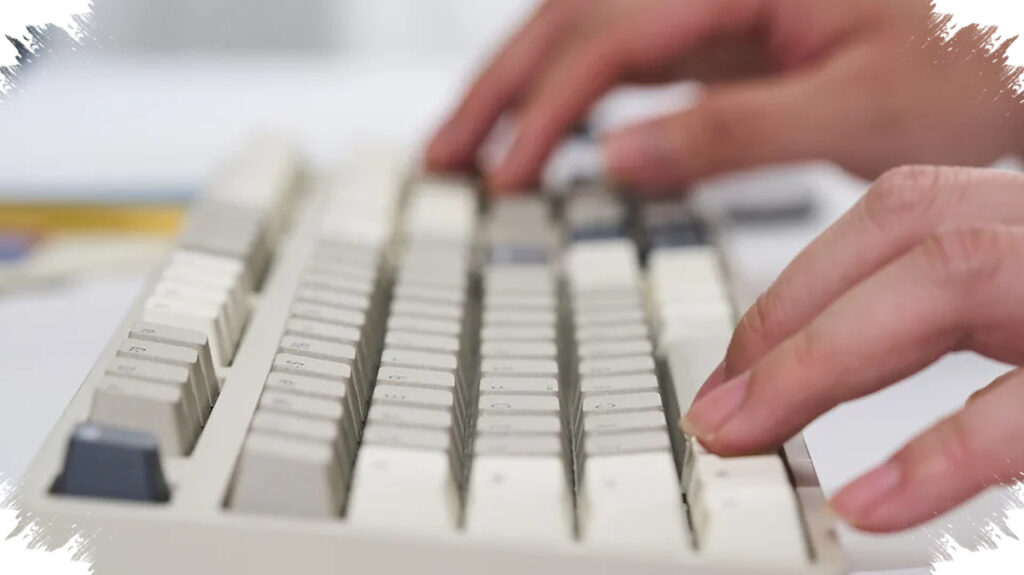
A mechanical keyboard can look impressive on a product page and still feel wrong after a few days of use. The real difference usually comes from the parts that are easiest to overlook: the switch feel, the board size, the materials, and the way the keyboard can be maintained over time.
That is why first-time buyers often make the same mistake. They focus on branding or appearance, while the details that shape typing comfort, durability, and long-term flexibility are left unchecked.
Switch choice should come before brand loyalty
The switch is the core of any mechanical keyboard because it controls how heavy a key feels, where input is registered, and how the key rebounds after being released. No single switch is best for everyone, so the most reliable approach is to try it in person before buying.
Many new buyers assume all mechanical keyboards feel similar, but switch character can vary widely. That makes the switch more important than the logo on the box.
Keyboard size affects both desk space and workflow
Mechanical keyboards come in several layouts, including full size with 104 or 105 keys, 75%, and TKL, or Ten Key Less. A full-size board gives the complete layout, but it also takes up more room and often adds extra features such as a built-in display or dedicated controls.
TKL is popular because it removes the numpad while keeping the main typing area comfortable and familiar. A 75% board saves even more space, but smaller layouts also require more compromise.
The case and keycaps shape the overall feel
A good switch does not guarantee a good typing experience if the keyboard housing is weak. The chassis affects how parts are mounted, how stable the keyboard feels, and how rigid the board is during use.
Thin plastic cases often feel and sound cheaper than solid aluminum bodies. A gasket that is too thin can also create a hollow sound, while low-quality keycaps wear down faster and reduce comfort.
Material details can change daily use
Keycaps are commonly made from PBT, ABS, POM, or even ceramic. Double-shot PBT is often treated as the benchmark because the legends are molded into the cap, which helps them resist fading.
ABS is cheaper and common on budget models. POM has a smoother texture and can let more RGB light through, while ceramic gives a more premium impression at a higher price.
Hot-swappable boards offer more room to adapt
A hot-swappable keyboard lets switches be replaced without soldering. The old switch can be removed, a new one inserted, and the keycap put back in place.
This usually raises the initial price, but it gives users more flexibility if preferences change. It is also practical when a switch fails, because the repair can be done quickly without replacing the entire keyboard.
Firmware and software support matter more than many buyers expect
Mechanical keyboards also rely on firmware and companion software. The choice is usually between proprietary firmware with vendor software, or open-source options such as QMK Firmware, which is often paired with VIA.
Proprietary software can limit long-term support and may need to run in the background. QMK setups with VIA usually store settings on the keyboard itself, although not every QMK keyboard supports VIA changes.
Stabilizers decide whether large keys feel refined or cheap
Spacebar, Enter, Shift, and Backspace are too large to be supported by one switch alone. Stabilizers keep these keys level when pressed and prevent them from wobbling like a seesaw.
Poor stabilizers can make even an expensive keyboard feel cheap. Large keys may rattle, feel mushy, or become unstable, while proper lubrication helps movement feel smoother and reduces noise.
Servicing and part availability can outlast the purchase price
A durable keyboard is not just about the first impression. It also depends on whether parts are easy to replace and whether key switches and keycaps are widely available in the market.
Boards that use parts compatible across brands are generally easier to maintain later, especially if the manufacturer stops operating. Price also does not always match quality, since some expensive keyboards include gimmicks that are rarely used, while some cheaper models may end up feeling more suitable after direct testing.
For that reason, the safest choice is the keyboard that fits the way it will actually be used. Checking the switch, layout, materials, software support, stabilizers, and repairability gives buyers a much better chance of getting the right board the first time.