Fitbit Air stands out most when used as more than a basic step counter. Its less obvious features make daily tracking feel smoother, more accurate, and easier to fit into a normal routine.
That difference starts with how the device handles sleep and waking. Instead of relying on a standard alarm alone, Fitbit Air uses sleep-cycle data to trigger Smart Awake when the wearer is in a lighter sleep stage, which can make waking up feel less abrupt and more refreshing.
A gentler start to the day


The vibration system also plays a practical role in that experience. Fitbit Air is designed to wake the user without creating unnecessary disruption, including in situations where someone else is sleeping nearby.
Notification and alarm vibration strength can also be adjusted. The default setting is low, but users can increase it if they want alerts that are easier to notice.
Tracking that depends on how it is worn
Fitbit Air is meant to be worn on the wrist for most activities, and that placement matters for some of its sensors. It also affects certain measurements, including blood oxygen tracking.
Step counting can become less precise in specific situations, however. If the user is pushing a stroller or shopping cart, for example, wrist movement may not reflect actual steps accurately enough.
In cases like that, wearing the device on the ankle can produce a more accurate step count. That makes the quality of the data depend not only on the device itself, but also on how it is used.
Data keeps recording even without a connection
Fitbit Air also remains useful when the phone is out of reach. The device can store up to seven days of activity data without immediate syncing.
Once it reconnects, the data updates automatically in the Fitbit app. That allows progress to stay recorded in the background without requiring constant manual checks.
The app can be arranged around the user
The Fitbit experience does not end on the device. The Fitbit app includes a customizable dashboard, so the most important metrics can be placed at the front.
Users can reorder or add widgets based on what they want to monitor. Hydration, activity zones, and sleep details can all be brought into clearer view, depending on personal priorities.
That flexibility makes the app easier to use on a daily basis. Important information appears more quickly, without forcing users to dig through multiple menus.
More than a simple fitness band
Fitbit Air also includes a menstrual cycle tracking tool. It is not meant to replace a dedicated cycle-tracking app, but it does add another layer of health tracking inside the same ecosystem.
The device can also work alongside another smartwatch, giving users a broader view of fitness and sleep data when combined with other sources. For people who want a more complete picture, that kind of overlap can be useful.
Optional guidance and wider compatibility
There is also an optional premium tier for users who want more direction. It includes AI-based coaching and personalized recommendations built from the user’s health and activity data.
Premium is not required for the core functions. Even so, the extra tools can help users refine their routine, and free trials are often available.
Fitbit Air supports both iOS and Android, and it can connect with Apple Health and Google services. Some features vary by operating system, so the experience can differ depending on the ecosystem already in use.
Lightweight design for all-day wear
Fitbit Air is also built to stay comfortable for long periods. That matters because the device is used not only during exercise, but also overnight.
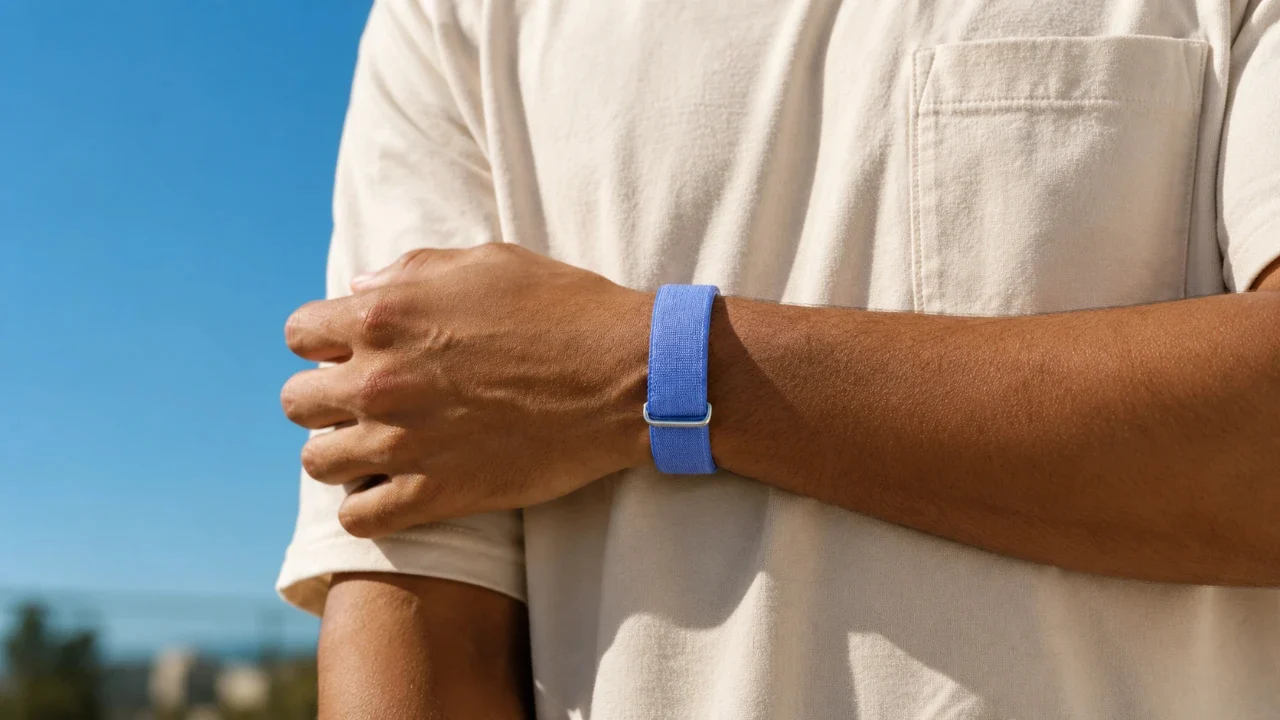
Its removable pebble component adds another layer of practicality. It makes cleaning easier and allows third-party bands to change the look, whether the goal is something sportier or more formal.
That combination of flexibility and comfort helps explain why the device goes beyond basic fitness tracking. Fitbit Air is built to fit into daily life, rather than sit on the wrist only during workouts.
Source: www.geeky-gadgets.com