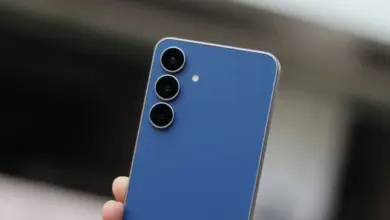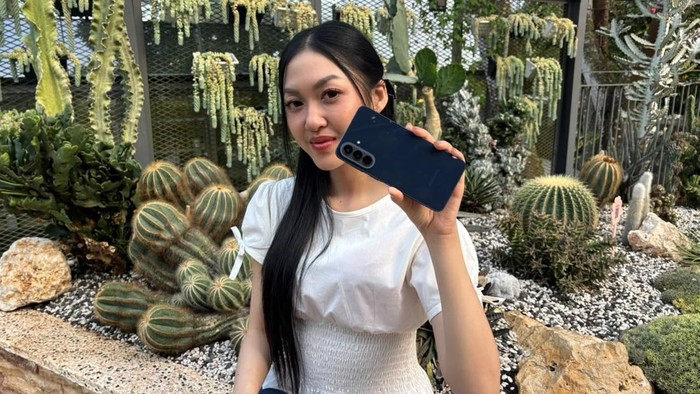
Samsung Galaxy A57 5G is not only being positioned as a phone with improved camera performance and Nightography. The device also brings several tools that can support the entire content-making process, from recording to editing.
Samsung says these features were designed around the habits of Galaxy A Series users, many of whom are young and active on social media. In a workshop in Bandung, West Java, on Tuesday, June 9, 2026, Samsung Electronics Indonesia MX Product Marketing Senior Manager Annisa Maulina said most Galaxy A57 and A37 buyers are still in the Gen Z age group.
“Their passion points are travelling, taking photo and video content, then making the results immediately shareable on social media,” she said.
1. Multi Window as a Built-In Prompter
For creators who often forget a script while filming, Multi Window can be a practical solution. Users can open Samsung Notes and the camera app at the same time in split-screen mode.
That setup lets a script stay visible while the front camera records. It makes talking-head videos and product reviews easier to produce without memorizing lines or constantly looking away from the camera.
2. Camera Assistant for Extra Control
Galaxy A57 also supports Camera Assistant, which can be accessed through the Good Lock app. After installation, users can find additional camera settings that are not available by default.
The available tools include Prioritize Focus to help the camera lock onto moving objects, Distortion Correction to reduce curved edges when using the ultra-wide camera, and Screen Dim While Recording, which automatically dims the display while recording video to help save battery.
3. Built-In Scrapbook Style Editing
Digital scrapbook styles are now widely used for Instagram Reels covers and social media posts. Galaxy A57 already includes a built-in way to create that look.
With Drag and Drop in One UI 8.5, users can select objects from a photo and move them onto another canvas to combine them with other images or visual elements. The result can be used for scrapbook layouts, content covers, and more aesthetic posts without downloading an extra editing app.
With these tools, Galaxy A57 is presented as more than a device for taking photos and videos. It also helps creators move from production to editing directly on the smartphone.