Android 17 marks a sharper turn toward artificial intelligence, with Google placing AI at the center of the mobile experience rather than treating it as a side feature. The update also brings practical changes to Pixel devices, aiming to make everyday use faster, cleaner, and more controlled.
Google has tied the release to Wear OS 7 for smartwatches and the latest Pixel drop, making the wider ecosystem part of the same push. The result is an update that is not only about new capabilities, but also about how users interact with their phones throughout the day.
AI becomes the main story
Android 17 adds support for Google’s newer AI models, including Lyria 3 for music generation, Gemini Omni, AudioLM, and new speech-to-translation capabilities for the Pixel 10. These additions are aimed at content creation, communication, and routine interactions on-device.
That direction shows how Google wants Android and Pixel hardware to serve as a showcase for its latest AI work. In a crowded AI market, the company is using the newest Android version to show how those tools can fit directly into mobile use.
Multitasking gets more flexible
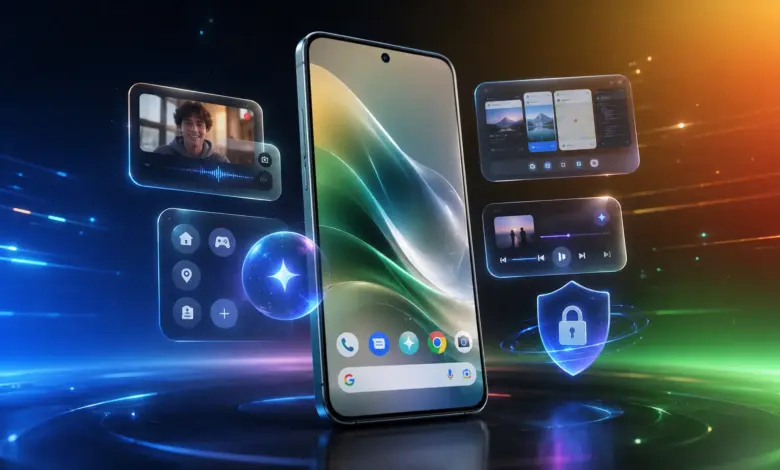
One of the most noticeable changes is the ability to create floating bubbles for almost any app. Until now, that style of interface had been mostly associated with messaging apps and similar use cases.
On Android 17, users can long-press an app icon on the home screen and enable a floating bubble. The app stays easy to access without taking over the screen, which makes switching between tasks more practical.
That can be useful while traveling, since maps can remain visible while another app is in use. In work scenarios, users can open notes, documents, or reminders more quickly without constantly moving between full screens.
For entertainment, the bubbles can help users follow a tutorial, track a sports score, or watch live updates while keeping another app open. On larger devices, Google also adds a Bubble Bar in the lower-right corner for easier access.
A cleaner look on the home screen
Google also updates the visual side of the interface with a new “Show app names” option in Wallpaper & Style settings. It allows users to hide app labels and create a cleaner-looking home screen.
Widgets now come with a frosted background that matches the quick settings and notification panels. Additional icon refinements are designed to stay consistent with the Material 3 Expressive design language introduced earlier.
Notifications also get a small wording change. The message “No notifications” is replaced by “You’re all caught up” with a trophy icon, giving the empty state a more positive tone.
Performance and battery management also get attention
Beyond AI and design, Android 17 includes changes to app memory management. Google says the system adds limits on app memory use so that apps do not consume RAM excessively.
With more efficient memory handling, devices should feel smoother in daily use. The approach is also intended to help preserve battery life throughout the day.
Privacy and security become more explicit
Google is also strengthening location controls, with a clearer choice between precise location and approximate location. Android 17 also introduces a one-time precise location permission option.
That gives users more control over how apps access location data, instead of leaving that access enabled continuously. For approximate location, Google says the algorithm has been improved so location data remains useful while being more privacy-friendly.
Security changes extend to Find Hub as well. When a device is marked lost, users can require biometric authentication before important settings can be changed, making it harder for someone else to disable tracking even if they know the device passcode.
Quick settings become easier to use
Android 17 also changes connectivity controls to make them more direct. The Internet tile, which previously grouped several functions together, is now split into separate Wi‑Fi and Mobile Data toggles.
For supported devices, there is also a new Satellite tile that links directly to satellite connectivity settings. The change makes network controls feel less layered and quicker to reach.
Who gets the update
Android 17 is now available for a wide range of Pixel devices, including the Pixel 6, Pixel 7, Pixel 8, Pixel 9, and Pixel 10 series. The update is also available for Pixel Fold and Pixel Tablet.
Users can install it by opening Settings, then System, then System Update, and selecting Check for Update. With new AI tools, a more flexible multitasking system, stronger privacy controls, and added security protection, Android 17 stands out as one of Google’s most aggressive mobile updates so far.