


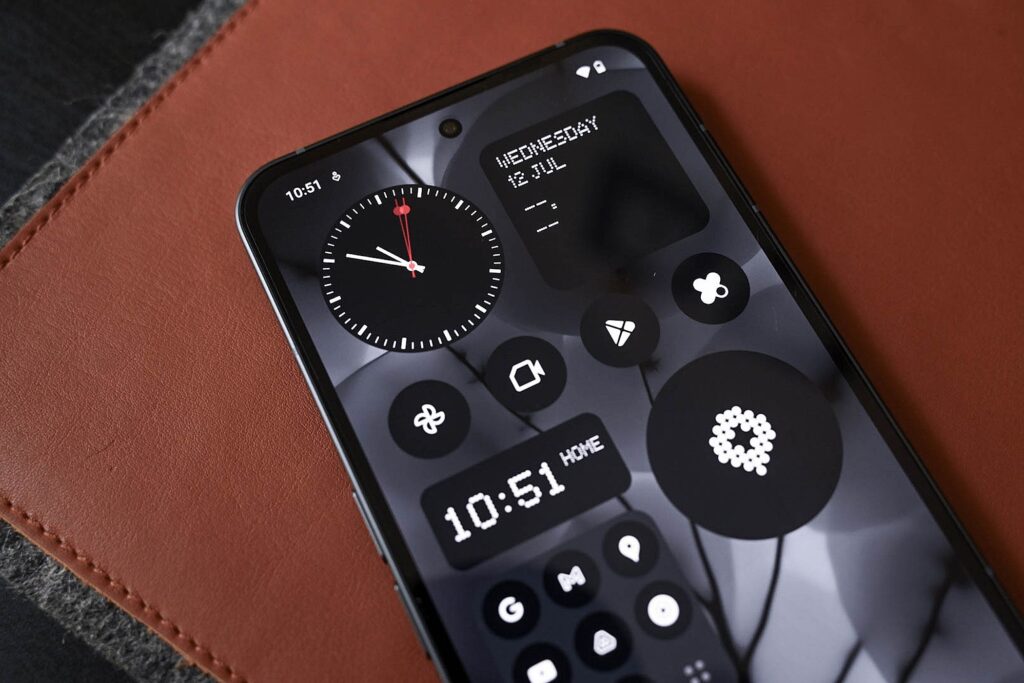
Some Android 17 users have found an unpleasant surprise after updating: their home screen widgets have disappeared. The problem does not appear to affect every device, but reports have clustered around phones using Work Profile.
Google has already acknowledged the bug and says a fix is being prepared through a software update. Until that arrives, users who are affected still have a few quick ways to bring their widgets back.
What seems to be happening
User reports suggest that Android 17 may be confusing personal and work profiles in a way that affects widget availability. In some cases, widgets vanish from the home screen and also stop appearing in the widget picker, making them harder to restore in the usual way.
The issue has been linked most strongly to Work Profile, the feature that separates work apps and data from personal content on the same device. That means people who rely on work-managed setups may be more likely to notice the bug after installing the update.
Not everyone is affected, and users without Work Profile do not appear to be hit as often. Still, the number of reports has been enough to show that this is more than an isolated case.
Quick fixes that users have reported
The most widely shared workaround is to turn off Work Profile. Several users say their missing widgets returned as soon as the work profile was disabled.
Another method that has worked for some people is enabling Extreme Battery Saver and then turning it back off again. That sequence has reportedly restored widgets in certain cases.
| Reported workaround | Result users described |
|---|---|
| Disable Work Profile | Widgets reappear on the home screen |
| Toggle Extreme Battery Saver on and off | Missing widgets return in some cases |
For devices managed by an organization, one user suggestion was to contact the company IT team. That may be necessary if widget settings are controlled through workplace device policies rather than by the owner alone.
Why the update is drawing extra attention
The widget problem arrived as Android 17 began rolling out to Pixel devices earlier this year. The new version brought features such as bubbles for multitasking, a gaming mode for foldable devices, screen reactions, and other additions.
It also came with other software issues. Android 17 had already drawn attention for a Wi‑Fi connectivity bug that could make the Wi‑Fi icon look connected even when no data was actually flowing.
Because of that broader context, some users who have not yet updated may prefer to wait for the patch rather than install Android 17 immediately. For those already affected, the temporary fixes remain the fastest way to recover missing widgets while Google prepares the official correction.
The company has said it is aware of the Work Profile-related issue and expects the repair to arrive in a software update soon. Until then, the problem appears to remain concentrated among users whose devices mix personal use with managed work profiles.