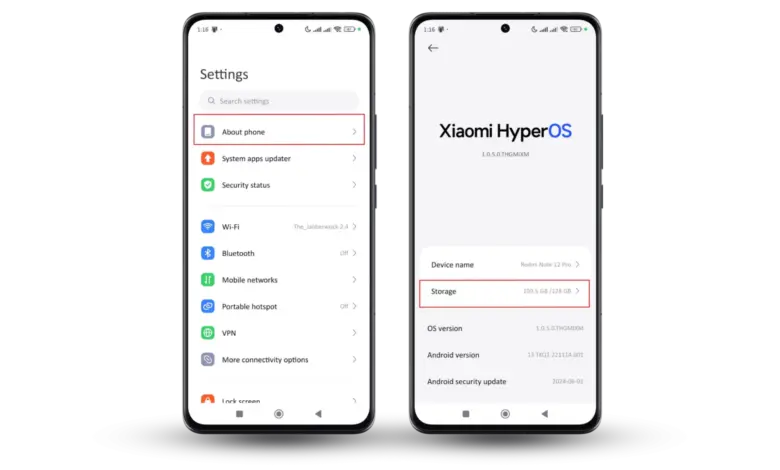
Many Android users still overlook built-in settings that can immediately improve security and help keep a phone running smoothly. These features are already available on most devices and can be enabled without installing any extra apps.
The changes are simple, but the impact can be significant in daily use. They help protect personal data from unauthorized access while also keeping the device stable and comfortable to use over time.
Security settings that deserve priority
The first layer of protection that should be enabled is a secure screen lock. Users are advised to use fingerprint recognition, face recognition, a PIN, or a password, and avoid simple patterns that are easy to guess.
This matters because the lock screen is the first barrier if a phone is lost or falls into the wrong hands. Without a strong lock, access to apps, messages, photos, and important data can become much easier.
Another important setting is Find My Device. The feature allows users to track a phone’s location, lock the device remotely, and erase data when needed.
Find My Device is especially useful when a device goes missing. For that reason, users need to make sure it is active through the security menu in the phone settings.
Google accounts also need extra protection because they store a lot of important information. Email data, device backups, and various other services are connected directly to the account.
Two-step verification should therefore be enabled as soon as possible. With this extra layer, the account becomes much harder for unauthorized parties to access.
Privacy controls need regular attention
Phone security does not depend only on the lock screen or the account. The access granted to apps also needs to be reviewed regularly because not every app needs broad permissions.
Users should check camera, microphone, location, and contacts permissions. Unnecessary access can be disabled to protect privacy and reduce the risk of data misuse.
Recent Android versions also include a Privacy Dashboard. This feature makes it easier to see which apps are accessing the camera, microphone, or location.
With this monitoring tool, app activity can be reviewed more clearly. If any access looks unusual, users can act quickly.
Security and privacy alerts are also worth paying attention to. Features like these help users identify potentially risky activity before it becomes a larger problem.
How to keep the phone fast and stable
Security settings often affect performance as well, because a device becomes more controlled. One important feature that supports this is Google Play Protect.
Google Play Protect scans installed apps to detect potential malware and suspicious activity. It runs automatically, but users should still confirm that it is enabled through the Google Play Store.
Automatic system updates should also stay on. Operating system updates do not only add new features, but also bring security fixes and stability improvements.
With automatic updates enabled, the device can receive the latest protection against security gaps more quickly. This also helps keep the phone optimal for long-term use.
Another habit that supports performance is clearing storage space and removing apps that are no longer used. The fewer unnecessary apps a device has, the lighter the load becomes.
Users are also advised to download apps only from official sources. This simple step helps reduce the risk of harmful apps that could affect both security and performance.
Do not ignore backups
Automatic backup is another setting that is often treated as minor. In reality, backups are very helpful when a device is damaged, lost, or when a user switches to a new phone.
With automatic backup to a Google account, photos, contacts, apps, and other important data can be restored more easily. It provides an added layer of protection so that losing a device does not automatically mean losing everything stored on it.
These eight settings work together as a practical safety net. The screen lock protects physical access, Find My Device helps when a phone is missing, two-step verification secures the account, app permissions and the Privacy Dashboard protect privacy, Play Protect and automatic updates keep the system safer, and automatic backup protects data.
None of these settings takes long to activate, but leaving them off can make personal data, account security, and everyday convenience much more vulnerable.