


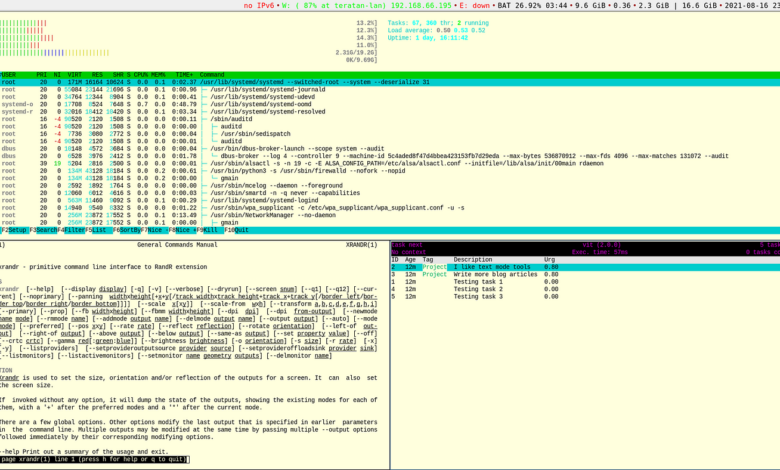
Many Linux users still treat the terminal as fast but exhausting. Three applications now aim at the most common pain points: forgotten syntax, long folder paths, and crowded system monitoring screens.
Each tool addresses a different problem, but the goal is the same. With the right setup, the terminal can feel far more intuitive without forcing users to abandon text-based workflows.
Navi helps users recall commands without opening a browser
Navi is designed for moments when a Linux command slips from memory. Instead of relying on search tabs or repeatedly opening the man page, it offers searchable cheat sheets with ready-to-use command examples.
The tool also supports parameterized commands, which makes it possible to replace parts such as a branch name with a placeholder before execution. That approach is useful for commands that are only needed occasionally, including ffmpeg, rsync, docker, and git.
In practice, a user can search for a phrase such as “compress folder” and immediately see relevant syntax without reconstructing the full command from memory.
Zoxide makes directory changes much faster
Zoxide focuses on one of the most repetitive terminal tasks: moving between folders. It works like a smarter, faster version of cd, reducing the need to type full paths every time a directory is needed.
For example, users can jump into a frequently used work directory by typing a short command such as z down. When several folders share similar names across projects, Zoxide can also narrow the result by using more context.
The tool becomes more effective through routine use. By default, it builds an index from directory history collected through cd, then ranks locations according to frequency and recency.
That means Zoxide usually needs a few days of regular use before it feels truly helpful. Users can speed things up by adding paths manually with zoxide add ., or by scanning existing directories through zoxide init, which indexes folders in the home directory while skipping hidden folders and common clutter such as Git repositories and node_modules.
Bottom gives system monitoring a clearer layout
Bottom is aimed at users who want system monitoring without a terminal display that feels dated and crowded. It serves as a modern replacement for classic tools such as top and htop, especially when CPU, RAM, running processes, and disk activity need to be checked in real time.
Instead of a raw text list, Bottom shows live panels for CPU, memory, network, disk, temperature, and processes in a single terminal window. It also adds live graphs that make trends easier to follow, which helps reveal sudden spikes or sustained load over time.
That visual approach is especially useful during troubleshooting. When a system feels slow, Bottom can help identify the process using CPU, the level of RAM use, swap condition, disk read and write saturation, and unusual network traffic.
The tool also includes process filtering. Users can press / and search for an application name such as Firefox, Docker, or Python without scrolling through hundreds of entries one by one.
Three tools, three different terminal frustrations
Navi, Zoxide, and Bottom do not solve the same problem, but they improve the terminal experience in the places that usually matter most. Navi reduces the burden of remembering syntax, Zoxide shortens folder navigation, and Bottom makes system monitoring easier to read.
For Linux users who are learning or have spent years working in the terminal, tools like these can reshape daily habits. The terminal remains powerful, but it becomes faster to understand, more visual, and less dependent on perfect memory.