HP laptops are widely used for work, study, and entertainment, but a few recurring issues continue to frustrate users across models such as Pavilion, Envy, Spectre x360, Omen, and Victus. The most common complaints involve heat, slow performance, charging problems, hinge wear, and audio trouble.
None of these issues automatically signals a major hardware failure. In many cases, the cause is linked to system settings, bundled software, or components that are under sustained stress during everyday use.
Heat and performance often go hand in hand
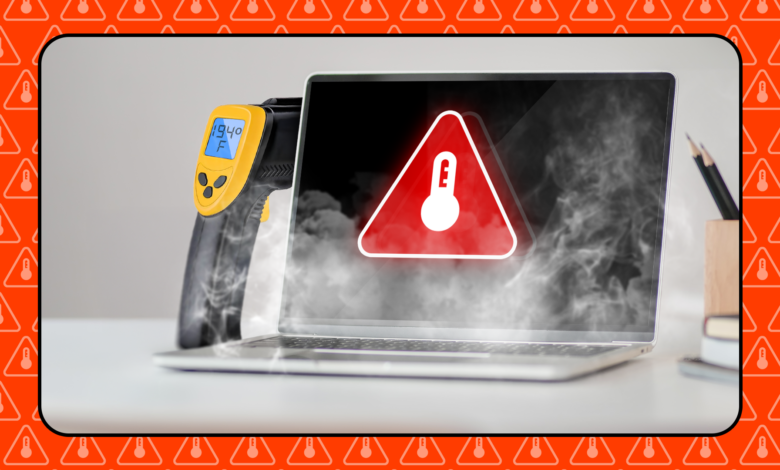
Thin designs can make some HP laptops, especially the Pavilion and Pavilion Gaming lines, more prone to high temperatures during heavy workloads. As heat rises, fans spin harder and performance can drop as the system tries to manage the load.
Users can begin by checking temperatures with tools such as Open Hardware Monitor and comparing the results with the manufacturer’s standards. It also helps to keep vents unobstructed and avoid using the laptop in very warm environments.
Task Manager can reveal which apps are consuming the most CPU or RAM. Closing unnecessary processes may reduce strain on the system and help keep temperatures more stable.
Slow boot times are often tied to unnecessary software
Another frequent complaint is a long startup time after restarting the laptop. One common cause is bloatware, or preinstalled software that does not add much value but still runs in the background.
Many manufacturers, including HP, ship extra apps to add features. On systems with modest hardware, those apps can consume resources and make the laptop feel slower than it should.
One practical step is to open Settings > Apps > Installed Apps and remove any software that is unfamiliar or not needed. It is also worth reviewing Startup Apps in Task Manager and disabling programs that launch automatically.
Charging issues are not always a dead battery
The message “plugged in, not charging” is another complaint seen on HP laptops. In many cases, the behavior is intentional and comes from features such as Battery Health Manager or Intelligent Charging, which may limit charging to around 80 percent to extend battery life.
If power remains in the battery, a restart can help clear minor glitches. If the problem continues, trying a different charger can help determine whether the adapter is the source of the issue.
The charging port should also be checked for looseness or visible damage. If the hardware looks normal, HP PC Hardware Diagnostics can be used to assess battery condition.
Hinges can become a weak point after years of use
Envy and Pavilion models are also known for hinge problems that may appear after several years of light use. The first signs are often a small clicking sound when the screen is opened, followed by a stiffer display and a bezel that begins to come loose.
In many cases, the issue is not only the hinge itself but also the plastic mount that connects the hinge to the laptop frame. Repeated opening and closing can put stress on that part until it cracks.
If early signs appear, repairs should not be delayed. Taking the laptop to a service center and reducing how often the lid is opened can help prevent more serious damage.
Audio problems may appear after Windows or BIOS updates
Spectre x360, Envy, Omen, and Victus models typically use Bang & Olufsen and Realtek audio drivers to maintain sound quality. The setup generally works well, but problems can appear after a Windows or BIOS update.
Users have reported distorted sound, noise, and audio that cuts in and out. A first step is to open Device Manager and update the audio driver automatically.
If that does not solve the issue, other steps may help, including reinstalling the Realtek driver, updating the BIOS, turning off audio enhancement, or reinstalling HP’s audio control software. That approach allows each possible cause to be checked one by one without jumping too quickly to a severe hardware diagnosis.
| Common Issue | Typical Models Mentioned | Likely Cause or Trigger | Suggested First Check |
|---|---|---|---|
| Overheating | Pavilion, Pavilion Gaming | Thin design and heavy workloads | Monitor temperature with Open Hardware Monitor |
| Slow boot and lag | HP laptops with limited specifications | Bloatware and startup apps | Review Installed Apps and Startup Apps |
| Not charging fully | HP laptops with battery management features | Battery Health Manager or Intelligent Charging | Restart, then test the charger and port |
| Hinge issues | Envy, Pavilion | Stress on the plastic hinge mount | Inspect for clicks, stiffness, and loose bezels |
| Audio glitches | Spectre x360, Envy, Omen, Victus | Windows or BIOS update conflicts | Update the audio driver in Device Manager |
For many users, these problems can be checked step by step before assuming the worst. That makes it easier to separate a software-related issue from a genuine hardware fault.