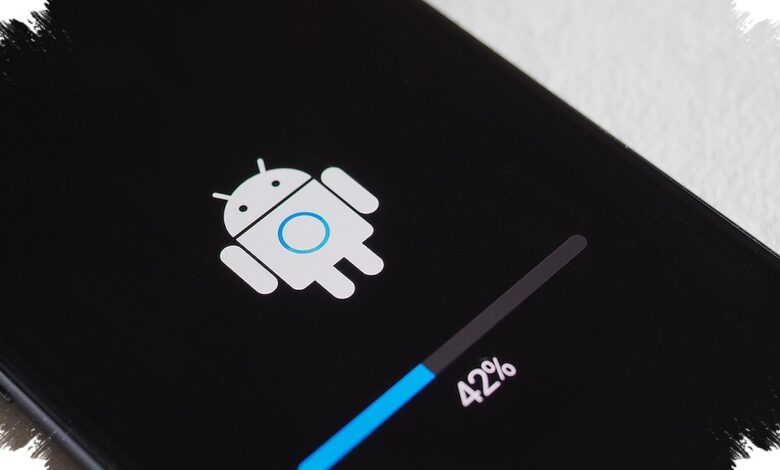
An Android phone can still work normally long after software support has started to fade. The more important question is whether it remains protected, especially if the device is used for banking, email, and other sensitive tasks.
That is why checking the status of Android OS updates and security patches matters. Updates are not only about new features, but also about closing security gaps that cyber threats can exploit.
Two kinds of updates matter most
Android support generally comes in two forms. Major Android version updates arrive from Google and usually bring new features, performance improvements, and broader system changes once a year.
The other type is security updates, which are released regularly throughout the year. These patches fix bugs, close vulnerabilities, and help protect the device from malware and other digital threats.
| Update Type | Main Purpose | Typical Pattern |
|---|---|---|
| Major Android Version Update | New features and system changes | Usually once a year |
| Security Update | Fixes bugs and closes security holes | Released regularly through the year |
How to check whether support is still active
The first step is to open Settings on the phone and find the device model information. That model number matters because software support periods differ from one Android phone to another.
From there, users can visit endoflife.date and look under the Device category to search for brands such as Samsung or Google. After entering the model name, the site shows the phone’s release year, the end date for Android updates, and the security update support period.
The site also uses color indicators to make the status easier to read. Green means support is still active, yellow signals that the end is approaching, and red shows that support has already ended.
Why the warning signs should not be ignored
A phone that no longer receives updates may still handle calls, messages, and light browsing. Even so, the lack of new patches leaves the device more exposed to attacks over time.
The risk becomes more serious when the phone is used for mobile banking, online shopping, personal email, or storing passwords and important files. Unpatched vulnerabilities can give malware and cybercriminals an opening that is harder to close later.
Not every device that has stopped receiving updates needs to be replaced immediately. For basic use such as calling or chat, an older phone can still remain practical for a while.
For financial transactions, work, and sensitive data, however, a phone that still receives software support is the safer choice. Checking update status gives users a simple way to judge whether their Android phone is still secure enough to keep using or already nearing the point where replacement should be considered.