


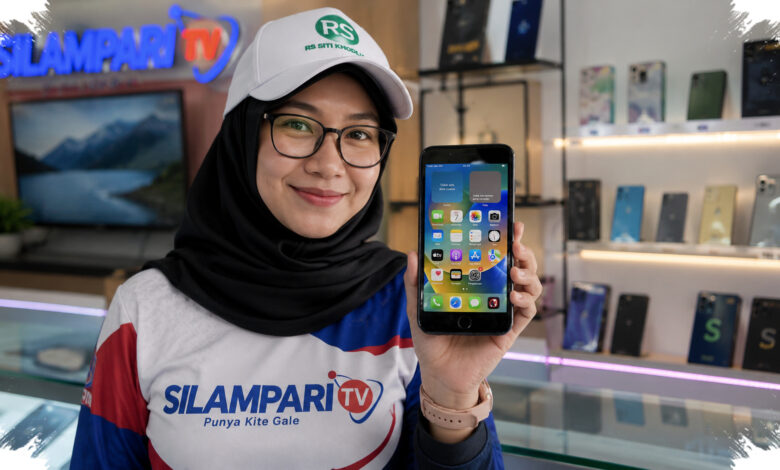
A phone’s age can affect more than battery endurance or resale value. Once software and security support ends, the device may face greater exposure to newly discovered security vulnerabilities.
This makes support status a key consideration for people who keep important data on their phones. It is also useful when assessing whether a second-hand device is being offered at a reasonable price.
| Device Type | Key Information | How to Check |
|---|---|---|
| iPhone | Estimated first activation and warranty status | Serial number through Apple Check Coverage |
| Android | Launch date and remaining software support | Full model name through endoflife.date |
Why Support Status Matters More Than Age Alone
A device may still function normally even after its official update period has ended. However, an unsupported phone no longer receives the security fixes that help address new weaknesses.
Android manufacturers do not all follow the same support policy. A phone that continues to receive operating system updates and security updates generally offers better protection than one whose support has stopped.
For Android users, the first step is to open Settings and find About Phone. The complete device name should be noted carefully, because model-specific information is needed for an accurate support search.
The model can then be checked on endoflife.date by selecting the Device category and locating the relevant brand and handset. The listing may show the launch date and the available update-support timeline.
According to Medcom.id, the site commonly uses color indicators to explain support status. Green means official support remains available, yellow signals that support is close to ending, and red indicates that updates are no longer provided.
Checking an iPhone Through Its Warranty Details
iPhone owners can use the serial number to obtain useful information about the device. The number is available in Settings, then General, followed by About.
After recording the serial number, users can enter it into Apple Check Coverage and complete the required captcha. The result can display warranty status and eligibility for Apple’s official repair service.
The Valid Purchase Date field and the warranty expiration date can help estimate when the iPhone was first activated. The estimate is obtained by subtracting one year from the warranty end date.
This can be particularly helpful when a used iPhone is sold without its original purchase receipt. It gives potential buyers a way to assess the device’s approximate usage period alongside its available service status.
Battery Condition and Resale Value
Time also affects lithium-ion batteries, whose capacity can decline with continued use. As capacity falls, a phone may no longer deliver the same battery life it had when new.
For a second-hand purchase, the estimated first activation of an iPhone or the launch date of an Android model can provide useful pricing context. Remaining update support adds another factor to consider before deciding on a purchase.
Checking these details can also guide an upgrade decision. When updates have ended and performance begins to decline, replacing an older device may be a more prudent option than relying on it for sensitive information.