Playing classic PS1 titles on Android has become far more accessible, but smooth performance still depends on a few key choices. The biggest factors are the right emulator, the correct BIOS file, and anti-lag settings that match the phone’s capabilities.
With those elements in place, an Android device can handle nostalgia-heavy games such as Harvest Moon: Back to Nature, Tekken 3, and Final Fantasy VII without needing an original console. The result is a more practical way to revisit PlayStation 1 classics directly from a modern smartphone.
The emulator is the starting point
An emulator acts as the bridge that lets Android understand and run PS1 games properly. Because of that, the app selection has a direct effect on whether gameplay feels stable or interrupted.
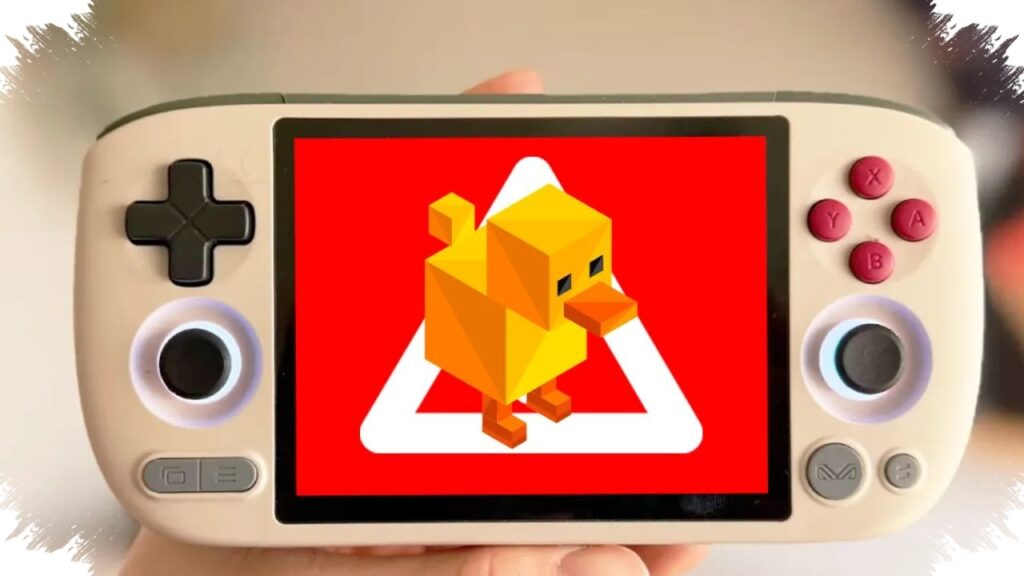
Two names appear most often in recommendations: DuckStation and ePSXe for Android. DuckStation is widely used because it supports internal resolution upscaling, which makes older games look cleaner on today’s displays.
ePSXe for Android is also known for its stability and extra features. It offers cheat support and an easy-to-use save state system, and although it is described as a paid app, its full feature set keeps it attractive to many users.
BIOS and game files still matter
Installing an emulator alone is not enough to start playing PS1 titles. A proper BIOS file is still required, and the source material describes it as a key component that works like the ignition key for a virtual PS1 system.
One file specifically mentioned is SCPH1001.bin. Without BIOS, the emulator cannot properly recognize the PlayStation environment, which prevents games from running normally.
Game files also need the correct format. PS1 titles should be prepared as ISO, Bin, or Cue files, not as Android .apk packages. These files are disk images of the original game media, so they must be treated differently from standard mobile apps.
A cleaner setup speeds up scanning
Organization helps the emulator detect files more quickly. Storing the BIOS and game files in one dedicated folder inside internal storage makes scanning easier and keeps the setup process more orderly.
Many PS1 game files also come compressed in .zip or .rar formats. In that case, the files need to be extracted first, for example with ZArchiver, until the main formats such as .bin or .iso appear.
After that, the emulator can be opened and the BIOS selected through Settings > BIOS. A media scan can then be started so the game library appears automatically inside the app.
Controls and visual settings shape the experience
Touch controls can work, but they are not always the most comfortable option for long sessions. A Bluetooth gamepad, such as a PS4 or PS5 controller, brings the experience closer to playing on the original console.
Visual tuning also plays a major role in making PS1 games feel more modern on Android. The Internal Resolution Multiplier can be raised to 2x or 4x to make the image sharper and textures smoother on newer screens.
For devices with more limited hardware, Frame Skip can help keep gameplay stable. This option becomes useful when the processor starts working harder and frame drops begin to appear.
Extra flexibility comes from modern emulator features
Beyond graphics and controller support, emulators also add conveniences that did not exist on the original hardware. Save State is one of the most practical features because it lets players save progress at any moment without waiting for a fixed checkpoint or relying on a virtual Memory Card.
That flexibility makes short sessions easier to manage, especially when playtime is interrupted. Progress can be resumed later without losing what has already been achieved.
Storage needs are still relatively manageable for most users. The reference places each game at around 100MB to 700MB, which means a reasonably sized internal memory can hold several classic titles at once.
When the right emulator, a valid BIOS file, and anti-lag settings are combined, PS1 gaming on Android becomes both smoother and more convenient. Classic titles can then run in a compact, responsive format that fits easily in the palm of a hand.
Source: id.mashable.com