


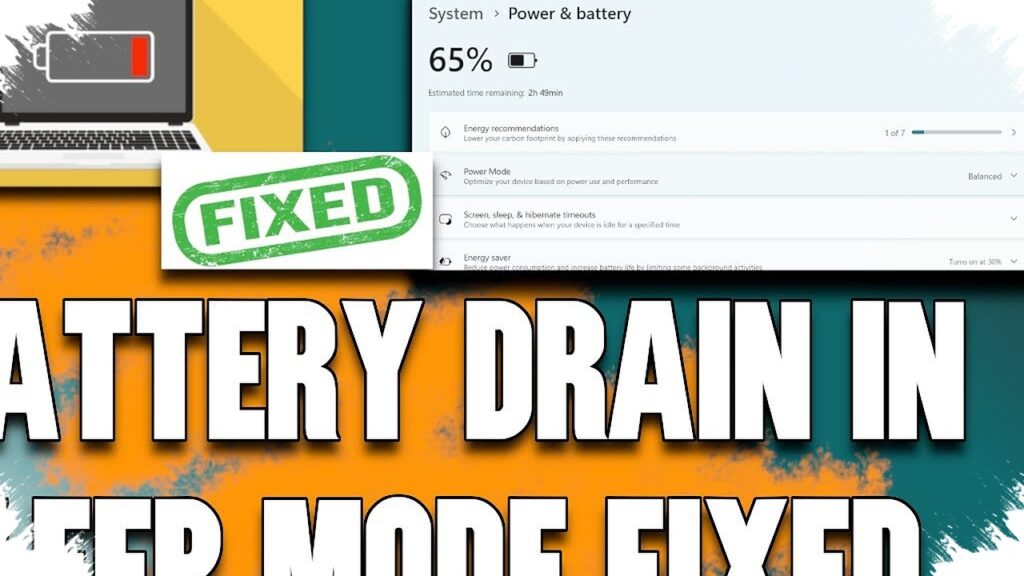
A Windows 11 laptop that still loses battery overnight is not always dealing with a failing battery. In many cases, the issue comes from how the operating system handles power states, especially when sleep settings and fast startup leave the device in a partially active condition.
That is why a laptop can feel warm after being placed in a bag and left untouched until the next morning. Even when the screen is off or the device appears to be shut down, some models can keep small background activity running, which slowly drains power instead of stopping it completely.
Why some laptops do not fully rest
Windows 11 uses several power states, and each one behaves differently. When the system is fully active, it runs in the S0 state, while a complete shutdown places the machine in S5.
On many modern laptops, however, sleep does not always mean the same thing as it once did. Devices often use Modern Standby, also known as S0 Low Power Idle, which turns off the display and most core components but still allows certain background tasks to continue so the laptop can wake quickly.
That design is efficient in theory, but its real-world performance depends heavily on firmware and drivers. If one process does not close properly, the laptop may fail to reach the low-power condition it is supposed to enter.
Traditional sleep, or S3, still exists on some machines. It also keeps the work session saved, but its behavior and hardware support differ from Modern Standby, so battery results are not always consistent across devices.
Fast startup can keep part of the system alive
The battery drain is not caused by sleep alone. Fast startup can also play a role, because a shutdown in Windows 11 does not always mean the system is completely cleared.
Fast startup stores part of the system state so the next boot happens faster. In everyday use, this feature usually works without drawing attention, but on laptops with driver issues or certain settings, it can carry problematic components forward when the machine powers on again.
That is why a shutdown may not feel like a total power cut. Windows may still preserve some information to speed up the next start, and that can create less-than-ideal power behavior when the laptop sits unused for a long period.
Sleep, hibernate, and shutdown are not the same
These three options are often treated as if they do the same thing, yet each has a different effect on power use. Sleep keeps the session in memory and uses a small amount of energy, while hibernate saves the memory contents and cuts power more deeply to conserve battery.
Shutdown is also commonly misunderstood. With fast startup enabled, Windows 11 may keep part of the system data even after shutdown, so the machine is not as completely off as many users expect.
For long periods of inactivity, shutdown remains the safer choice compared with sleep. The article source emphasizes that shutdown is the most reliable option for ending activity and cutting power to the machine as fully as possible.
What users can check first
Before blaming the battery, users who notice heavy drain overnight should first check how the laptop supports sleep modes. Windows provides the command powercfg /a in Terminal as administrator to show which sleep states are available on the device.
If fast startup is the suspected cause, it can be turned off through Control Panel > Hardware and Sound > Power Options. From there, open Shutdown Settings and remove the check from “Turn on fast startup.”
Once that setting is disabled, shutdown becomes cleaner because Windows no longer uses the boot-accelerating mechanism that preserves part of the previous system state. The tradeoff is that the laptop may take a little longer to power on.
For a Windows 11 laptop that keeps losing charge overnight, it makes sense to review Modern Standby, sleep support, and fast startup before assuming the battery is the problem. A more complete shutdown routine can help the device truly rest, reducing the chance that power slowly disappears while the laptop is left unused.