Gemini AI prompts are making virtual Vancouver-style travel photos feel more convincing without requiring a real trip. The goal is not only to produce an attractive image, but to keep the result natural enough that the face, skin texture, lighting, and shadows still look believable.
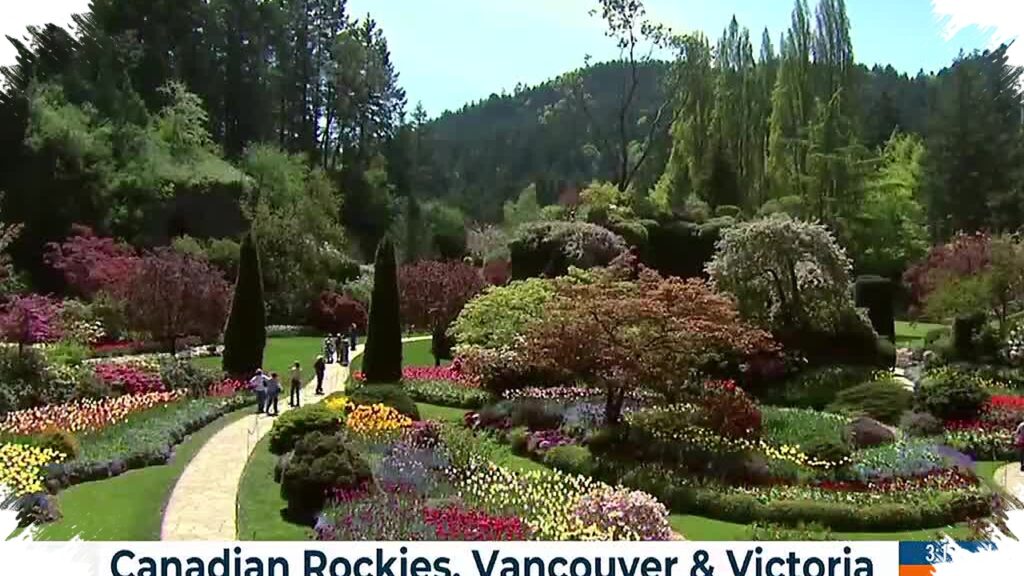
That realism matters because Vancouver offers a visual mix that is hard to miss. The city combines mountains, the sea, green parks, and modern buildings, giving edited photos a setting that can shift from relaxed to elegant while still feeling grounded in a recognizable urban landscape.
Why Vancouver works so well as a visual reference
Vancouver is often chosen because its scenery creates a strong and versatile backdrop. The coastal atmosphere, the North Shore mountains, and the city’s clean urban lines all support a photo that feels lived-in rather than overly staged.
Small environmental details also help shape the mood. Thin mist, water reflections, and soft afternoon light can make a virtual vacation image feel closer to a real travel snapshot.
What separates a believable edit from an obvious one
A convincing Gemini AI edit usually depends on keeping the original identity of the subject intact. The face should remain consistent, and the lighting should match the new background so the image does not look disconnected.
Pose also plays an important role in the final result. A slight turn of the head, a relaxed stance, or a natural seated position can change the tone of the image and help it match the chosen Vancouver setting.
Composition matters just as much. When the subject, background, and color balance support each other, the photo feels more like an authentic travel moment than a digital transformation.
6 Gemini AI prompt ideas for a natural Vancouver look
Make the subject stand casually in Vancouver’s harbor area with the North Shore mountains clearly visible behind. Keep the face slightly turned to the side, add side sunlight, and preserve realistic skin detail.
Place the subject on a bench in Stanley Park with dense trees and a pedestrian path in the background. Use soft morning light, keep facial details natural, and balance the green tones so the scene blends well.
Show the subject walking calmly on a downtown Vancouver sidewalk with modern buildings behind. Add natural light coming between the buildings, realistic shadows, and color tones that resemble an actual city photo.
Set the subject leaning lightly on a waterfront railing with a wide sea view and a small boat in the distance. Use a warm golden-hour atmosphere, gentle hair movement, and balanced contrast to keep the image natural.
Put the subject on a pedestrian path near a city park with skyline and trees in the background. Make the body slightly angled, one leg forward, and the expression happy under bright daytime lighting.
- Position the subject seated by a lake with mountains and still water behind. Direct the gaze toward the water surface, add natural light reflections, and keep the colors blended with the surrounding environment.
The small details that matter most
Maintaining the original face remains one of the most important instructions in this type of edit. If skin texture, body proportion, light direction, and shadow placement do not align, the result can quickly look artificial.
Gemini AI gives everyday users a way to create polished images without having to travel far. With a carefully written prompt, Vancouver can appear vivid and realistic while still preserving the original character of the photo being edited.
That approach is part of why these edits are popular. They offer a visual result that feels aesthetic without losing the documentary feel, and when the prompt is composed carefully, the final image can bring a virtual Vancouver trip much closer to convincing reality.