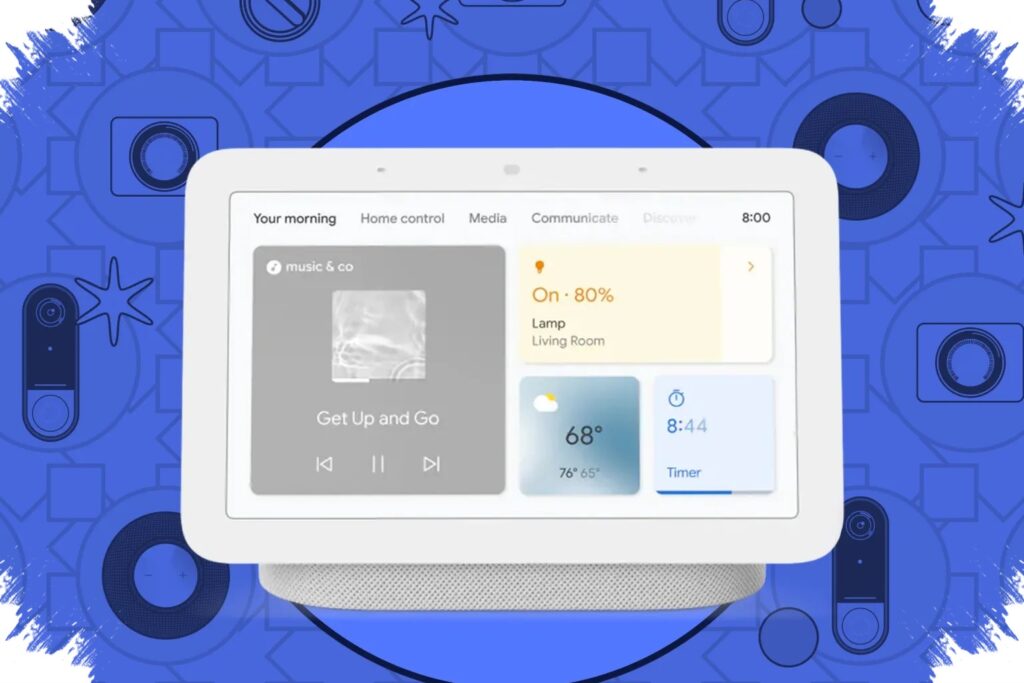
Google is making Gemini for Home feel closer to a real conversation. A new feature called Continued Conversation allows users to respond to the assistant without repeating the wake word every time.
The change addresses one of the most noticeable limitations in Gemini for Home. In the past, a voice interaction could handle a single request, but the exchange often ended too quickly when a follow-up question or extra context was needed.
How the new conversation flow works
After a user says “Hey Google,” the system answers and then keeps the microphone open for a few more seconds. During that short listening window, the device is marked by a pulsing light, signaling that it is still ready for a follow-up.
That small change makes the interaction feel less fragmented. Instead of restarting the exchange from scratch, users can continue the same thread naturally, which brings smart home voice control closer to everyday conversation.
Google says the feature is designed specifically to keep follow-up exchanges fluid. As long as the listening period remains active, users can stay on the same topic without triggering the assistant again.
Why the feature matters for daily use
The main advantage of Continued Conversation is context retention. Gemini for Home can keep track of what was just discussed, so the next question does not need to repeat the full setup.
That is especially useful for home tasks that often lead to another question. A user might ask one question first and then immediately request a related detail, without having to interrupt the flow with another wake word.
The result is a shorter and more efficient interaction. For many households, that smoother experience can reduce the small delays that often make voice assistants feel less practical than they should.
Available across supported languages and regions
Google says Continued Conversation is available globally in all languages and regions already supported by Gemini for Home. The feature is not limited to US English, which makes the update more broadly relevant for users in supported markets.
That wider availability matters because it lets more users benefit from a more natural voice experience without waiting for a separate regional rollout. For smart home speakers and displays, that can make routine interactions feel noticeably less mechanical.
It must be turned on manually
Despite the convenience, the feature does not switch on by itself. Users need to enable Continued Conversation manually in the Google Home app.
The setup path is simple:
- Open the Google Home app
- Go to Home Settings
- Select Gemini for Home voice assistant
- Turn on Continued Conversation
This manual step gives users more control over how long the microphone remains active after a response. It also means anyone who has not noticed a change after the update may need to check the relevant setting first.
The update shows that Google is focusing not only on new capabilities, but also on the small interaction details that shape daily use. With Continued Conversation, Gemini for Home can keep a brief conversation going without repeated wake words, making voice control in the home more seamless and less disruptive.