


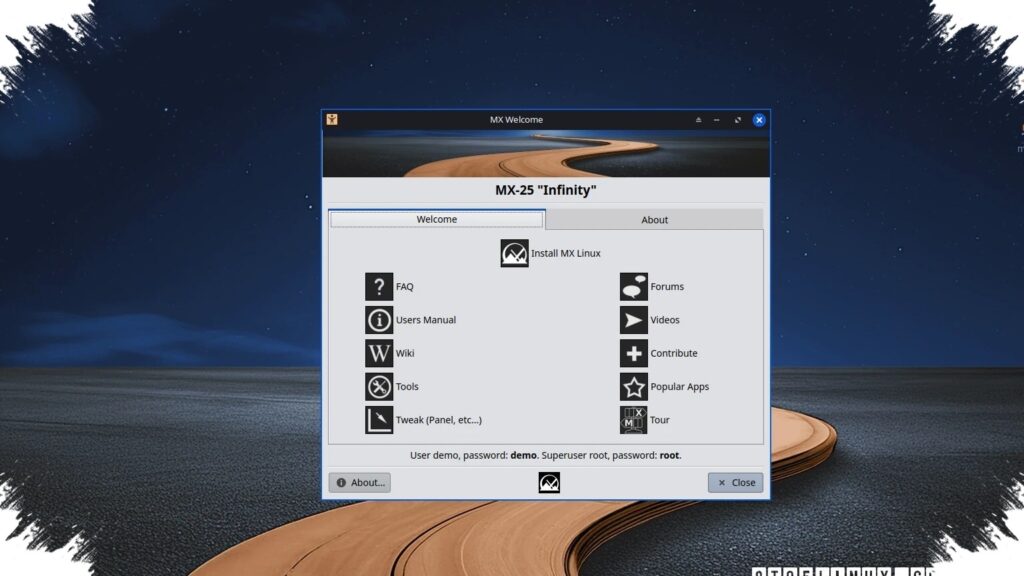
Mauna Linux has quietly arrived in version 25.2, and the update is aimed less at visual changes than at making the system steadier for everyday desktop use. Built on Debian 13.4 Trixie, this release brings refreshed firmware, OnlyOffice 9.3.1, and updated system applications as part of a broader push toward stability.
The new release also stands out because it includes kernel 6.12.73 and 6.17.8 AHE, which makes it more substantial than a routine maintenance update. Notebookcheck describes the goal as “improving system stability,” and that direction is visible throughout the package updates and technical refinements.
A stronger focus on system reliability
Instead of chasing a dramatic interface refresh, Mauna Linux 25.2 puts more weight on predictable performance. That approach is aimed at users who value a desktop that feels consistent, safe, and ready for daily work rather than one that changes appearance aggressively.
This style of update often becomes more meaningful over time, especially on machines used for regular productivity tasks. For Linux users, a calm release with carefully chosen maintenance changes can matter more than a feature-heavy upgrade that brings uncertainty with it.
APT 3.2 adds safer package management
One of the more notable technical changes is the use of APT 3.2 with Advanced Hardware Enablement, or AHE. The package manager now includes rollback, redo, and undo features, giving users more room to recover if a software install, removal, or upgrade does not go as planned.
That matters because package operations can affect key parts of the system. With recovery tools built into the process, Mauna Linux 25.2 reduces the risk of disruption during maintenance, especially on work computers where stability matters most.
The dependency resolver has also been improved, which should make upgrades safer. Core components are handled more carefully, and that is meant to help system updates complete more smoothly with fewer compatibility issues.
OnlyOffice 9.3.1 joins updated desktop software
On the application side, OnlyOffice 9.3.1 is one of the most visible updates for users who rely on office software. It arrives alongside refreshed packages such as Firefox 150.0 and GIMP 3.2.2, showing that the release is not limited to low-level system work.
That broader refresh helps keep frequently used tools current and relevant. It also suggests that Mauna Linux is trying to balance stability with practical software delivery, so users do not have to choose between a reliable base and up-to-date applications.
Other system tools have also been adjusted. The “About Mauna” utility now offers more detailed logs, kernel configuration information, and stronger security, which can help users understand system status without relying on extra diagnostic tools.
Installer improvements target modern hardware
Mauna Linux 25.2 also updates its installation experience through Calamares 3.4.2. This version adds support for Plasma Login Manager, or PLM, making the install process feel more integrated in KDE Plasma environments.
Storage detection has received attention as well. The installer is now better at identifying NVMe SSDs and MMC devices, and it applies proper 4K alignment when setting up modern drives.
Those changes are important because many current systems depend on NVMe storage. Better handling during installation can improve performance and reliability from the start, reducing the chance of hardware-related issues later on.
Desktop choices remain flexible
The distribution continues to offer Cinnamon, LXQt, MATE, and Xfce. That range gives users room to choose between familiar-looking desktops and lighter environments that are better suited to low-resource hardware.
Cinnamon and MATE remain appealing for those who want a more traditional desktop feel. LXQt and Xfce, meanwhile, are useful on older laptops or systems with limited hardware capacity.
Still lightweight enough for modest systems
Mauna Linux 25.2 keeps the same system requirements: an Intel Atom processor or better, 2 GB of RAM, and 30 GB of storage. Those requirements show that the distribution still aims to stay accessible to older or less powerful machines.
The project’s download page is still not available in English, but the operating system itself continues to support English and other languages fully. That means the limitation is mostly on the distribution website, not on the installed system.
Source: www.notebookcheck.net