


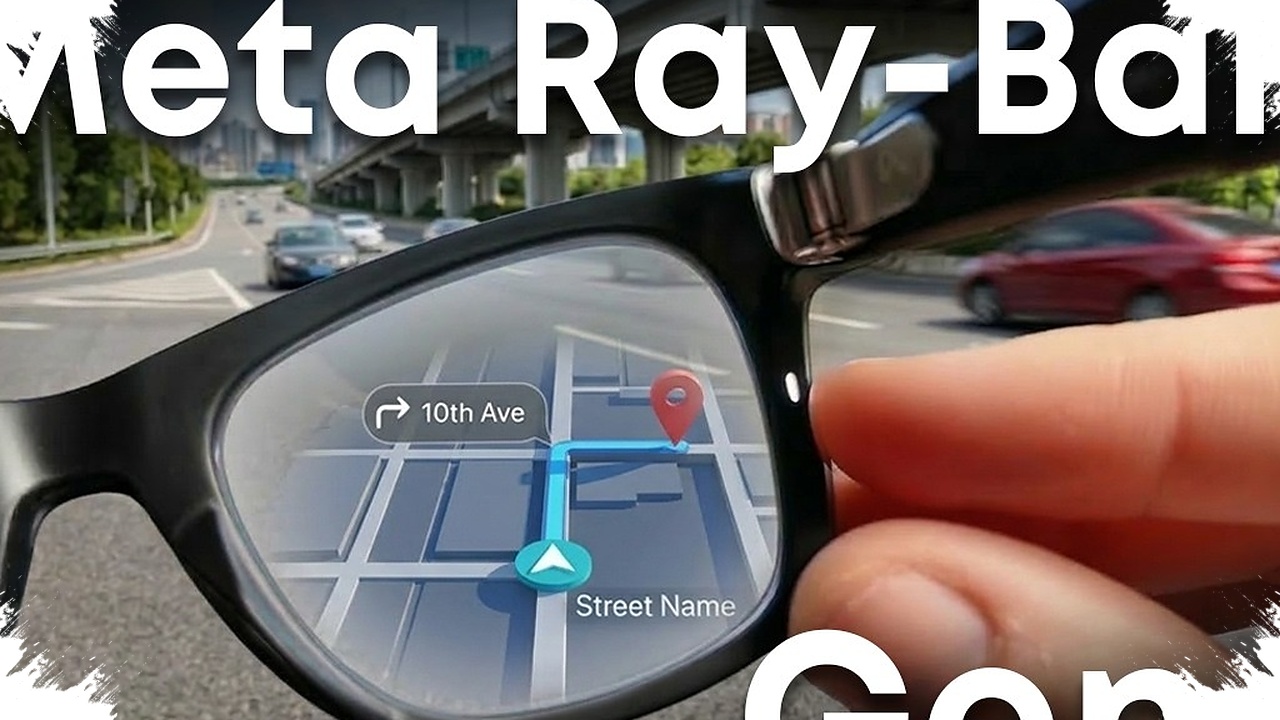
Ray-Ban Meta users are seeing a meaningful shift in how the smart glasses handle video capture. With update 124.0, the device now supports recording clips of up to five minutes in Full HD at 30 frames per second, making it easier to capture everyday moments without repeatedly stopping and restarting.
The change may look modest on paper, but it addresses one of the most common limits in short-form wearable recording. A longer clip length gives the glasses more room to document scenes that unfold over a little more time, while the higher video quality is meant to produce sharper and more detailed footage.
A longer recording window changes the use case
For Ray-Ban Meta Gen 2 owners, the extended recording limit is the most noticeable part of the update. Shorter captures can work for quick snapshots, but they often interrupt moments that do not fit neatly into a brief clip.
With a five-minute option, the glasses become more practical for recording routine activities in one continuous take. That includes simple scenes such as a walk, a conversation, or a quick view of an object that needs a bit more time to capture properly.
The update also links the improved recording experience with Full HD 30 fps support. In practical terms, that should help the footage appear cleaner and more detailed for users who rely on the glasses for fast documentation.
The rollout is not fully consistent yet
Even with the stronger video capability, the new functions do not appear to be available everywhere at once. Reports indicate that some users can already access the longer recording duration, while others still do not see it on their devices.
That uneven distribution also affects related features such as video stabilization, which has been mentioned alongside the broader update. As a result, the experience may differ depending on which device or account has received the rollout.
This means the update is real, but not necessarily immediate for every owner. In practice, one user may already have the new limit, while another may still be waiting for the same option to appear.
Meta AI app gets a clearer layout
The update is not limited to the glasses themselves. The Meta AI app has also received a visual refresh, with a simpler layout that places the AI question area more centrally and reorganizes the settings menu for easier navigation.
The app icon has also changed, pointing to a broader redesign rather than a small cosmetic adjustment. The goal appears to be a more streamlined experience when moving between AI tools and device settings.
Meta has also brought photo and video editing tools into one shared workspace. Features including animation, restyling, and AI-based editing are grouped together to make content handling more efficient.
Some creative tools still need work
Not every creative feature tied to the redesign is fully ready. Steven Sullivan noted that functions such as “Restyle” and “Edit” are still not operating at full capacity for some users.
That means the refreshed app may look more organized, but parts of the editing suite may not yet deliver the complete experience that the update suggests. Users who expect a fully finished set of creative tools may need to wait a little longer.
The same update also expands the “Ask” feature, which lets users photograph an item and receive product details and shopping links based on the identification result. It is designed as a fast way to learn more about something seen in the real world.
Still, accuracy remains a concern, especially with unusual or uncommon objects. For that reason, the AI result should be treated as a starting point rather than the final word before making a purchase decision.
Why users are being told to stay careful
The broader rollout arrives with a reminder that previous updates have not always gone smoothly. Earlier reports mentioned issues such as cameras not working normally or features becoming broken after an update.
Because of that history, users are being advised to pay closer attention before allowing an automatic installation. Checking the update manually first can help reduce the risk of unexpected problems while still keeping an eye on new features as they appear.
If the five-minute recording option has not shown up yet, regular update checks remain the most practical step. Feedback from users remains important as well, since uneven availability can help Meta identify distribution issues and adjust the rollout process.
For now, Ray-Ban Meta 124.0 stands out because it improves a core function, not just the companion app. The combination of longer Full HD recording, a more organized Meta AI interface, and expanded AI tools shows that the product is still being shaped around both everyday capture and software-driven convenience.