
When a WhatsApp chat disappears and no cloud backup is available, it does not always mean the messages are gone for good. A recovery attempt can still succeed if the local database files stored on the device are still intact and have not been overwritten.
That local copy is often the key to restoring older conversations. WhatsApp keeps internal database files in phone storage, and those files can serve as the restore source even without Google Drive.
Why local files still matter
Many users assume that once a chat is deleted without backup, there is no way back. In practice, WhatsApp keeps temporary database copies inside the device memory, and those files can be used during recovery.
This is why timing matters. The longer the phone continues to store new data, the higher the chance that the old file gets replaced or damaged.
Where the relevant files are usually stored
The first step is to open a file manager on the phone and check internal storage. From there, the WhatsApp folder usually sits inside the Android directory, where important components are stored.
Inside that folder, several items are typically present, including backup, database, and media. Each part has a role in keeping the app data available for restoration.
Before doing anything else, that folder should be copied to another location as a manual backup. This extra step helps protect the files before the app is removed and installed again.
What to do before reinstalling WhatsApp
After the files are secured, WhatsApp needs to be uninstalled from the device. This step is necessary because the latest system no longer allows data removal without uninstalling the app first.
It is also important to make sure the phone number used for WhatsApp is still active. A working number is needed so the verification code can be received during the login process after reinstallation.
Once that is confirmed, WhatsApp can be downloaded again from the Play Store in the usual way. At that point, the setup process is ready to continue with the local data restoration.
Putting the old data back in place
Before opening the newly installed app, the saved backup files must be returned to their original location inside the Android directory. This helps WhatsApp detect the older database when the account is signed in again.
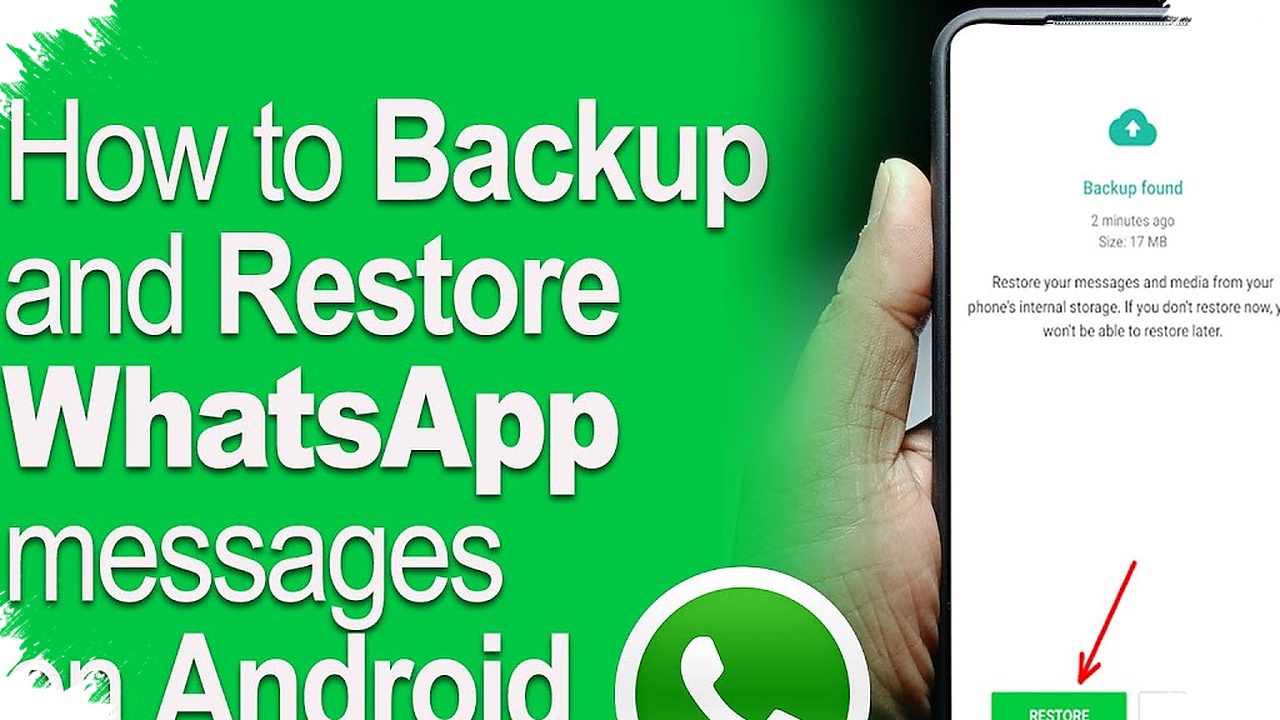
After the number has been verified, WhatsApp normally shows a recovery option. The restore process should then use the local backup so the old chats can be loaded from the files stored on the device.
If the files are placed correctly and the database is still intact, the missing conversations usually reappear as before. The process is not always simple, but it remains a practical option when no Google Drive backup exists.
What can make the recovery fail
The success of this method depends mainly on two things: the condition of the files and the status of the phone number. If the number is inactive, the verification code may not arrive, and logging in again can be delayed.
The database file also has to remain complete, and it must be returned to the correct folder path. Even a small mistake in moving the files can prevent WhatsApp from recognizing the old data.
For that reason, local storage remains an important safeguard for deleted chats. When the files are still available and handled carefully, WhatsApp messages that seemed lost may still be restored from the device itself.
-

-

-

-

