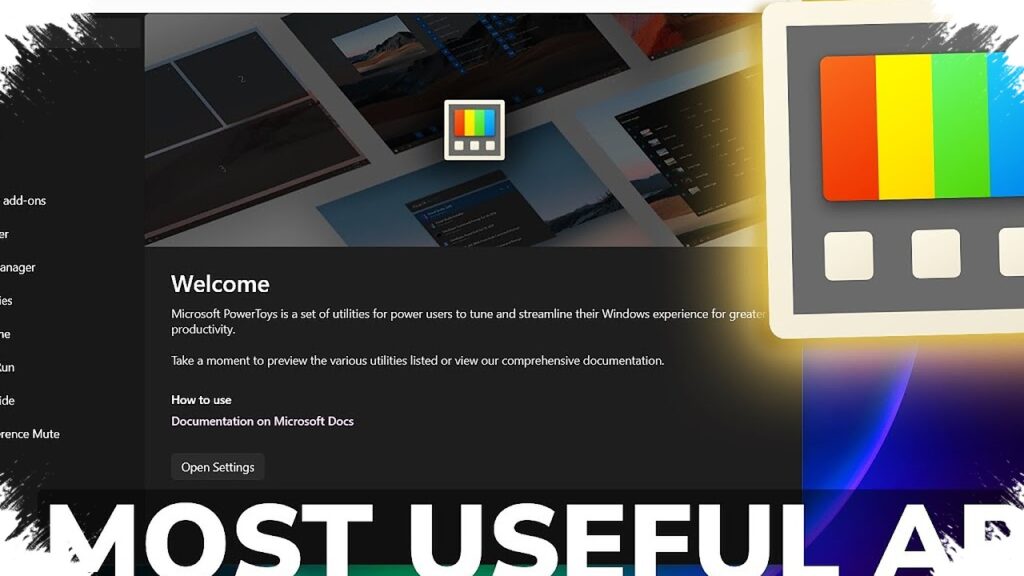
PowerToys is getting a more flexible way to handle windows in Windows 11, and the change may immediately appeal to anyone who opens multiple apps at once. In version 0.99.0, Microsoft added “Grab and Move,” a feature that makes window control feel closer to Linux by letting users drag and resize windows more freely.
The key difference is simple but practical. Instead of targeting the title bar or the edge of a window, users can hold ALT and left-click from anywhere to move it, while the same modifier also applies to resizing.
That small change can have a noticeable effect in everyday use. When several windows are open side by side, faster movement and resizing can make the workflow feel smoother and less restrictive.
PowerToys has long served as a collection of extra utilities for Windows that go beyond the operating system’s built-in productivity tools. Because of that, a feature like Grab and Move stands out as one of the most visible additions in the latest release.
More controls in the system tray
Version 0.99.0 does not stop at window handling. Microsoft also added a new System Tray tool called Power Display, which gives direct access to monitor brightness, contrast, and color profiles inside Windows 11.
That makes it easier for users to adjust display settings without relying on physical buttons on the monitor or the device itself. Microsoft also allows custom color profiles to be opened directly from the Windows interface, which can be useful for work, entertainment, or other visual needs.
According to the available information, Power Display can work well even when a Windows 11 PC is connected to an external screen. At the same time, compatibility is not fully universal, since there have been reports that it does not work with every external monitor.
Updates aimed at faster workflows
Microsoft also made changes to Command Palette in the same release. The updates include a calculator that remains persistently available and improved pinning options, both of which are meant to reduce friction when accessing commands and tools.
For people who rely on PowerToys as a quick-access hub, these are the kinds of small improvements that can matter in daily use. They do not change the system in dramatic ways, but they can help make repeated actions quicker.
Keyboard Manager has also been enhanced with support for manual key remapping. That gives users more flexibility when adjusting key functions to match their own preferences and working habits.
Another tool in the suite, ZoomIt, now supports scrolling screenshots. The addition is useful for capturing long pages or documents that do not fit into a single view.
A visual update to match Windows 11
PowerToys also received interface changes alongside the functional upgrades. Image Resizer now uses a WinUI 3 design, which makes it look more consistent with the visual language of Windows 11.
That shift fits into a broader direction across the Windows ecosystem. Microsoft has already confirmed plans to move older Windows 11 features, including legacy elements such as Control Panel, to WinUI 3 as part of a wider modernization effort.
Seen in that context, the Image Resizer update is not just about appearance. It also aligns PowerToys more closely with Microsoft’s larger design strategy for Windows 11.
Taken together, PowerToys 0.99.0 strengthens the utility package’s role as a source of practical features that are still missing from Windows 11 itself. Among the updates, Grab and Move is the most attention-grabbing because it gives users a more fluid way to manage windows, especially for those who want a Linux-like experience.