


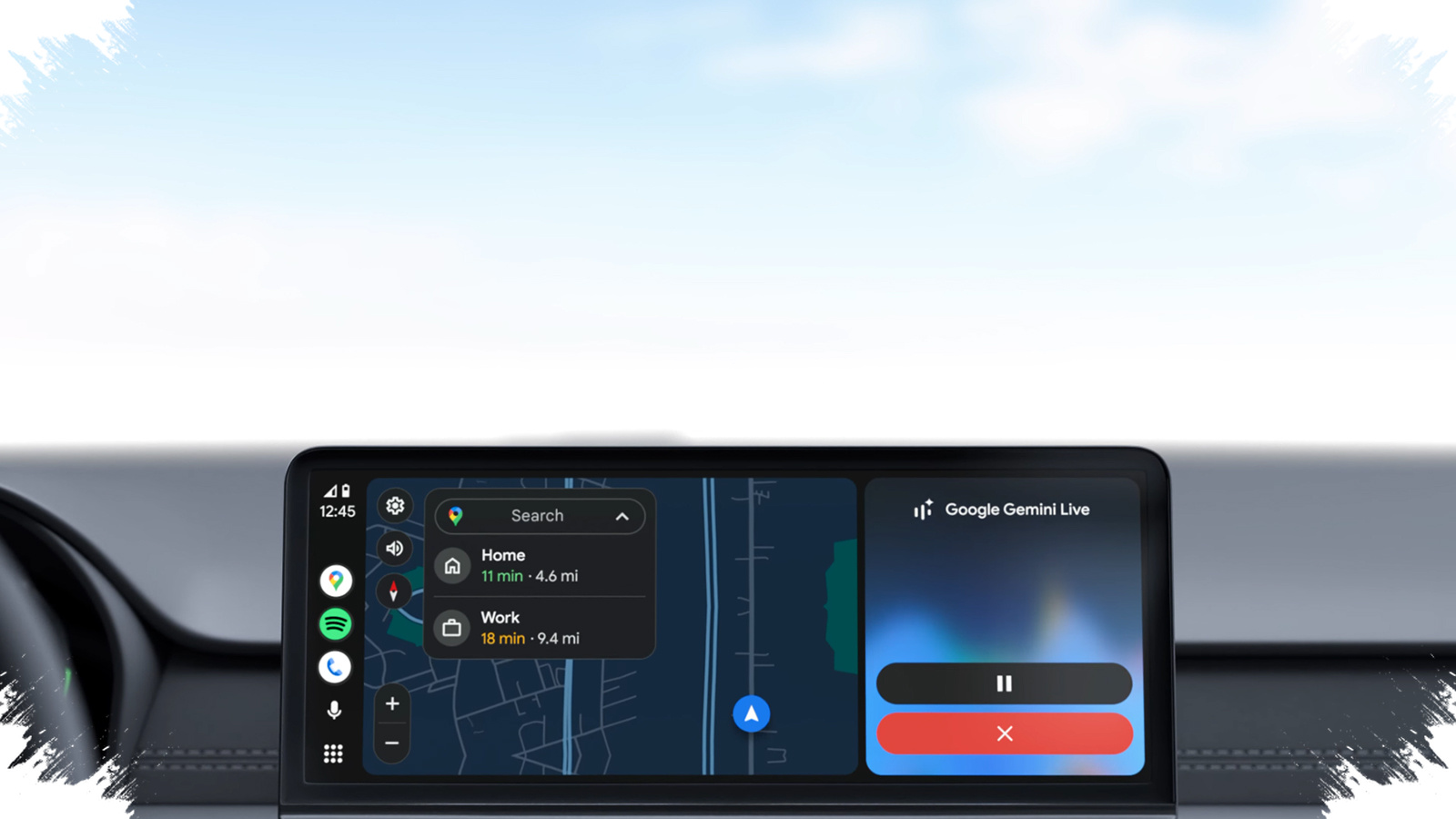
Android Auto is finally starting to close one of the clearest gaps between itself and CarPlay. A new build has revealed the first signs of home screen widgets, a feature that could change how drivers use Google’s infotainment platform on the road.
The feature is still not fully ready, but its appearance in the latest version suggests Google is moving toward a more customizable Android Auto experience. Android Authority spotted the change in Android Auto version 16.8.161804-release.daily, and it lines up with earlier signs that Google has been working on the feature under the codename “Earth.”
A new “Car Widgets” layer for the dashboard
Google appears to be calling the feature “Car Widgets.” The goal is to show short, glanceable information and offer quick controls directly on the Android Auto home screen.
When the new label is tapped, the system opens a widget picker that lets users browse available Car Widgets. There is also a featured section designed to surface favorite widgets for faster access. After a widget is selected, Android Auto shows a preview of how it will appear on the car display.
That preview matters because it gives drivers a clearer idea of how the interface will look before the widget is actually used on the home screen. It also points to a more structured approach than the limited customization Android Auto offers today.
Still in preview, not yet finished
Despite the clear signs of progress, the feature remains in preview. Android Authority says the implementation is still deep in development, does not work correctly in every part of the interface, and does not feel final yet.
That means Car Widgets should not be seen as a near-term public rollout just yet. Even so, the fact that the interface is already showing up in a recent build suggests Google is moving closer to an official introduction.
Android Auto has offered some customization before, but not the kind of home screen widget support common on phones. Users can currently rely on Taskbar Widgets for quick controls in certain apps, though that feature is not supported consistently across all vehicles.
The platform also allows launcher changes, including adding shortcuts and removing apps from the home screen. Even so, that setup is different from widgets, which are meant to present compact information in a more contextual way.
What the feature could change in daily use
If Google completes the feature, Android Auto could display useful at-a-glance information such as calendar items, weather updates, or phone battery status. That would let drivers check basic information without opening individual apps one by one.
The focus on “glanceable information with quick controls” suggests Google wants Android Auto to feel faster and easier to use while driving. In a car environment, that kind of design matters because interactions need to stay short and avoid distracting the driver.
Home screen widgets could also shift how people think about Android Auto. Instead of acting mainly as an app launcher in the car, it could become a more useful dashboard that shows important information as soon as the screen turns on.
Android Auto is still behind CarPlay, but the gap may narrow
The timing of this move draws an immediate comparison with CarPlay. Apple brought widget support to CarPlay with iOS 13 in September 2019, and features like Calendar, Siri Suggestions, and Now Playing have been available there for some time.
Android Auto is arriving much later, after 11 years since the platform launched. Even so, Google may still have room to differentiate if it gives Car Widgets broader customization than CarPlay currently offers, especially for third-party options.
There is no confirmed release schedule yet. A formal reveal could happen at Google I/O in May, since the feature has already appeared in app builds and the interface is starting to take shape.
For now, compatibility and execution will decide how useful the feature becomes. Android Auto’s existing Taskbar Widgets already show that support can vary between vehicles, and Car Widgets is still only a preview feature.