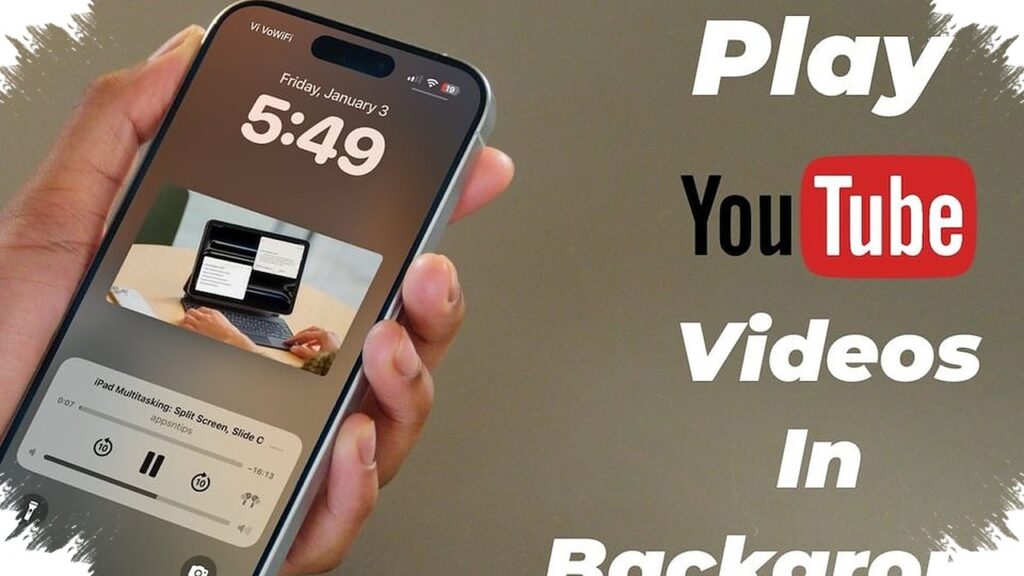
For many users, the real need is not to keep the video visible, but to keep the audio running while they switch tasks. That is why watching YouTube in the background remains one of the most searched workarounds, especially when a video stops as soon as another app is opened or the screen is turned off.
There is a simple way to do it without paying for an extra subscription or installing another app. The most practical option is to use YouTube through the device’s built-in browser instead of the main app.
Opening YouTube in a browser gives users access to a more flexible playback setup. After entering the site, the page can be switched to desktop view from the browser settings, then the video can be played as usual.
Once playback starts, some devices allow the browser to be closed or the screen to be turned off while the audio continues in the background. If the sound pauses, it may still be possible to resume it from the notification panel on certain phones.
Using built-in features instead of third-party apps
Another route is picture-in-picture, or a small floating screen, which is already available on some modern devices. This mode keeps the video running in a minimized window while the user opens messaging apps, reads documents, or browses social media.
The feature is usually found in app settings or through the device’s multitasking menu. It is useful for people who want to keep listening without staying inside the main video interface.
Both methods rely on features already available on the device. That means users do not need to install extra software, which also helps keep storage and memory use lighter.
What users should keep in mind
Background playback is convenient, but it can still affect battery life if used for long periods. Data consumption also needs attention, especially when video keeps running while other apps are active at the same time.
A weak internet connection can make the audio unstable. That problem often becomes more noticeable when the device is handling multiple background tasks at once.
Keeping the system light matters as well. Clearing the app cache regularly can help reduce slowdowns and improve playback stability during multitasking.
Why built-in tools are still the safer choice
Third-party apps often appear as quick fixes for background playback, but they are not always the safest option. Some unofficial apps show too many ads, while others ask for permissions that do not match their main function.
For basic needs, the browser method and picture-in-picture remain the simplest choices. They are easier to try, depend less on outside apps, and use tools that are already part of the device.
System and browser updates also play an important role. Developers usually release improvements that help multitasking and playback work more smoothly, so keeping both updated can reduce interruptions when YouTube is used in the background.