


Windows 11 is moving into a phase where security and AI are arriving together, not separately. For Insider users in the Release Preview channel, that means a final-stage update now carries both critical protection for Windows and a clearer look at how Copilot will work inside Excel.
Microsoft has started rolling out three new Windows 11 Release Preview builds. Two of them target Windows 11 24H2 and 25H2 through KB5089573, which bring the systems to Build 26100.8514 and 26200.8514, while a separate build for Windows 11 26H1 arrives through KB5089570.
Security fixes are already in the final release path
The most important part of the update is not the AI feature set. Microsoft has already folded in fixes for two zero-day vulnerabilities from the May 2026 Patch Tuesday cycle.
One of them, CVE-2026-1127, is an elevation-of-privilege flaw in the Windows kernel. The other, CVE-2026-1139, is a remote code execution issue in the Windows graphics component. Because Release Preview is usually the last stop before wider distribution, these fixes are now very close to general availability for the main Windows 11 branches.
That makes the current rollout relevant for more than just feature testing. It also shows that Microsoft is using the same release path to push both productivity changes and urgent security work into the final build stream.
Copilot in Excel is now part of the picture
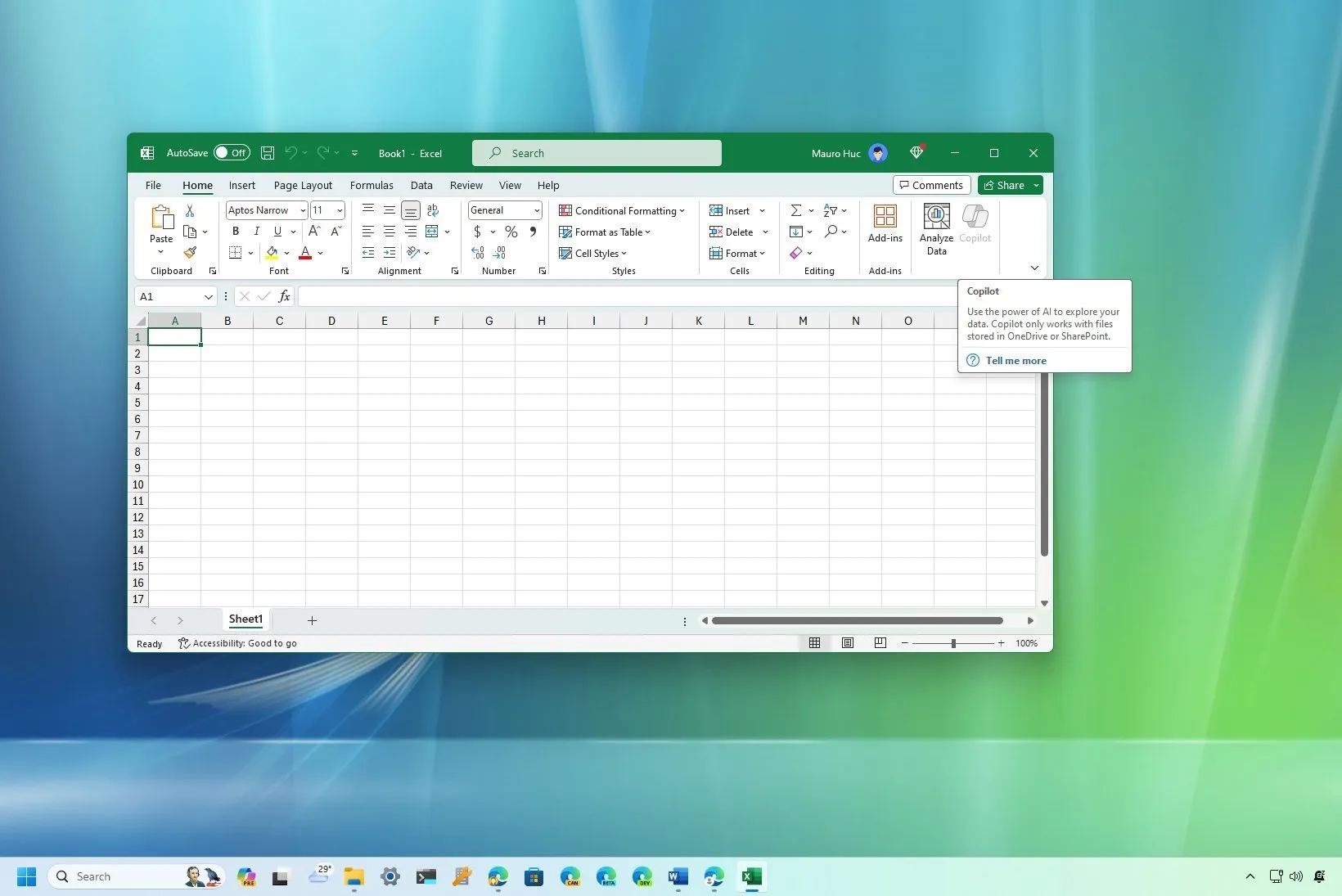
The biggest visible change for everyday users is Copilot in Excel, which is now active across all three Release Preview builds. Users can type natural-language questions into the taskbar panel to create formulas, pivot tables, and data visualizations directly from a spreadsheet.
A Microsoft 365 subscription is still required. Even so, the language model behind the feature is stored locally, which means Copilot in Excel can continue to work without an internet connection.
That local approach matters because it places AI assistance closer to the device rather than making every task depend on the cloud. For spreadsheet work, it also reduces the number of steps needed for tasks that normally take time and manual effort.
More AI tools are landing in Windows 11 itself
The update is not limited to Excel. Microsoft is also bringing in the Windows AI Studio toolkit after keeping it limited to the Dev channel before.
The toolkit includes pre-trained models for image classification, sentiment analysis, and text summarization, and those models run fully on the NPU. Microsoft is also adding improved NPU task management across the new builds so Windows can distribute AI workloads more efficiently between the CPU and neural processing unit on Copilot+ devices.
There is also support for multi-app camera access. With that feature, two applications can use the same camera input at the same time, which removes the common problem of one app blocking another during video calls or recording sessions.
Enterprise admins get new controls too
Microsoft is also adding new Group Policy Objects for IT administrators. These controls allow admins to disable or restrict Copilot integration, manage which apps can access the NPU, and define how AI agents interact with the taskbar.
That set of options suggests Microsoft is preparing these AI functions for enterprise use before broader availability. In practice, it gives organizations a way to control where AI features appear and how deeply they are allowed to integrate into daily workflows.
One build also adds audio sharing
The KB5089573 package includes another feature called Shared LE Audio. It allows a single audio stream to be broadcast to multiple Bluetooth devices at once.
This is a separate addition from the AI work, but it fits the same pattern of expanding Windows 11’s usefulness for connected devices and mixed-use scenarios. Microsoft is clearly using these builds to broaden both the device experience and the management layer at the same time.
The 26H1 branch points to a stricter hardware future
A third Release Preview build is moving separately for Windows 11 26H1. Microsoft is aiming that branch at next-generation AI PCs with tighter hardware requirements, including a minimum 40 TOPS NPU, 16 GB of RAM, and at least 256 GB of NVMe storage.
The company’s sources indicate that Windows 11 24H2 and 25H2 could reach general availability as early as June 2026. Windows 26H1 is targeted for the end of the third quarter, aligned with the PC update cycle ahead of the back-to-school season.
For now, the Release Preview channel is giving the clearest preview yet of where Windows 11 is headed: more local AI, more enterprise control, and security fixes already staged for final release. One issue remains noted in the current builds, though, as VPN software on some configurations fails to reconnect automatically after sleep and may require manual reconnection.