Google is pushing Android 17 toward a more fluid way of moving work between devices, and Continue On is the feature designed to make that happen. Instead of forcing users to start over on a tablet after beginning a task on a phone, the system is built to carry the same activity forward with minimal interruption.
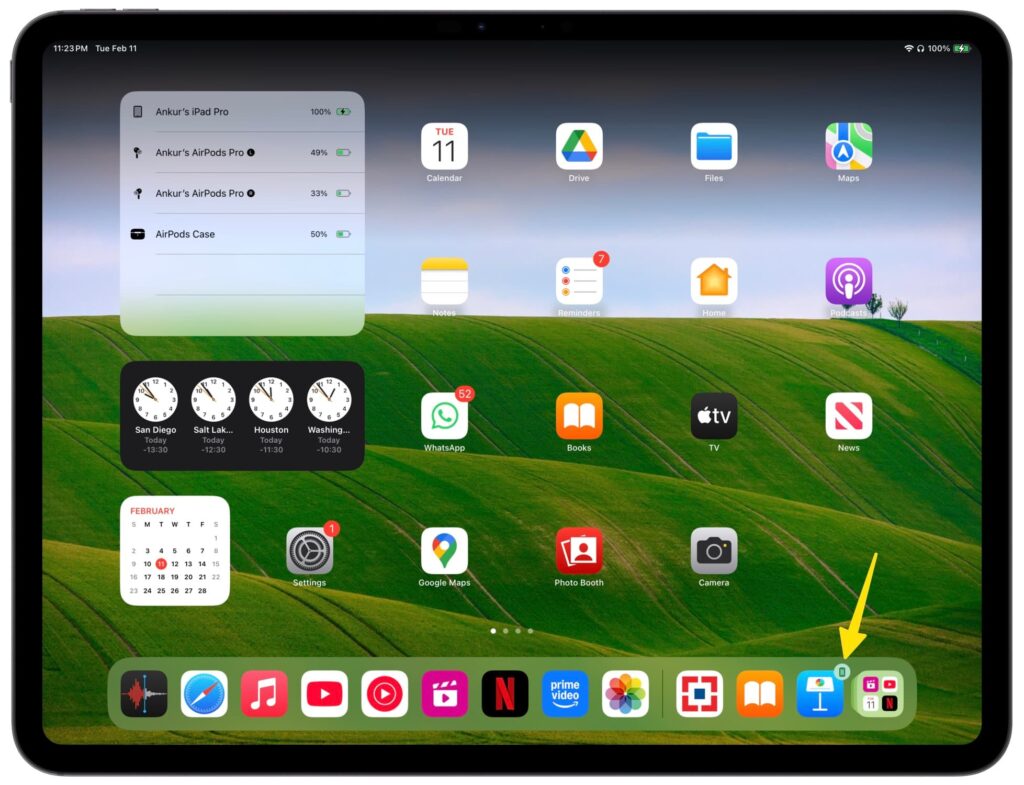
The idea is simple but practical. A task started on an Android phone can surface as a handoff suggestion on a tablet taskbar, giving users a direct path to continue on a larger screen without searching for the same app or reopening the same work from scratch.
How the handoff is meant to work
Continue On is built around keeping the same workflow alive across Android devices. Google says an app can be opened on one device and then continued on another while preserving the same working context.
That approach is meant for everyday tasks such as editing documents, replying to email, or resuming anything else that was already open on a phone. In Google’s example, a document started in Google Docs on a smartphone can be continued on an Android tablet in the same app.
Two paths for continuity
The feature uses two different handoff modes. One is app-to-app handoff, which keeps the transfer inside the same native app on the receiving device and resumes from the last point on the first device.
The other is web handoff, which moves the task from a phone app to the default browser on the tablet. Google used Gmail as the example here, showing that an email draft started in the Gmail app on a smartphone can continue in the tablet browser instead of requiring the Gmail app on the second device.
Fallback support when the app is missing
Google also built in a fallback for cases where the ideal app-to-app path is not available. If the receiving device does not have the relevant app installed, the task can still open in the built-in browser.
That makes the feature more flexible in real-world use. Users do not need to keep the exact same set of apps on every Android device just to keep work moving.
A feature aimed at developers first
Continue On is not described as a universal switch that instantly changes every app experience. It is aimed at developers, which means each app must add support before users can benefit from it.
Google also says the system works in both directions, so supported Android devices can act as both senders and receivers of activity. Even so, the first rollout is limited, and the initial focus is on moving tasks from mobile devices to tablets.
Why the tablet experience matters
The handoff suggestion in the tablet taskbar is a key part of the design. It gives users a clear place to pick up an activity without digging through menus or trying to locate the last active session manually.
That setup is meant to reduce friction during ordinary work transitions. A quick task started on a phone can continue on a tablet with less interruption, especially when a larger display is more convenient for finishing the job.
Release timing and early scope
Google announced Continue On during the first day of Google I/O 2026 alongside other announcements. The feature is scheduled to arrive through the Android 17 release candidate.
At launch, support is still limited to mobile-to-tablet transfers, even though the system itself is described as two-way. That means the early experience will depend both on the release rollout and on how quickly developers begin adding support to their apps.