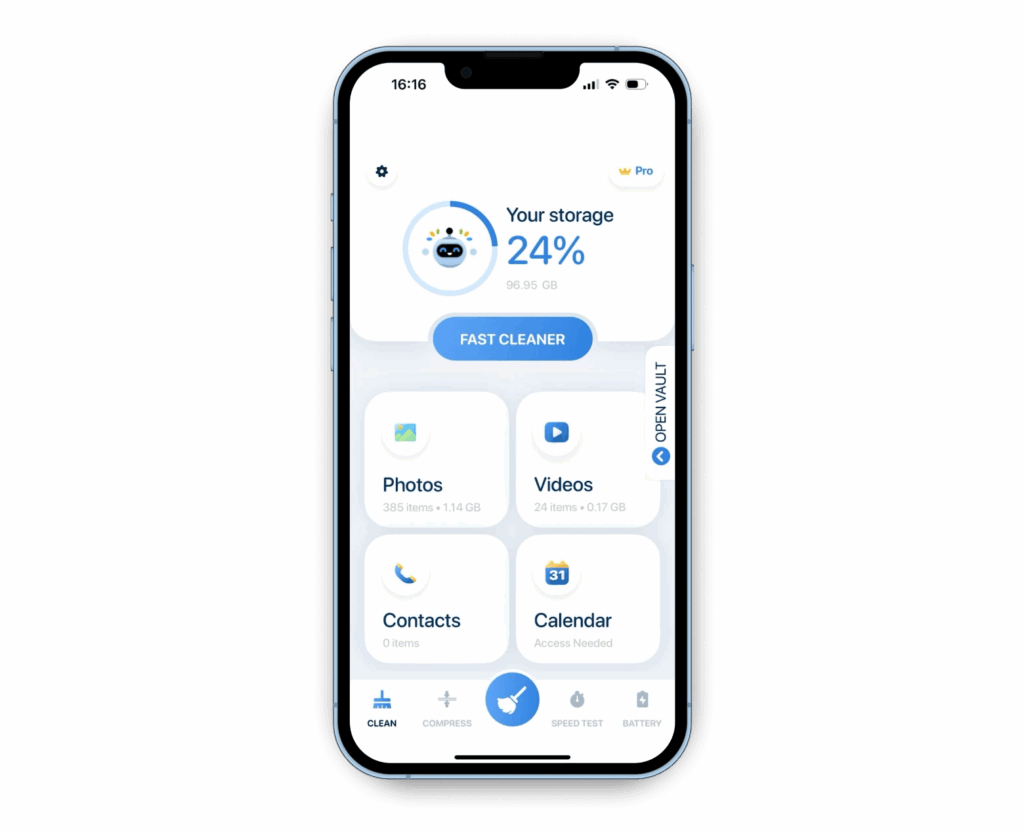
A phone that feels slow is not always suffering from a weak processor or a failing battery. In many cases, the real problem is storage pressure caused by apps that quietly accumulate cache, working files, and background data.
That is why deleting a few overlooked apps can make a bigger difference than removing small personal files one by one. The most effective candidates are often the ones that are large, rarely opened, or known to keep generating data without much notice.
Large games are often the first place to look
Modern games can occupy several gigabytes on their own. High-quality graphics, frequent content updates, patches, and extra cache all add to that footprint.
If a game has not been played in a long time, removing it can free a large amount of space immediately. In many cases, that is more efficient than trying to clear storage through minor file cleanup.
Creative apps also leave behind heavy file trails
Photo and video editing apps are another common source of storage drain. Their size is not limited to the app itself, because they often create project files, rendering cache, and exported media with large file sizes.
Keeping only the editing app that is used most often can reduce unnecessary buildup. It also helps limit the hidden working files that users do not always notice.
Rarely used social apps can still consume memory
Social media apps can collect a substantial amount of cache over time. Photos, videos, and conversation data can continue to pile up even when the app is not opened as often as before.
Removing an app that is no longer used regularly can help recover storage. It may also reduce background activity on the device.
Preinstalled apps deserve attention too
Many smartphones come with preinstalled apps that are not always needed. Some cannot be removed completely, but they can often be disabled or rolled back by removing updates.
That step still matters because it prevents storage from being taken by apps that are never opened. It is a practical way to keep space from being wasted on software the user does not rely on.
RAM boosters may do more harm than good
Apps that promise to clean RAM or boost performance are often installed with the hope of making a phone faster. On modern Android devices, however, memory management is already handled well by the system.
Installing these tools can add extra burden instead of reducing it. They often keep running in the background and consume additional resources.
Downloads and duplicate apps are easy to forget
The downloads folder is another place where storage quietly disappears. Old files often stay there long after they are useful.
At the same time, many users keep more than one app with the same function, such as multiple browsers or photo editors. Removing unused downloads and cutting down duplicate apps can create extra room quickly, even though the process is simple.
Manual cache cleanup can also help keep storage under control. Other useful steps include moving files to cloud storage, using a microSD card, and deleting duplicate photos or videos so the phone stays more stable.