


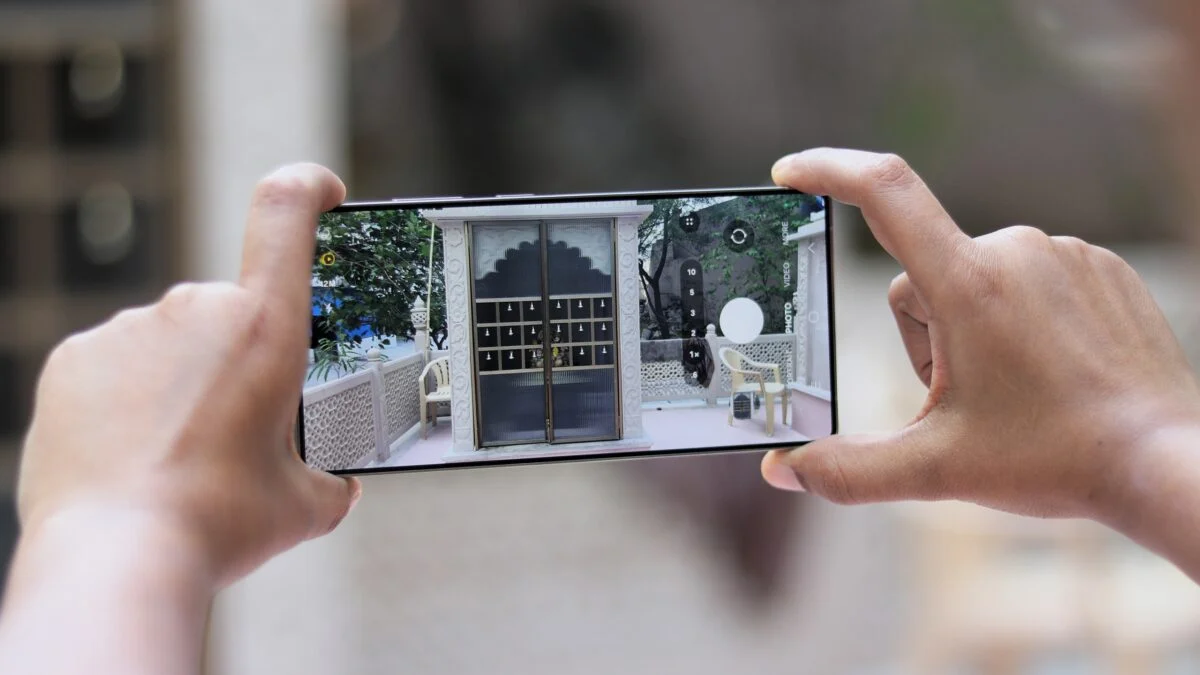
Samsung’s One UI 8.5 is changing a familiar Galaxy camera behavior in a way that many casual users will notice immediately. Video filters that once worked in real time inside the stock Camera app are no longer available during recording, and the effect now has to be applied after the clip is finished.
That shift alters the entire workflow for people who relied on filters while shooting Full HD videos. Instead of seeing the look take shape as the scene is recorded, Galaxy owners must now capture first and edit later through Samsung’s own software.
From live capture to post-processing
The change has been observed on several Galaxy devices, including the Galaxy S25 Ultra, Galaxy Z Fold 6, and Galaxy Z Fold 7. Those phones still offered video filters in One UI 8.0, but the menu disappears once they run the stable One UI 8.5 build.
In the older setup, the filter option appeared in the Camera app’s Video mode while recording Full HD 1080p footage at 30fps and 60fps. On One UI 8.5, that option is no longer present in the same place.
Samsung Studio becomes the new path
Users who still want to change the look of a video must now finish recording and then open Samsung Studio. The built-in editor includes 13 default filters that can be used after capture.
Samsung also offers eight additional filters through Galaxy Store download. Beyond that, Galaxy users can still access dozens of free and paid filter packs.
The new setup is more flexible in some ways, but it is not the same as a live camera filter. The effect is applied after recording rather than during the shoot, so the experience is less immediate for people who prefer to frame their footage with the final look already in place.
File size can change after editing
There is also a technical side to the new workflow. Applying a filter in Samsung Studio appears to process the file in a way that can compress the video.
One example cited a 4K HDR 60fps clip that originally measured 467MB. After a built-in filter was applied in Samsung Studio, the file size dropped to 334MB.
That change suggests the final output may differ from the original recording in more than just color. For users who care about video quality and file integrity, that detail matters before choosing the editor-based route.
A more advanced alternative remains
Samsung still provides another way to shape video output in One UI 8.5, but it is far less straightforward. The option comes through Log video and a Cinematic LUT profile in Pro Video mode inside the stock Camera app.
That feature first arrived with the Galaxy S26 Ultra. The LUT profile can also be applied to Log footage through the device’s own editor or professional software such as DaVinci Resolve.
The limitation is that Log recording is currently available only on the Galaxy S24 series and newer models. That means the replacement for instant filters is not equally accessible to every Galaxy user.
No official explanation yet
Samsung has not given a public reason for removing video filters from the recording interface. The lack of clarification has drawn attention because the feature was already available and working on multiple Galaxy devices.
Interest in the change has grown further because the One UI 9.0 beta has also not brought the feature back. That has led many to see the removal as deliberate rather than temporary.
For users who frequently shot Full HD content with instant filters, the difference is practical rather than cosmetic. The old approach let them see the effect live, while the new one pushes creative control into editing after the fact, or into the more technical Log and LUT workflow on supported devices.