Samsung is quietly phasing out Gallery sync with Microsoft OneDrive sooner than previously expected, and the change is already affecting new users. On some devices and app versions, the option to turn on the integration no longer appears for accounts that have never used it before.
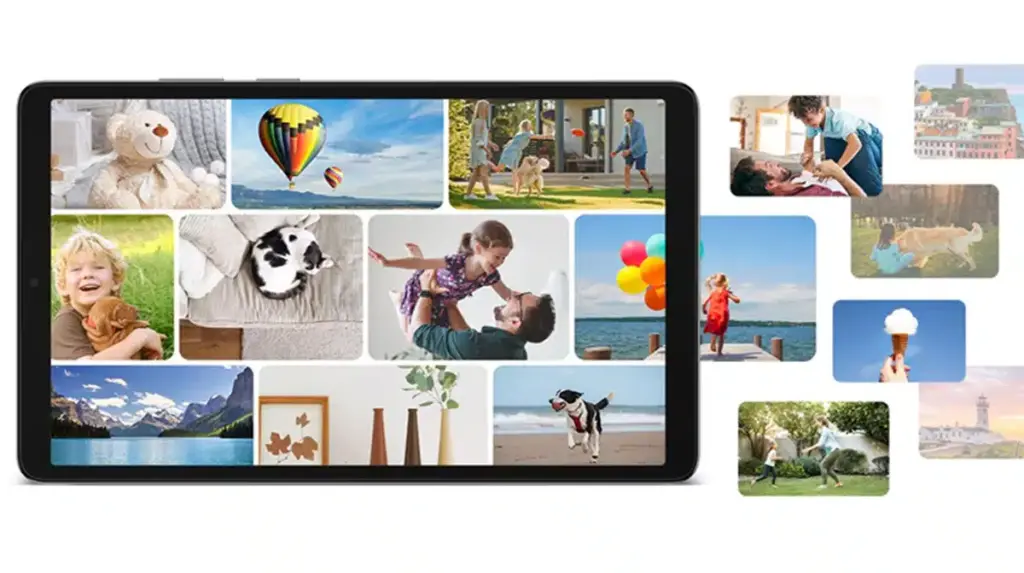
That shift matters because Samsung Gallery has long served as more than a simple photo viewer for many Galaxy owners. It has also been a convenient place to manage cloud backups of photos and videos stored in OneDrive.
The integration is still scheduled to end completely on 30 September 2026, which makes the early removal of the setup option especially notable. Samsung has not issued a clear in-app warning or migration notice for users who are now unable to activate the feature.
The impact is not the same for everyone. Existing users who already enabled Gallery sync can still use it until the final cutoff arrives, while newer users are the ones encountering the missing option now.
For Galaxy users, the practical change is easy to feel. Gallery has often acted as a single place to browse local media and cloud-stored files, especially for those who rely on OneDrive as their backup destination.
Once the integration ends, OneDrive files will no longer appear inside Samsung Gallery unless the original files are still stored on the phone itself. Samsung and Microsoft have said that photos and videos already synced to OneDrive will not be deleted when the service ends.
That means the files remain safe in OneDrive and can still be accessed directly through the OneDrive app. The bigger difference is that Gallery will stop showing cloud-only media as part of the phone’s library view.
The separation between local storage and cloud storage is becoming more important as the cutoff approaches. Users who do not keep original copies on their devices may find that their media is still available online, but no longer visible in Gallery.
Samsung has said that files can be downloaded from OneDrive before the final deadline, giving users a chance to save local copies of important items. That may matter most for people with large photo and video collections who still want everything accessible from the phone.
At the same time, Samsung has not announced any formal replacement for the OneDrive link inside Gallery. There is still no official word on whether the company will introduce a new service, expand an existing internal option, or work with another cloud provider.
Rumors suggest Samsung Cloud could return as the main backup path for Gallery users, but that has not been confirmed. The migration process also remains unclear, including whether files can be moved from OneDrive to a future Samsung Cloud setup without first downloading them to the device.
If no automated transfer tool appears, the process could become more cumbersome for users with large libraries. They may need to download files locally before moving them again, which would take more time and storage space on the phone.
Source: sammyguru.com