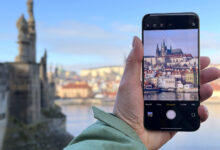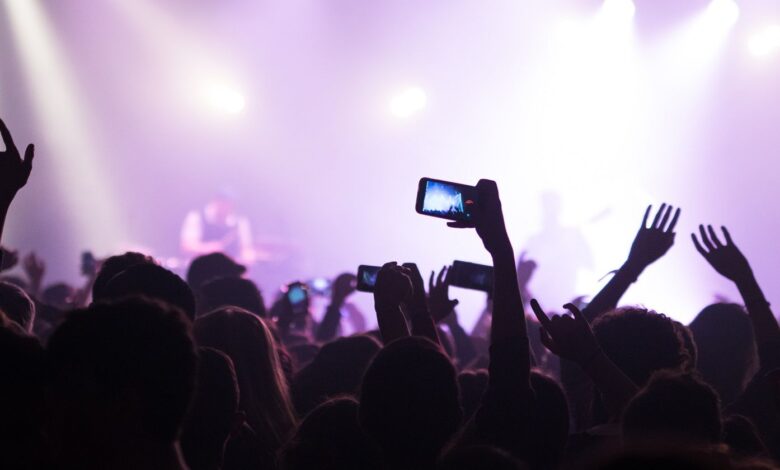
Samsung’s Privacy Display is designed for moments when a crowded public space makes a phone screen feel exposed. On the Galaxy S26 Ultra, the feature keeps the display readable from the front while making it much harder to inspect from the side, above, or below.
That balance matters in places where people naturally glance at nearby screens, such as concerts, public transit, airport waiting areas, and cafés. In those settings, messages, notifications, and sensitive apps can become easier for others to see when the screen is bright and fully visible.
A screen that stays clear for the owner
Privacy Display is built to preserve normal viewing comfort for the person holding the phone. When the device is faced directly, colors remain sharp and text stays readable, so everyday use does not feel compromised.
The effect changes once the viewing angle shifts. From off-center positions, the display becomes noticeably dimmer, making its content far more difficult for others to recognize.
Samsung positions this as a practical answer to a common privacy problem. Users can still reply to messages, check notifications, or open private apps without feeling that the screen is available for anyone nearby to read.
Quick access and automatic control
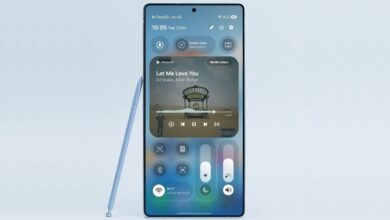
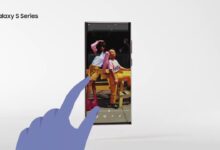
The feature is not designed to be complicated to use. Samsung says Privacy Display can be turned on from the Quick Panel by tapping the Privacy Display icon, and the mode activates within seconds.
There is also an option to make it start automatically for selected apps. Those include instant messaging, email, mobile banking, and other applications considered sensitive.
For users who want consistent protection, Samsung also offers the choice to apply it across all apps. That makes the feature useful for people who do not want to manage privacy settings one app at a time.
How the anti-peek effect works
Behind the feature, Samsung uses a screen architecture called Black Matrix. It combines narrow pixel and wide pixel structures that are used on conventional displays.
When Privacy Display is active, the system relies on narrow pixels to limit the direction of light emission. The light is then directed straight ahead, toward the user looking at the phone.
When the mode is turned off, the display returns to its usual behavior. Wide pixels work together with narrow pixels again, spreading light in multiple directions in the normal way.
Because the function is built into the panel itself, it does not require a separate accessory. Users do not need an additional anti-spy tempered glass to get the privacy effect.
Two levels of protection for different situations
Samsung provides two privacy modes so the feature can match different needs. Maximum Privacy Protection hides the entire screen, while Partial Screen Privacy covers only the notification area.
The partial mode is meant to stop pop-up message contents from being read by people nearby. At the same time, the main display remains usable for the owner.
That gives users flexibility depending on the situation. Full protection can be chosen when opening sensitive apps, while the partial option is more practical when the goal is only to hide incoming alerts.
Designed for crowded everyday use
Although concerts are an obvious example, Samsung’s privacy approach is also aimed at ordinary public spaces. In buses, trains, airport lounges, and cafés, people can easily glance at a phone from close range.
In those places, users often face a familiar trade-off. The screen needs enough brightness to be comfortable, but high brightness also makes its contents easier for others to notice.
Privacy Display is meant to reduce that tension. It allows Galaxy S26 Ultra owners to keep using their phones normally while limiting how much the screen reveals to anyone standing nearby.
Source: tekno.kompas.com