


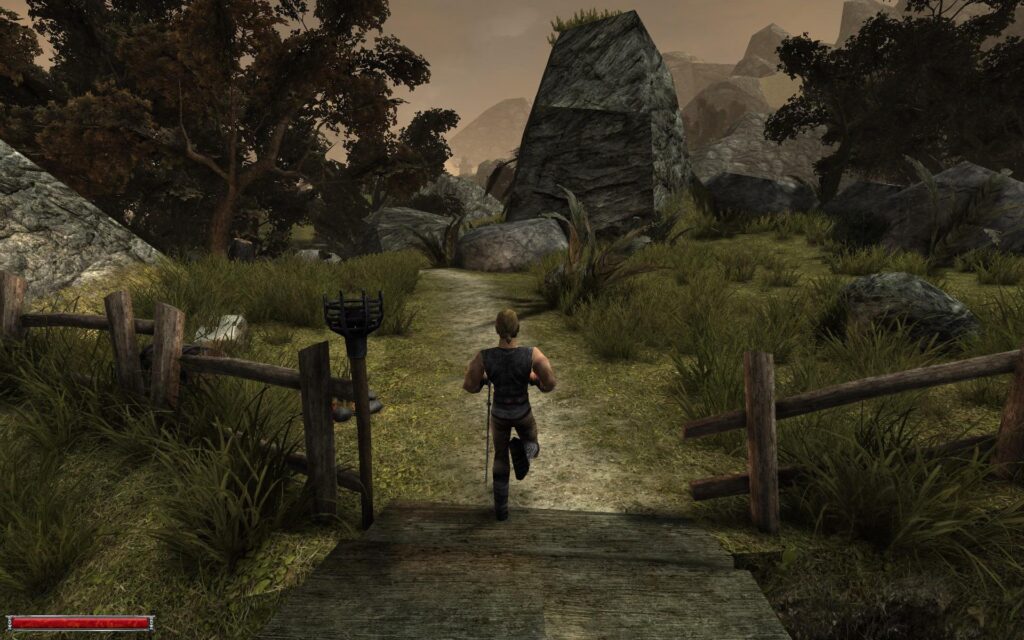
For players planning to spend serious time in Gothic 1 Remake, community mods are already shaping up as more than optional extras. The game’s Unreal Engine 5 upgrade brings a major visual jump, but it also comes with stutter, sudden performance drops, and crashes that can interrupt exploration from the start.
That is why several mods are drawing attention before a first playthrough even begins. Some are built to protect FPS and smooth out frame pacing, while others focus on camera comfort, faster loading, sharper HDR presentation, or gameplay convenience.
Performance-first options for weaker systems
For PCs that sit close to the minimum requirements, Best Performance Optimization for Gothic 1 Remake by AlexLionel is the most notable name. It uses a GameUserSettings.ini replacement instead of the more common Engine.ini approach, and it is placed in %localappdata%\G1R\Saved\Config\Windows.
Its goal is simple: reduce hitching and poor frame pacing, two issues that can make the game feel less stable than the raw FPS number suggests. By contrast, mods such as “Lossless Engine Tweaks” and “Ultimate Engine Tweaks” come with a cautionary note, since Engine.ini-based tweaks are said to deliver limited results for many users, including some on high-end PCs.
For stronger hardware, visual upgrades become the focus
Once performance is under control, Ultra Plus Mod becomes the more ambitious choice. It is aimed at high-end GPUs such as RTX 5080 or RTX 5090 and pushes Gothic 1 Remake beyond its default visual settings.
The game already offers an experimental Alkimia Overdose preset, but that option is described as cutting performance heavily without delivering a matching visual payoff in many play sessions. Ultra Plus Mod takes a more calibrated route, including a Lumen option that is lighter and cleaner than GTAO while still looking better, along with more advanced denoiser choices such as Ray Reconstruction for players chasing maximum image clarity.
Comfort mods that change how the game feels to play
Not every useful mod is about graphics. Camera Smoothing Fix targets camera shake, motion noise, and terrain-based variations in movement, which can make the view feel overly busy for players sensitive to motion.
Fast Launch Mod serves a different purpose by removing the intro scene when the game starts. That saves time on each boot and becomes especially useful when restarting after a failed fight or repeatedly testing different builds.
Simpler settings, easier lockpicking, and HDR support
Graphics Presets Mod is the easiest option for players who do not want to spend time fine-tuning settings. It adds Minimum, Low, Medium, High, Ultra Max, Potato, and AMD FSR Medium presets, giving both lower-end and midrange users more practical ways to land on a comfortable balance.
Fair Lockpicking changes gameplay rather than visuals. It does not remove the lockpicking minigame, but it reduces the number of plates on average locks and lowers the influence between plates, making the process feel less punishing.
For HDR display users, RenoDX is the relevant tool. It is a visual framework for DirectX games that aims to improve color profiles and white balance in Gothic 1 Remake on HDR screens, and it uses ReShade dll as the bridge to hook into the game.
A more immersive, less cluttered presentation
Players who want the screen as clean as possible may prefer No-HUD-No-Effects. The mod removes the HUD and several visual cues, including the health bar, stamina bar, weapon menu, and arrow trail.
Taken together, these mods show how quickly the Gothic 1 Remake community is filling gaps the base game has not fully addressed. With a strong Gothic fanbase behind it, the mod page is likely to keep expanding with even more options for performance, comfort, and customization.
Source: tech.sportskeeda.com