


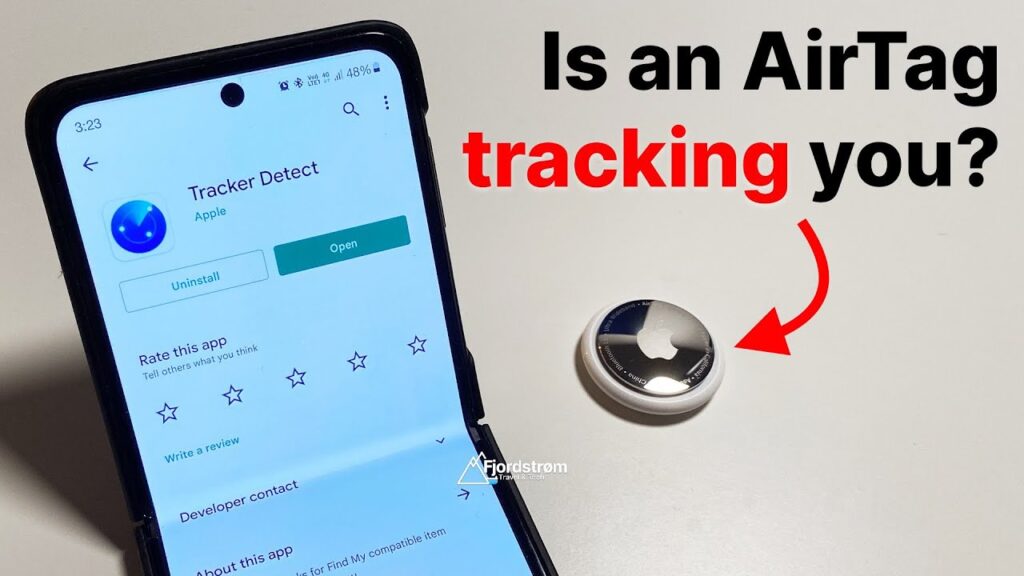
Small tracking devices can be attached to a bag, personal item, or vehicle without the owner’s consent, creating a privacy risk that is easy to miss. Because they work through Bluetooth or location systems, these tools can quietly report a person’s movements over time.
That same technology was designed to help people find lost belongings, but it can also be used for unwanted monitoring. For that reason, both Android and iPhone now include built-in tools that can warn users when an unfamiliar tracker appears to be traveling with them.
How Android handles unknown tracker alerts
On Android, the feature is available on devices running Android 6 and later. Users can open Settings, go to Safety & Emergency, and then scroll down to Unknown tracker alerts.
If the option has not been enabled yet, turning on Allow alerts lets the phone issue automatic warnings. A manual check is also available through Manual scan, followed by Scan now.
When no tracker is found, the device shows a “No tracker detected” message. If one is detected, the alert can open a map showing where the tracker was first seen moving with the phone.
Google also provides a Play sound option so the device can emit a noise, while the tracker’s owner does not receive a notification. If the situation feels unsafe, the recommended response is to move to a public place and contact someone trusted or the authorities.
How iPhone warns about unfamiliar devices
Apple’s warning system covers AirTag and Find My network accessories starting with iOS 14.5, while alerts for other unknown Bluetooth devices are available from iOS 17.5. To prepare the feature, users need to go to Settings, then Privacy & Security, and turn on Location Services.
Find My iPhone must also be active under System Services, while Bluetooth should remain on and Airplane Mode should be off. After that, users can return to Settings, open Notifications, and enter Tracking Notifications.
Once Allow Notifications is enabled, the iPhone can alert the user if an unknown tracker is nearby. If the warning “AirTag Detected Near You” appears, tapping it can reveal more details about the device.
Apple also offers Play Sound to help locate the tracker, and Find Nearby can be used when Precision Finding is available. A physical inspection still matters, especially in jacket pockets, bags, vehicles, and other personal items where a device may be hidden.
After the device is found, users can hold the top of the iPhone near it to view additional information. If the threat feels immediate, the safest step is to head to a crowded location and contact the authorities.