


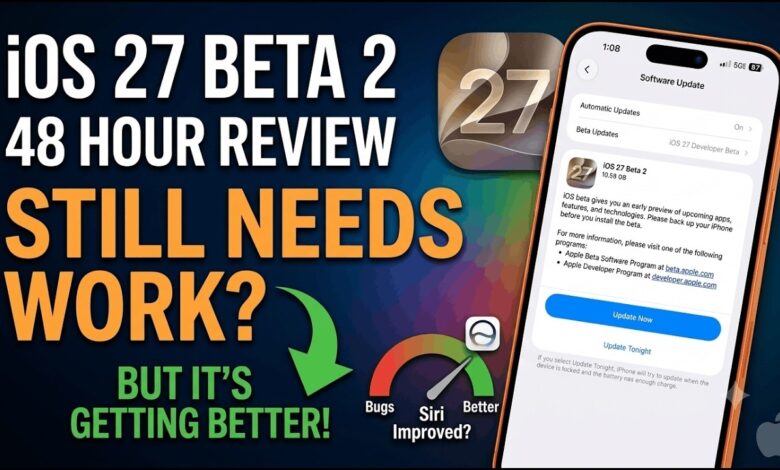
Apple has released iOS 27 Developer Beta 2 for eligible iPhone models, and the update is centered on something many beta users value most: stability. The new build addresses several bugs from the first developer beta, including a serious battery problem that left some users concerned about their devices.
That focus matters because the first beta arrived early in the month with many of the features Apple had shown at WWDC 26. Once testers began using it, reports of glitches and performance issues quickly surfaced, making this second release a more practical step for everyday use.
Battery and system reliability move to the front
The biggest fix in this release targets a problem involving iPhones with fully drained batteries. Some devices reportedly failed to power back on after being charged, and Apple says that issue has now been addressed.
Apple also says the overall system should feel smoother, with fewer crashes, less lag, and fewer disruptions than the first beta. For developers who rely on beta software for daily testing, that kind of refinement can matter more than new features.
There is also a noticeable push to improve Siri AI. Apple has worked on faster response times and better reliability, along with a new Write with Siri button placed above the keyboard for easier access while typing.
Photos, Bluetooth, and the remaining rough edges
Several smaller fixes are included as well, including a repair for the crop tool inside the built-in Photos app. That change should help anyone who uses the app for quick edits on the iPhone.
Bluetooth connectivity has also been improved in iOS 27 Developer Beta 2, which is important for wireless accessories such as earbuds, speakers, and other connected devices. Apple appears to be widening the focus beyond battery issues and toward the overall daily experience.
| Area | What Apple improved | Known issue still reported |
|---|---|---|
| Battery | Fix for devices that would not turn back on after charging | None stated in the update notes |
| Photos | Repair for the crop tool in the built-in app | Portrait blur may render incorrectly |
| Siri AI | Faster responses and better reliability | None stated in the update notes |
| Bluetooth | Connectivity improvements for wireless accessories | None stated in the update notes |
| CarPlay | Not listed as improved | Intermittent connection problems remain |
Apple has also documented a few known issues that beta testers should still keep in mind. Camera users may notice the Portrait blur effect rendering incorrectly, while CarPlay can still suffer from intermittent connection drops that may affect navigation, music, and other in-car functions.
Outside Apple’s own notes, some Reddit users have reported a keyboard bug tied to automatic caps lock. In those cases, the second letter in a sentence can become capitalized if typing happens too quickly.
Who can install it and what comes next
The update is available only to compatible devices enrolled in the beta channel. Users can find it through Settings > General > Software Update > Beta Updates, then choose iOS 27 Developer Beta.
That path is intended for developers and for users who are comfortable dealing with bugs. Even so, the second beta suggests Apple is already ironing out the roughest problems before moving toward wider testing.
Apple is expected to continue the testing cycle with another developer beta in July before shifting to Public Beta in August, if everything proceeds as planned. For now, iOS 27 still remains in active refinement, but Beta 2 shows a clear effort to make the system feel more dependable.