


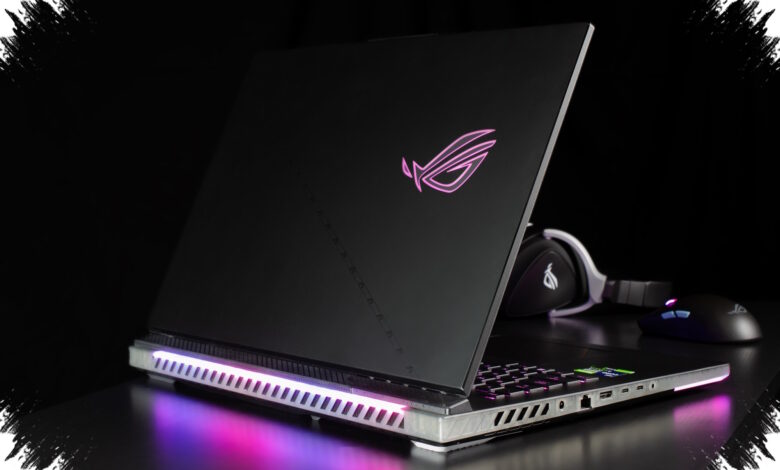
Budget gaming laptops often look convincing on paper, but sustained heat is what separates a good buy from a frustrating one. The most important question is not how fast a machine feels in the first few minutes, but whether it can keep performance steady after an hour or more of play.
When cooling is weak, thermal throttling can appear and force the processor to reduce performance to avoid damage. Games that feel smooth at first may begin to stutter once internal temperatures climb and airflow cannot keep up.
Why cooling deserves priority
Laptops with wider ventilation openings are generally safer choices than models with crowded or easily blocked exhaust paths. Airflow matters even more on gaming machines, especially when they are used on a lap or in other positions that can restrict intake and exhaust.
Build quality also plays a role in long-term comfort. A laptop that seems powerful in benchmark numbers can still become a poor daily companion if its cooling system cannot handle repeated load.
| Model | Notable Strength | Cooling or Comfort Detail |
|---|---|---|
| MSI Thin 15 | 144Hz display | Built for smooth visual gaming sessions |
| ADVAN Pixwar T | Dual cooling system, 15.6-inch touchscreen | Designed to help maintain performance during heavier multitasking and longer gaming use |
| Lenovo IdeaPad Gaming 3 | Ergonomic keyboard, fast charging | Better suited to long-term comfort and mobile users |
| MSI Thin GF63 | RTX 3050 GPU | Delivers strong performance for many AAA games at medium settings |
4 models that stand out
MSI Thin 15 is one of the more eye-catching options for players who value smooth motion on screen. Its 144Hz display makes action games feel more responsive, which can matter just as much as raw frame output.
ADVAN Pixwar T takes a different route by emphasizing cooling efficiency. Its dual cooling system and 15.6-inch touchscreen make it appealing for users who want a more balanced machine for multitasking and longer gaming sessions.
Lenovo IdeaPad Gaming 3 is positioned as a practical choice for comfort-focused buyers. The ergonomic keyboard helps during extended use, while fast charging adds convenience for users who move between locations.
MSI Thin GF63 is the budget-friendly pick for those who still want dedicated graphics power. With RTX 3050 inside, it can run many AAA games at medium graphical settings without requiring a much higher price tier.
How to avoid the wrong purchase
Benchmark scores should not be the only filter when choosing an affordable gaming laptop. Cooling design and build quality deserve the same attention because they influence whether the device remains usable during extended play.
A cooling pad can help improve airflow, although it is not always necessary. It becomes more useful when the desk surface limits ventilation or when the laptop tends to run warm under sustained load.
Power settings also matter during heavy gaming. Keeping the laptop plugged in is the safer choice, since the battery is not meant to supply full power to both CPU and GPU for long periods.
Dust management is another practical concern. Dust buildup around fan grilles can reduce airflow over time, so periodic cleaning helps preserve cooling performance and supports longer device life.
Among the options discussed, MSI Thin 15 is the stronger choice for users who prioritize graphics smoothness, especially with RTX 4050 on the higher-end version. For buyers seeking a more balanced mix of heat control and affordability, ADVAN Pixwar T appears to offer the most even compromise.