


Xiaomi provides official guidelines to help users reset their phones easily and effectively. The reset process can solve common issues such as bootloop, slow performance, or prepare the device for sale by securing personal data.
Reset methods vary according to the phone’s condition, including soft reset, hard reset, and remote reset via Mi Cloud. Before resetting, it is crucial to back up important data to Mi Cloud, Google Drive, or other devices. Users should also ensure the battery has at least 50% charge to avoid interruptions. Remember to have your Mi account password ready, as it is usually required after the reset.
Soft Reset: Quick Fix for Minor Issues
A soft reset works best when you can still access the system but experience slow performance or frequent app crashes. This reset restores factory settings without affecting the core Android system files. Xiaomi recommends this method for troubleshooting light problems quickly.
Follow these steps to perform a soft reset:
-
Open the Settings menu.
-
Select About Phone.
-
Tap Factory Reset.
-
Choose Erase All Data and confirm.
-
Enter your PIN, pattern, or password if prompted.
- Wait for the phone to restart and complete the process.
This method is fast and straightforward, suitable for daily maintenance without additional tools.
Hard Reset: Resolve Serious Boot Issues
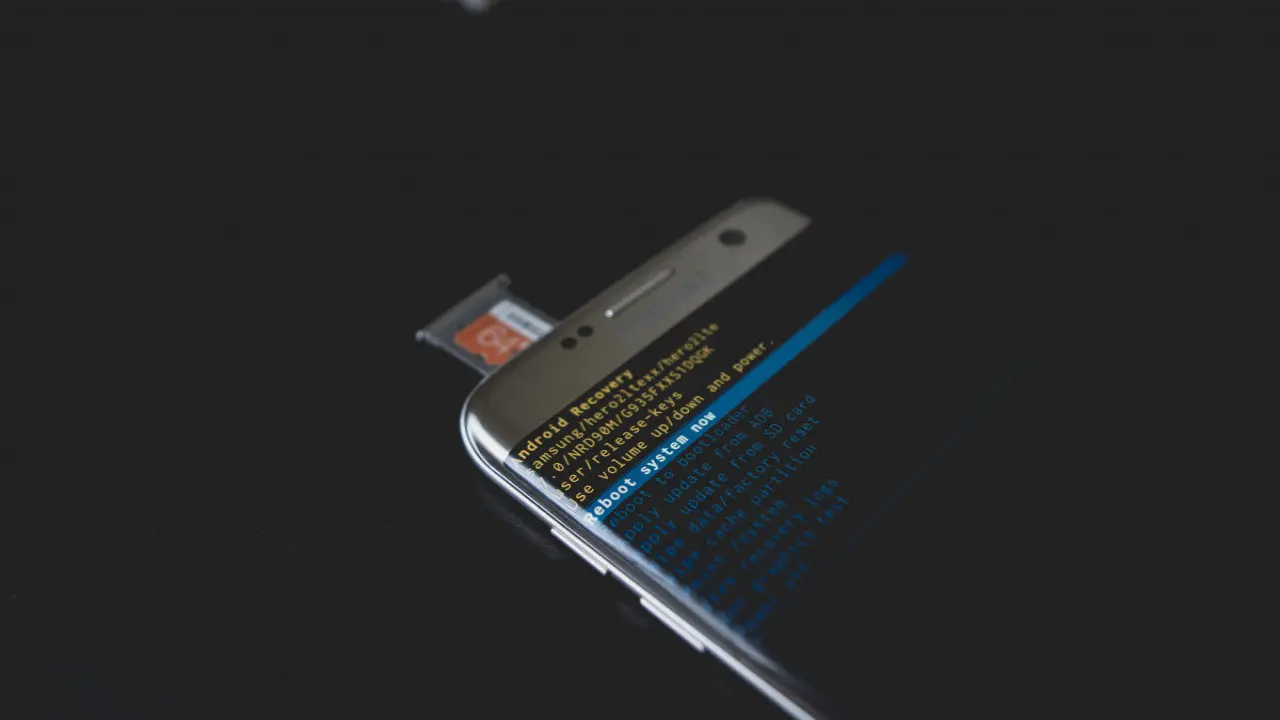
Hard reset is necessary when the phone cannot boot normally, gets stuck in bootloop, becomes unresponsive, or if you forget the screen lock. This method wipes all data and restores the device to its original factory condition.
Use this method cautiously as it erases everything on the device. Here’s how to do it:
-
Turn off the Xiaomi phone completely.
-
Press and hold the Power and Volume Up buttons simultaneously until the Recovery Mode menu appears.
-
Navigate using Volume buttons and select with the Power button.
-
Select Wipe Data or Factory Reset.
-
Confirm by selecting Wipe All Data.
- After completion, choose Reboot → Reboot to System.
Make sure the phone is connected to a charger during the process to prevent failure. This reset is effective for fixing deep system errors and restoring stability.
Reset via Mi Cloud: For Lost or Locked Devices
If your Xiaomi phone is lost or locked, Mi Cloud’s remote reset feature lets you erase data safely from any location. This protects your personal information when you cannot physically access the device.
To reset remotely:
-
Visit i.mi.com and sign in with your Mi account.
-
Use the Find Device feature to locate your phone.
- From there, initiate the remote reset command.
This method offers peace of mind by securing your data even if the phone falls into the wrong hands.
By choosing the appropriate reset method based on your situation, you can restore your Xiaomi phone’s performance and safeguard private data effectively. Backing up before resetting ensures that important files remain safe, while professional guidance from Xiaomi supports users through the process. Always prepare your device correctly to avoid complications during the reset.