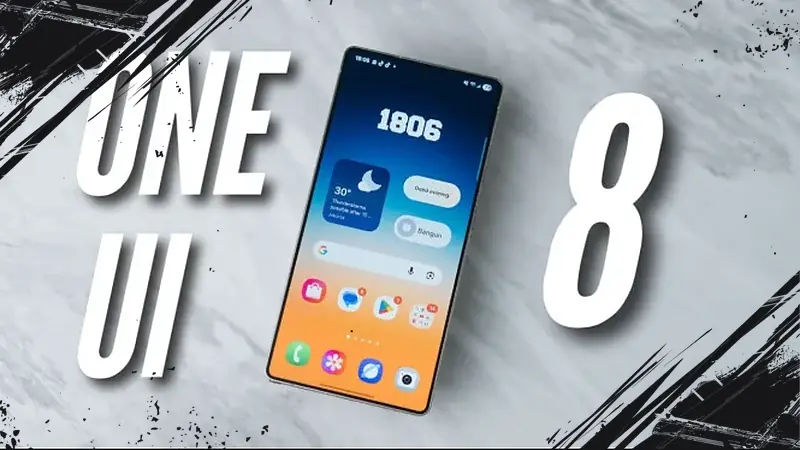
Samsung has surprised users by rolling out the OneUI 8 update faster than any other brand this year. The Galaxy S25 series received the update in September 2025, beating ColorOS and setting a new standard for timely software releases.
Although the visual overhaul in OneUI 8 is subtle, the update is packed with new features that enhance the user experience significantly. One standout is the dynamic live wallpaper that changes gradient colors according to the time of day. In daylight, users see vibrant blue-green hues, shifting to orange at sunset, and deep blue or black in dark mode at night. The smooth animation adds a lively feel to the display.
The lock screen now offers a flexible clock design that adapts to wallpaper objects, currently supporting only human and animal figures. While this depth effect isn’t as refined as those found in ColorOS, Hyper OS, or Origin OS, it adds a fresh touch to personalization.
Improved Multitasking Features
Samsung expanded the split-screen ratio flexibility to 90:10, allowing nearly full-screen use of one app while keeping the other app visible in a narrow strip. This is ideal for writing while referencing content in a browser. The Edge panel supports unlimited floating windows, enabling users to run three to four apps concurrently within a single frame.
Enhanced Quick Share Capabilities
Quick Share’s user interface has been revamped for clarity and ease of use. The maximum file size for sharing increased from 5GB to 10GB, making large transfers smoother. Additionally, users can now send files to iPhones using QR codes or direct links. Files uploaded to temporary cloud storage remain accessible for 6–7 days, allowing for flexible downloads.
Smart Routine and Weather Reminders
OneUI 8 introduces a practical umbrella reminder feature that alerts users if the chance of rain exceeds 50%, based on accurate weather forecasts. Routine reminders intelligently suggest tasks like exercising or bill payments without requiring manual input — users only need to set the timing.
Good Lock Unlocks Advanced Customization
The Good Lock suite offers new tools like Home Up, which removes restrictions on home screen layouts, enabling users to customize widgets and adjust sticker sizes freely. LockStar has fun animations tied to fingerprint sensor taps, such as ghost effects, while Display Assistant allows different screen timeout settings per app.
Gallery Labs now supports keyword search for precise photo retrieval. Users can comfortably open photos in split-screen mode. Private Albums hide media without needing the Secure Folder, and a legacy video player slider has been reintroduced for more intuitive control.
Samsung DeX Expands to Galaxy A Series
Previously exclusive to flagship devices, Samsung DeX is now available on selected Galaxy A models. The wireless connection to Windows laptops or PCs mirrors the full experience found on Galaxy S25 FE variants, including built-in home screen widgets and screen recording support.
Integration of Gemini AI
The new Gemini AI assistant supports live chat in Indonesian and is accessible via the power button. It facilitates AI-generated images using specific prompt tools without requiring any paid subscription, offering advanced capabilities for all users.
Samsung Wallet Arrives in Indonesia
Samsung Wallet has launched for Indonesian users, enabling storage of credit cards, boarding passes, coupons, and vouchers. Currently, Bank Rakyat Indonesia (BRI) is the first bank supported. The wallet also supports unlocking electric vehicles like BMW, Mini Cooper, and BYD models directly from the smartphone.
Samsung’s OneUI 8 update stands out not just for its rapid deployment but for the depth and utility of its new functionalities. By combining enhanced multitasking, smarter reminders, AI tools, and expanded ecosystem integration, it delivers a comprehensive and addictive user experience that sets a high bar for other Android overlays in 2025.