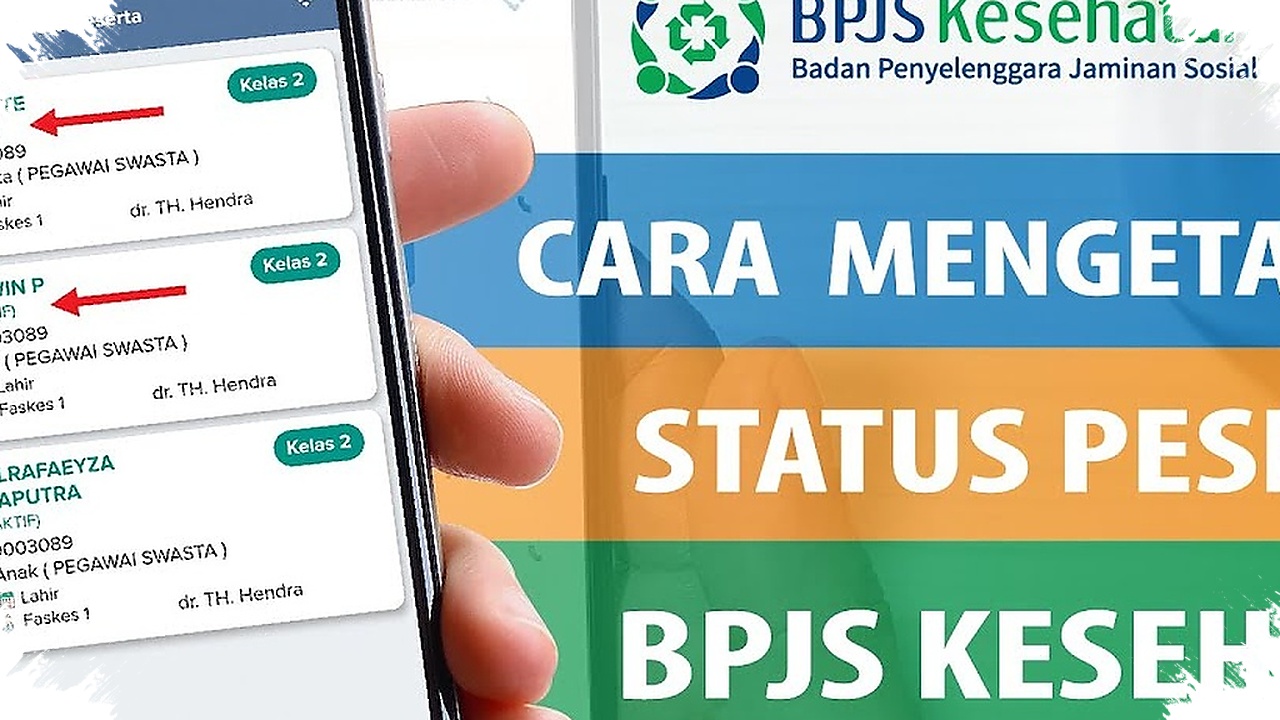
A BPJS Kesehatan card issue is often only discovered when a patient is already at the hospital, and that can slow down the registration process at the exact moment care is needed. To avoid that problem, checking active status from a phone is one of the fastest ways to make sure membership is ready before a visit.
This simple step can help patients confirm whether their coverage is active, whether there is any unpaid contribution, or whether the data in the system still needs to be updated. BPJS Kesehatan provides several digital channels that can be accessed through a smartphone, so there is no need to go to a branch office just to verify membership.
Why the active status matters before going to a hospital
Active status determines whether BPJS Kesehatan services can be used without administrative obstacles. If the membership is inactive because of contribution arrears or a data mismatch, the patient may face delays when registering at a health facility.
Regular checks also give participants time to fix problems before an emergency happens. That can mean paying outstanding contributions, updating personal data, or confirming why the account is no longer active while there is still enough time to act.
Three ways to check BPJS status from a phone
BPJS Kesehatan offers several channels that can be used directly from a mobile device. Each option has its own advantage, depending on whether the user prefers chat, an app, or a phone call.
-
Through WhatsApp PANDAWA
Save the number 0811-8165-165.
Send a greeting such as “Halo” or “Hai”.
Select the Info menu.
Tap the Check Participant Status option.
Enter the KTP NIK or BPJS number.
The participant status will then appear in the chat. -
Through the Mobile JKN app
Download Mobile JKN from Google Play Store or App Store.
Log in using the NIK or BPJS card number and password.
Open the Participant Info menu.
The membership status will be displayed on the screen. - Through Care Center 165
Call 165 from a mobile phone or landline.
Choose the membership status check menu.
Enter the NIK or BPJS participant number.
Fill in the participant’s date of birth in year-month-day format.
The system will show the membership status.
Quick comparison of the available channels
| Method | Main advantage | What is needed |
|---|---|---|
| WhatsApp PANDAWA | Fast and easy to use | An active WhatsApp number |
| Mobile JKN | More complete information | A smartphone and internet access |
| Care Center 165 | Can be used without data | A phone call |
WhatsApp PANDAWA can be reached 24 hours a day, although administrators handle service on working days from 08.00 to 16.00 WIB. That makes it a practical option for participants who want a quick check without opening another application.
Information that should be prepared first
To make the verification process smoother, participants should prepare their KTP NIK, BPJS card number, and date of birth. These details are commonly used by the system to confirm identity and display the correct membership data.
Mobile JKN also provides a wider set of details than a basic status check. The app can show whether the membership is active or inactive, the participant number, inpatient class, membership type, and the first-level health facility.
If the status is found to be inactive, the next step is to check the cause immediately. In many cases, the issue is related to unpaid contributions or data that still needs to be corrected in the system, so a quick check from a phone can prevent bigger problems at the hospital.
-

-

-

-