


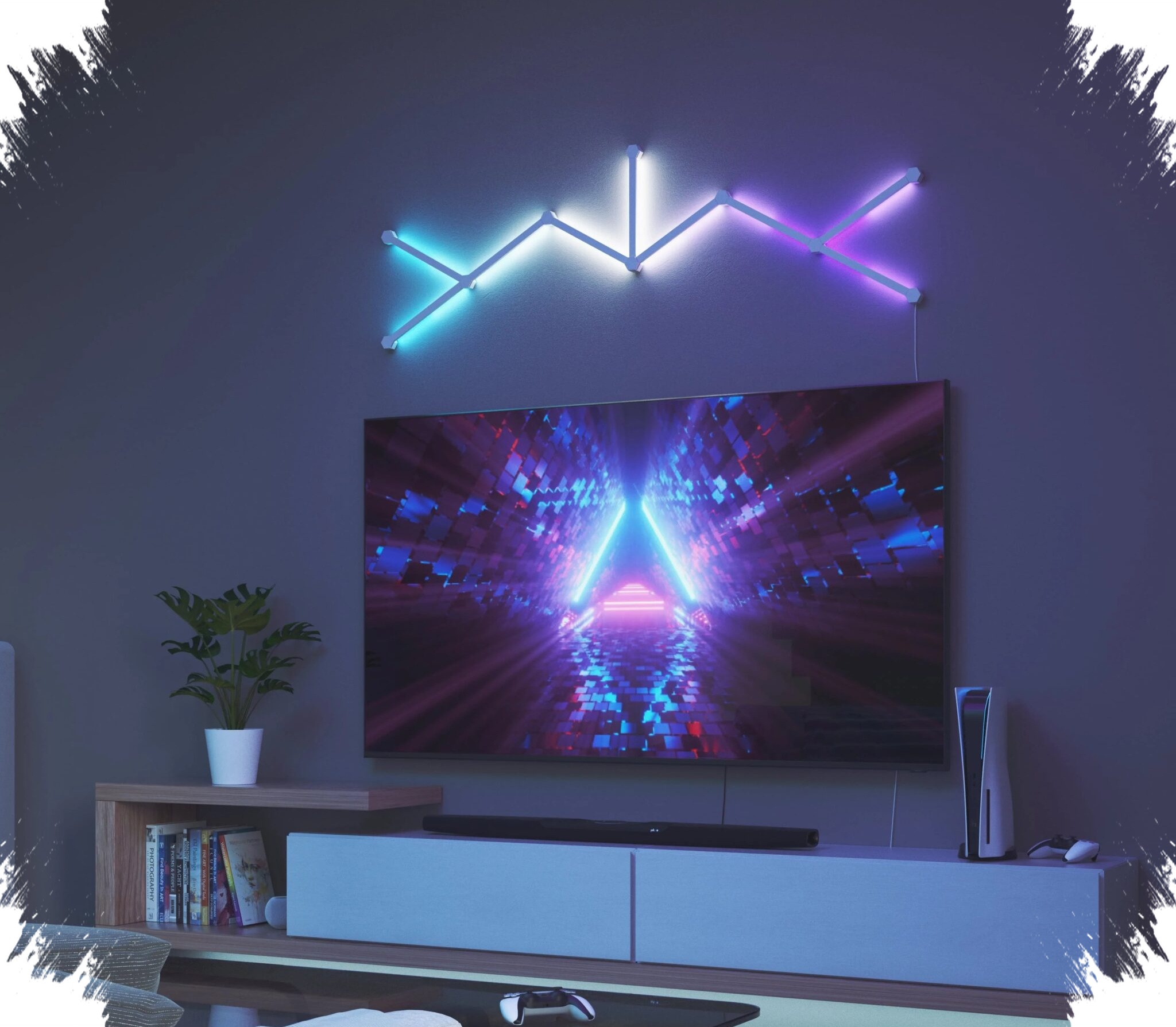
Samsung SmartThings is expanding its role in the connected home, and Nanoleaf lights are now part of a more responsive experience. Through SmartThings Music Sync, Nanoleaf LED lights can follow music playback and game audio on Samsung TVs with faster and more precise reactions.
The update pushes the integration beyond basic on and off control. It also allows users to create custom routines in the SmartThings app, turning Nanoleaf into a more active part of daily home automation.
Music sync now works with digital audio input
The key change is how the system listens to audio. Instead of relying on sound picked up from the room, SmartThings Music Sync reads the digital audio source directly from a Galaxy phone playing music.
That approach gives the lighting system a more direct signal to follow. Samsung says this reduces the delay that can appear when audio and lighting are synchronized indirectly, while also making the reaction more accurate.
As a result, changes in brightness and color can stay aligned with the beat of the song being played. The effect is meant to feel more consistent, especially in environments where ambient noise would normally interfere with lighting reactions.
Gaming scenes also get a stronger response
The integration is not limited to music playback alone. When users play games on a Samsung TV, Nanoleaf lights can respond to background music, soundtrack elements, and certain in-game audio effects.
This makes the lights part of the entertainment setup rather than just a decorative accessory. In living rooms or gaming spaces, the system can add another layer of atmosphere that follows what is happening on screen and in the audio mix.
Samsung had already allowed SmartThings to control Nanoleaf lights for basic use. With Music Sync, the experience becomes more interactive because the lights react in real time to audio activity.
Routines can be set directly in SmartThings
Beyond entertainment, the SmartThings app can be used to build custom routines for Nanoleaf lights. This gives users a single place to manage automation instead of switching between different platforms.
Samsung gives simple examples of how those routines can work. Lights can be set to brighten gradually in the morning or after sunset, dim before bedtime, and turn off automatically when someone leaves the house.
Those routines can also be linked with other devices that support SmartThings. That makes Nanoleaf part of a larger home system that can follow daily habits with less manual control.
Which devices can act as the hub
A SmartThings Hub is needed to use these features, although Samsung says the capability is built into many of its newer devices. In some cases, that means there is no need to buy a separate hub.
Devices with built-in SmartThings Hub support include QLED, Neo QLED, OLED, The Frame, and The Serif TVs. Samsung also lists Bespoke AI Laundry Combo, Family Hub refrigerators, flagship soundbars starting with the HW-Q990C or newer, Smart Monitors starting with the M80C or newer, and The Premiere projector series.
This built-in support matters because it serves as the connection point for the wider SmartThings ecosystem. With it, Nanoleaf can be linked into broader home automation instead of operating as a standalone lighting feature.
The expanded compatibility puts Nanoleaf into a more dynamic position within Samsung’s connected-home platform. Its lights can now react to music, game audio, and SmartThings routines in a way that feels more immediate and more tightly integrated with everyday use.