


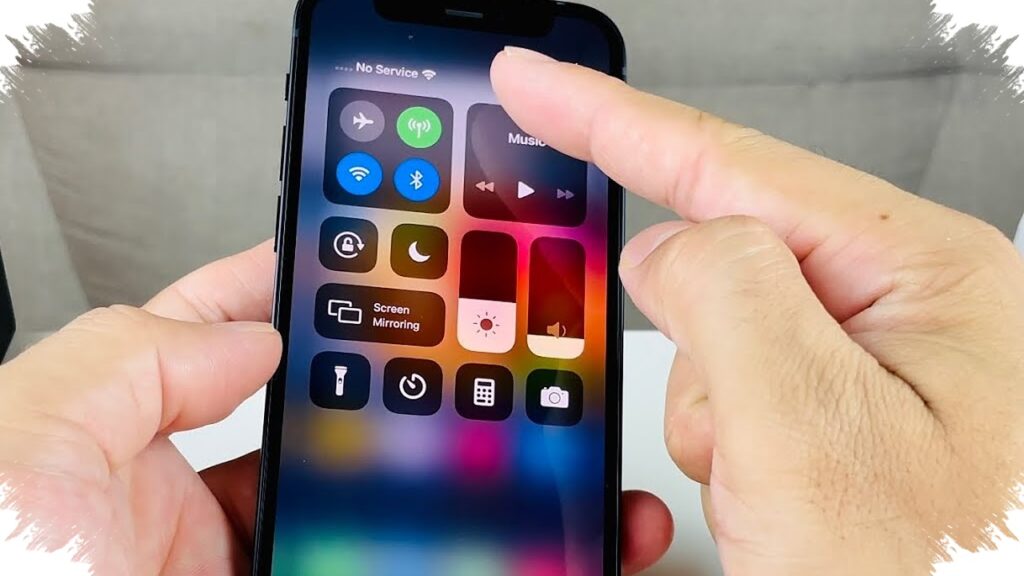
When an iPhone suddenly shows “No Service,” the problem is not always tied to a damaged SIM card. The interruption can come from weak coverage, software issues, hardware failure, or even device legality.
That is why the next step should not be guesswork. Identifying the source early helps determine whether the issue can be handled with a simple reset or needs professional service.
Start with the easiest network checks
One of the most common causes is simply being outside the carrier’s coverage area. In places with weak reception, the signal bars may disappear and the phone can lose cellular access.
A quick response is to move closer to an area with stronger operator coverage. Toggling Airplane Mode on and off can also force the phone to reload the network connection.
Removing and reinserting the SIM card is another basic step that often gets tried first. It helps verify the device’s connection to the mobile network at the most basic level.
Software glitches can also interrupt service
A sudden loss of signal is not always about location. Problems in iOS can interfere with how the iPhone reads and connects to cellular networks.
Apple usually addresses wider system issues through iOS updates or carrier settings updates. Because of that, users should check the settings menu regularly to see whether new updates are available.
The check can be done through General and then Software Update to look for an iOS update. In the same area, the carrier section can also show whether a carrier-specific settings update is available.
When the problem points to hardware
If the signal issue continues after the basic checks, the cause may be internal. Damage to the Baseband IC or signal IC can prevent the iPhone from receiving cellular networks properly.
These components are responsible for receiving network signals, so damage can stop the phone from detecting service even when the SIM card is active and installed correctly. In that situation, “No Service” may keep appearing on the signal bar.
Problems like this usually do not go away with simple steps at home. The device typically needs inspection at a repair center or a trusted service shop for component testing and replacement.
IMEI status can block access entirely
Another possible cause is related to the device’s registration status. If the iPhone’s IMEI is not listed in the government database, cellular access can be blocked automatically.
When that happens, the phone may fail to catch any signal at all and “No Service” will remain on the screen. Since 2020, stricter rules have been applied to illegal or Black Market phones through IMEI registration with the Ministry of Industry or Customs.
That makes IMEI checks just as important as checking coverage, software, and hardware. A phone with a registered SIM can still lose service if the device itself is blocked at the network level.
For users facing an iPhone that suddenly loses signal, the key is to move through these possibilities in order. Weak coverage, software bugs, hardware damage, and IMEI registration issues each require a different response.