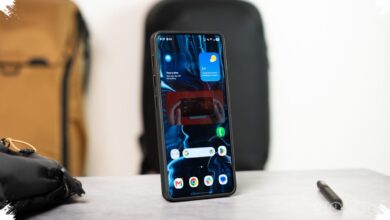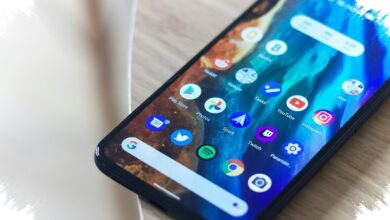
Android 17 is shaping up to be less about flashy changes and more about fixing the daily friction Pixel owners have lived with for years. After four beta releases, the update appears to focus on practical details that make the phone easier to use in ordinary situations.
That shift matters because several of the changes target the same areas where Android has often felt clumsy compared with vendor-built interfaces. Instead of experimental ideas with limited use, the update brings a more polished set of tools for privacy, multitasking, connectivity, and large-screen behavior.
Stronger control over apps and personal data
One of the most noticeable additions is built-in app locking. Users can press and hold an app icon on the home screen, choose App lock, and protect it with a PIN, pattern, password, fingerprint, or face unlock.
Once an app is locked, its notifications, related shortcuts, and widgets are hidden as well. Android 17 also adds clearer handling for other apps that may try to interact with locked content, while some AI features, including Gemini screen automation, can still work if permission is granted.
Contact sharing is being tightened too. Through the system-level Contact Picker, apps no longer need full access to an entire contact list, since users can pick just one contact or several contacts to share.
That access is temporary and session-based, so the app must request it again after the session ends. Google also says apps cannot track changes users make to those shared contact details.
Small settings changes that remove everyday friction
Connectivity controls are finally becoming easier to reach. Android 17 lets Wi‑Fi and mobile data toggles appear separately in Quick Settings, instead of forcing users to open the Internet tile first.
On Pixel devices running Android 16 or earlier, that extra step has been a familiar annoyance. The split controls match a layout that has long been available in interfaces such as One UI and OxygenOS.
Google is also giving the home screen a cleaner look. A new option lets users hide app names on the home screen, which is aimed at people who prefer a more minimal layout.
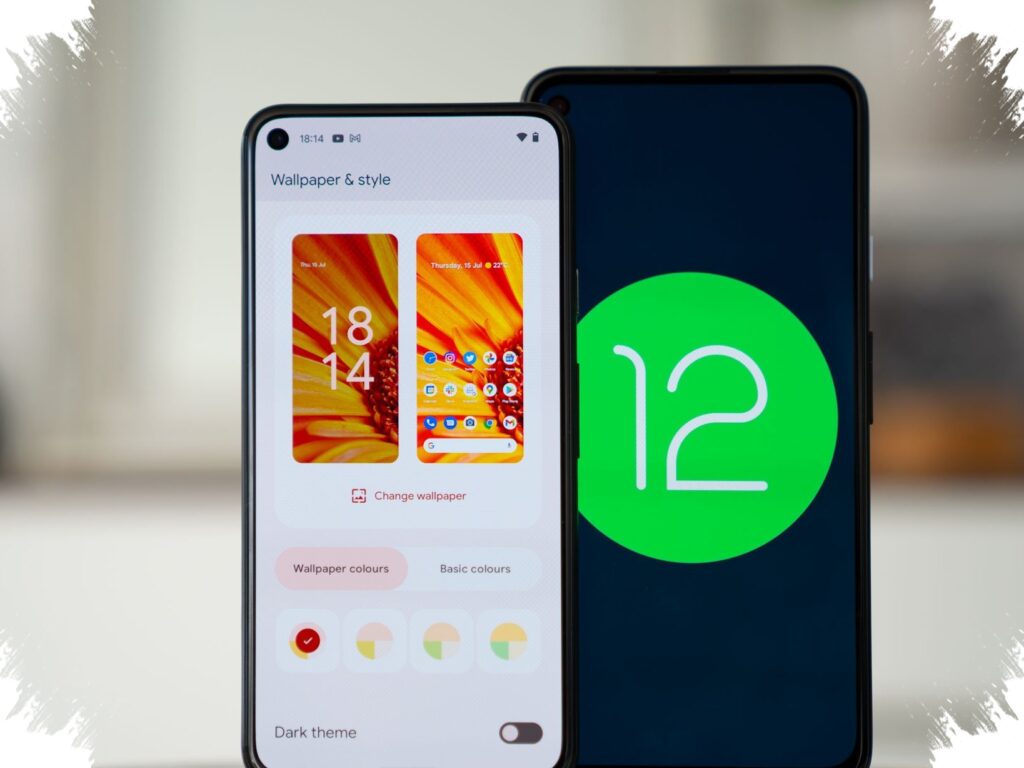
The setting is found under Wallpaper & style, then Home screen, then Icons, with a Names tab at the bottom. It applies only to the home screen, not the app drawer or apps inside folders.
Multitasking gets more flexible
Bubble support is also expanding in a meaningful way. What was once mostly associated with messaging apps can now be used by any app, turning it into a floating bubble for lighter multitasking.
That makes it easier to keep one task visible while another stays full screen. A note in Google Keep, for example, could sit in a small floating window while a YouTube tutorial continues playing in the background.
The bubble can be dismissed by dragging it to the bottom of the screen. The feature should be especially useful on tablets and foldables, where there is more room to manage several tasks at once.
Android 17 is also preparing Task Continuity for connected Android devices. The system is designed to help with notification sync, file sharing, and moving apps across devices.
When it is enabled, the launcher or taskbar can suggest apps that are already running on another linked device. Tapping one starts the handoff process and carries the app state to the nearby device, with support for the Handoff API introduced in Android 17 Beta 2.
Bigger screens and screen recording receive attention
The update also tightens rules for large displays. Apps on devices with sw ≥ 600dp now have to be more flexible about size and orientation, which is important for tablets and foldables.
An app locked to portrait mode no longer has to sit in a narrow area with large black bars on the sides when opened in landscape. Android 17 forces such apps to adapt their orientation and size so they use the screen more effectively, although games remain exempt to avoid disrupting gameplay.
Screen recording has been revised as well. Instead of a simple pop-up from the screen recording tile, Android 17 uses a floating pill interface with more controls.
From there, users can choose the recording area, select audio from the device, microphone, or both, and decide whether touches should appear on screen. The status bar indicator can also be tapped to bring back the controls while recording is in progress.
After recording ends, the system shows a new preview screen. The clip can be played, edited, deleted, or shared immediately, without opening the gallery first.
Not every beta feature is guaranteed to reach the final release, but the direction is clear. Android 17 is being built to make Pixel phones feel more practical in the places that matter most, from privacy and connectivity to multitasking and large-screen usability.