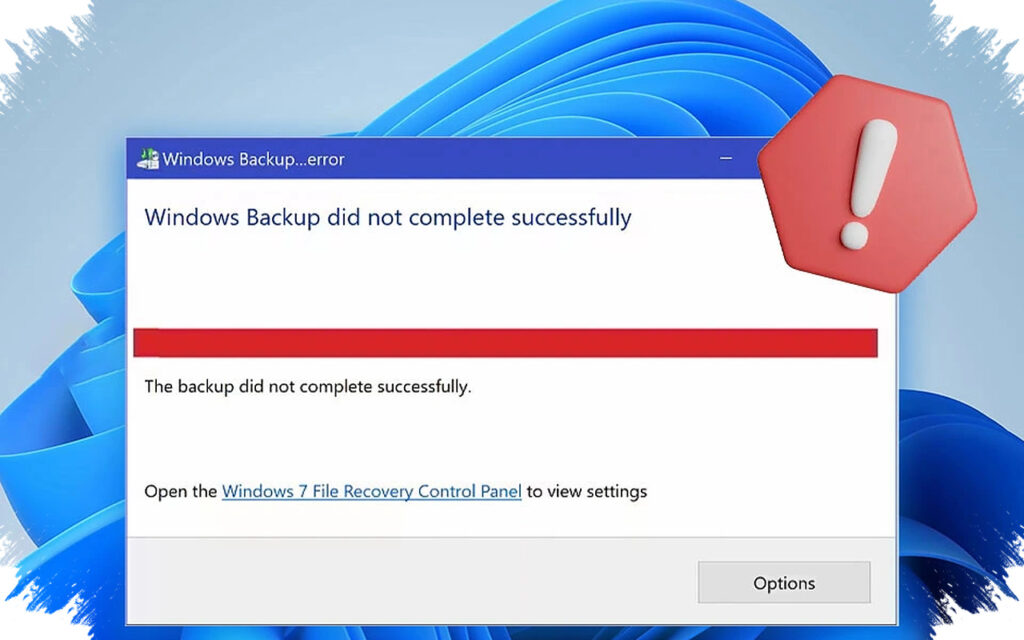
A Windows security update is causing an unexpected problem for users who rely on third-party image-based backup tools. After KB5083769 is installed, some applications can no longer load or open backup images because the system blocks a driver they depend on.
The issue matters because it affects the very software meant to protect files when something goes wrong. Backups may appear to exist normally, yet the restore process can fail when the image has to be accessed again.
What is being blocked
The problem centers on psmounterex.sys, a driver used by several backup products to mount disk images during restore operations or when archived data needs to be opened again. Tools such as Acronis Cyber Protect Cloud, Macrium Reflect, and NinjaOne rely on that approach rather than simple file copying.
Once KB5083769 introduces the block, those applications may lose access to the image backups they need to read. That can interrupt both backup and restore workflows, even though the backup files were created earlier.
Why the update changes backup behavior
This is not a random software crash. The block comes from Windows security protections that are designed to stop vulnerable drivers, revoked-signature drivers, or both from touching critical system files.
That protection makes sense from a security standpoint, but it can also catch older backup software that still depends on the affected driver. In practice, that means the patch intended to harden Windows can interfere with recovery tools that have not yet been updated.
Signs users may notice
On Acronis Cyber Protect Cloud, one reported message says the backup failed because Microsoft VSS timed out while creating a snapshot or shows status VSS_E_BAD_STATE. That points to a change in system behavior after the Windows update rather than a simple random error inside the backup app.
For users, the most worrying part is that a backup job may look normal until a restore is needed. At that point, the image may not open as expected, which defeats the purpose of keeping a backup in the first place.
The safest immediate step
The first thing to check is whether the backup vendor has released an updated version that no longer depends on the older psmounterex.sys behavior. If such an update is available, installing it is the best option because it keeps Windows security protections active while restoring backup functionality.
If the vendor has not provided a compatible build yet, removing KB5083769 can temporarily bring the backup tool back to normal. After that, Windows Update should be paused so the same patch does not reinstall automatically before the software is ready.
Who should pay the closest attention
The biggest risk falls on users who depend on third-party image-based backup software, especially if backups run automatically in the background. Problems may only become visible when a scheduled job fails or when a recovery image is needed urgently.
Small business environments, IT administrators, and professional users should be especially cautious because they often need fast recovery and cannot afford a silent backup failure. Not every Windows system is affected, though; the problem mainly hits software that still uses psmounterex.sys and has not shifted to a newer component.
Even when backups seem to work, compatibility still matters. Users should confirm that the backup vendor has acknowledged support for the latest Windows security changes before assuming the system is fully protected.