


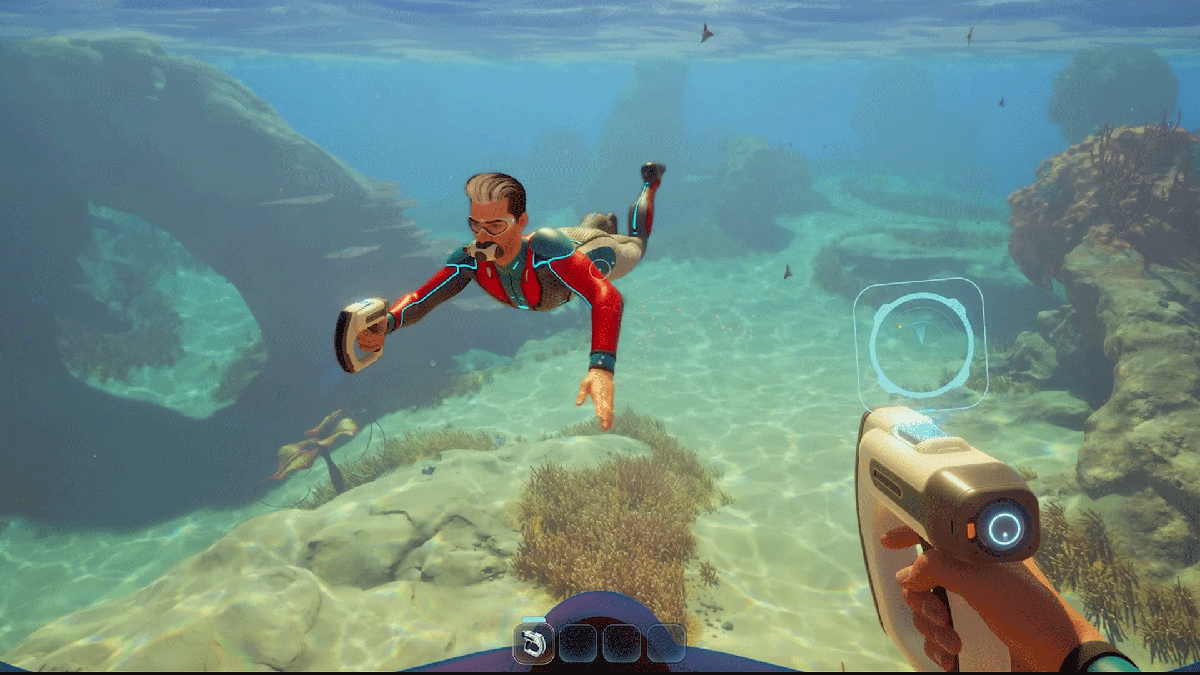
Subnautica 2 does not appear to be an all-or-nothing proposition for mid-range PCs. At 1440p, the game can still run smoothly when the graphics setup is chosen carefully, and it does not require players to drop to very low visual quality to keep performance under control.
That balance matters because the game leans heavily on atmosphere. New lighting, denser underwater environments, and more immersive water effects all stand out, yet the performance load can still be managed through a High preset paired with upscaling technology.
The game launched on May 14, 2026 and is considered demanding for PC hardware, but not so heavy that mid-range GPUs are pushed out of the conversation. Cards such as the Nvidia GeForce RTX 3060 12GB, RTX 3070, RTX 4060, RTX 4070, and RTX 5050 are still listed among the options that should handle 2K play.
AMD users also have several practical choices. The Radeon RX 6600, RX 6700, RX 7600, and most XT variants from the same family are included in the recommended group for this resolution.
Why High is the safe starting point
For players who want sharp image quality without a steep performance penalty, High is the recommended baseline. The setting is designed to preserve the game’s visual strengths while keeping system load from rising too far.
That approach fits Subnautica 2 well, since the game depends on lighting, distance, and underwater detail to build its sense of immersion. High keeps those elements strong without pushing a mid-range GPU too aggressively.
The suggested 1440p setup starts with Fullscreen mode. Resolution should be set to 2560 x 1440, while the frame rate cap remains off, V-Sync stays off, Motion Blur is disabled, and Underwater Blur is also turned off.
Those choices focus on responsiveness and on trimming effects that do not add much to moment-to-moment play. Motion Blur is specifically noted as something that should remain off, since it can affect performance on some configurations.
Upscaling makes the difference
Upscaling is the main tool that helps the game stay comfortable at 2K. On Nvidia hardware, DLSS is the preferred option, with Quality selected and both Frame Generation and DLSS Frame Generation turned off.
AMD systems are guided toward TSR instead. The recommended TSR target frame rate is 30, with TSR Quality set to Custom, and both Minimum Internal Resolution and Maximum Internal Resolution set to 67.
These settings help preserve smoothness while keeping the visual presentation intact. That is especially important at 1440p, where the rendering burden is naturally higher than at 1080p and the game’s underwater detail can become costly to draw.
VRAM still matters, but the room is there
Cards with around 8 GB to 10 GB of VRAM are advised to stay on High. That is presented as the safest route for stable performance at 60 FPS.
GPUs with more than 10 GB of VRAM have more flexibility and can move up to Epic. That option is meant for players who want the highest visual output without worrying as much about memory limits.
Even so, High remains the core recommendation for most mid-range PCs. It offers the best compromise between image clarity, GPU load, and frame rate stability.
V-Sync is best left off by default. It only becomes useful if the monitor does not support Nvidia G-Sync or AMD FreeSync, which keeps the focus on smooth play rather than unnecessary visual processing.
With those settings in place, performance is expected to sit near or above 60 FPS on many mid-range configurations, as long as the system meets the game’s recommended requirements. That leaves room to explore Subnautica 2’s underwater world in 2K without needing top-tier graphics hardware.