


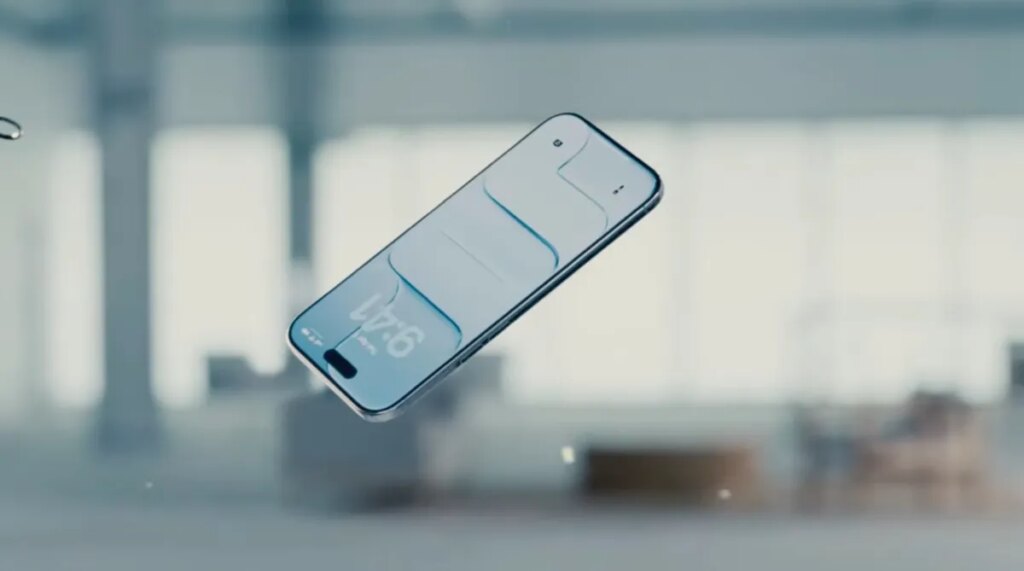
Apple has released iOS 26.2 with a new feature that lets users adjust the transparency of the Lock Screen’s Liquid Glass clock. This update follows earlier feedback where many users found the Liquid Glass interface too transparent and difficult to read.
Introduced with iOS 26, Liquid Glass adds semi-transparent, glass-like effects to interface elements such as buttons and notifications. While this design aims to modernize Apple’s operating system, some users criticized it for reducing readability, particularly on key items like notifications and music information.
In response, Apple added a slider in iOS 26.1 to reduce overall Liquid Glass transparency. Now, with iOS 26.2, users get more granular control over the Lock Screen clock’s glassiness. This allows individuals to customize the opacity of that specific element, balancing style with usability.
These adjustments suggest Apple acknowledges some imperfections in the original Liquid Glass design. The release comes shortly after Alan Dye, the design lead behind Liquid Glass, left Apple and was succeeded by Stephen Lemay, a designer specializing in interface and interaction.
Alongside this Liquid Glass tweak, iOS 26.2 introduces several new features:
1. AirDrop codes allow sharing with unknown contacts for 30 days, useful in professional or casual settings.
2. Reminders now supports alarms.
3. Apple News adds a Following tab and navigation improvements.
4. Apple Music includes offline lyrics.
5. Podcasts gains AI-generated chapters and a Podcast Mention feature.
Apple Watch users receive a new Sleep Score feature that evaluates sleep quality against set goals. Additionally, Apple rolled out security updates across devices to address active hacking vulnerabilities.
The ability to fine-tune Liquid Glass transparency on the Lock Screen exemplifies Apple’s effort to blend aesthetic innovation with practical user needs. It remains to be seen how this will impact broader user satisfaction with the Liquid Glass design.